




























Barcode billing
Scan items to bill a basket quickly, with weighed items and loose goods supported where needed.
Bill a full basket in seconds, take UPI or card in one tap, and keep the queue moving even when the internet drops.
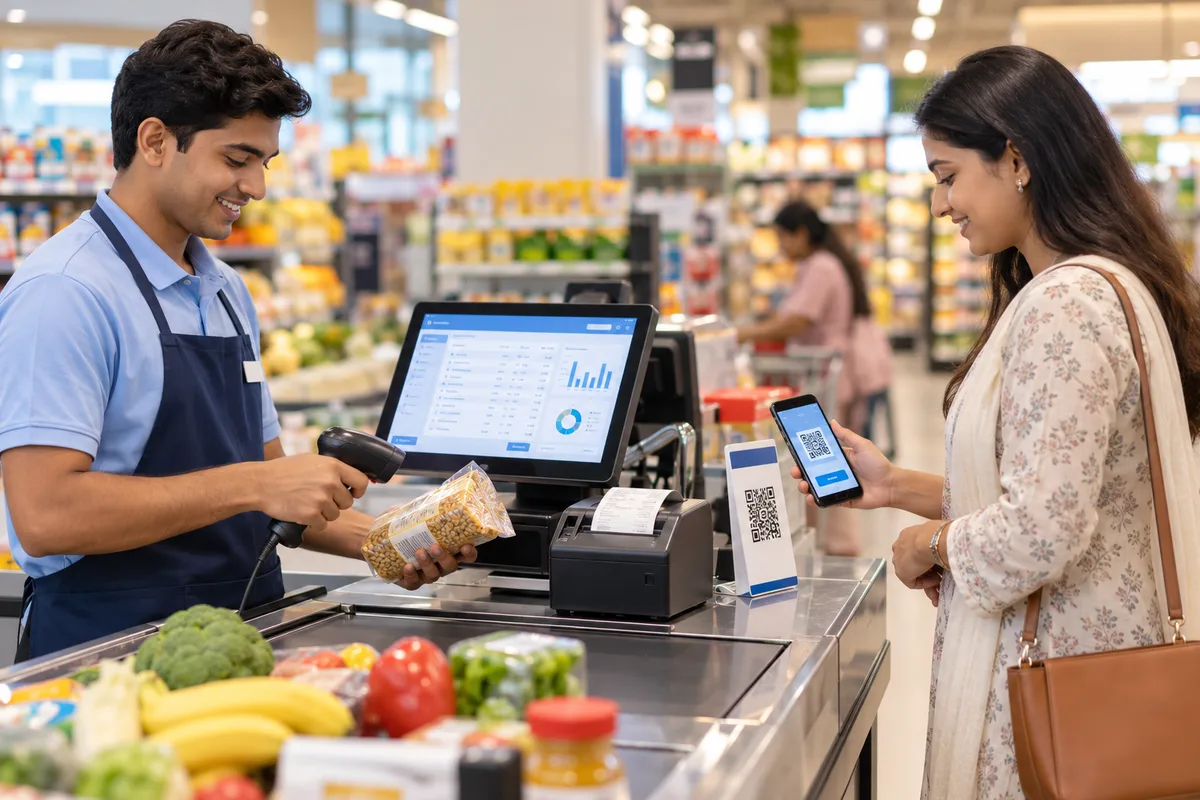
POS (point of sale) billing software runs the checkout counter: it scans items, applies prices and offers, takes payment, prints or shares the receipt and reduces stock. A good POS works with barcode scanners, receipt printers, cash drawers and payment terminals, and keeps billing even when the internet is down.
Scan items to bill a basket quickly, with weighed items and loose goods supported where needed.
Show a UPI QR, use card terminals, take split payments and open the cash drawer automatically.
Run discounts, combos and loyalty points without manual calculation at the counter.
Keep billing when the internet drops, and sync automatically when it is back.
Handle returns against the original bill, with stock and payments corrected.
Close each counter with cash, UPI and card totals, so differences are found the same day.





Use your existing devices or buy a ready kit from the Hexa hardware store.
Import items, barcodes, prices and offers, or print new barcode labels.
We train your team on billing, returns and shift closing.
See sales, payments and stock for every counter on the owner dashboard.
A computer or POS terminal, a barcode scanner and a receipt printer cover most shops. A cash drawer, customer display and payment terminal are optional. You can buy these as kits from the Hexa hardware store.
Tillo keeps billing offline and syncs when the connection returns, so the counter never stops.
Yes. The POS can show a UPI QR code, and works with card terminals for card payments.
Yes. Every bill carries GST details, and receipts can be printed on thermal printers or shared on WhatsApp or SMS.
Book a free, no-obligation demo. Tell us about your business and we'll show you exactly how the right application fits.