



























Orders in, plates out, numbers right.
A restaurant POS that keeps the kitchen and the floor in sync. Take table and QR orders, send KOTs instantly, handle delivery apps, and control food cost with recipe-level stock.
- Table & QR ordering
- Kitchen order tickets
- Recipe costing
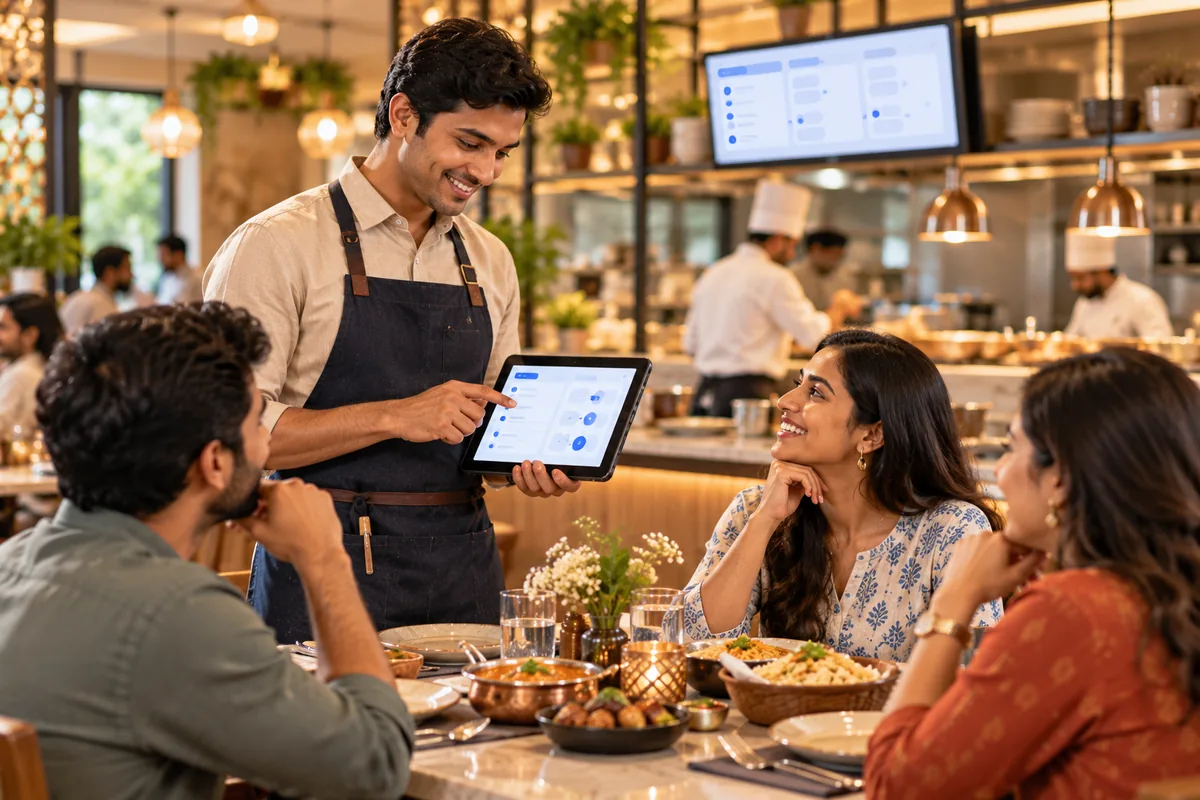
Why Tablio.
A busy restaurant runs on speed and accuracy. Orders get missed between the floor and the kitchen, delivery app orders are typed in twice, and food cost creeps up without anyone noticing until the month ends.
Tablio keeps the floor and the kitchen in sync. Waiters take table orders on a tablet or phone, and guests can order by scanning a QR code. KOTs reach the kitchen instantly. Delivery orders come into the same screen, and recipe-level stock shows what each dish really costs you.
Who it's for
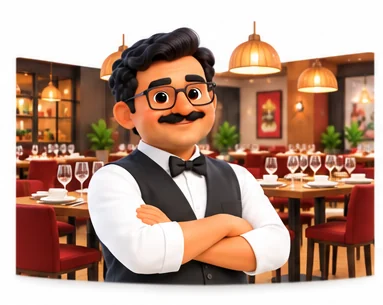
Fine and casual dining
Restaurants with table service that need quick ordering, split bills and clear KOTs for each kitchen section.
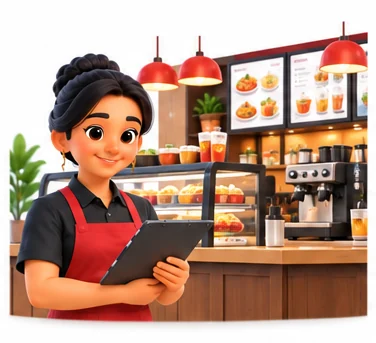
Quick service and cafes
Counters that need fast billing, combos and token numbers during the lunch and evening rush.
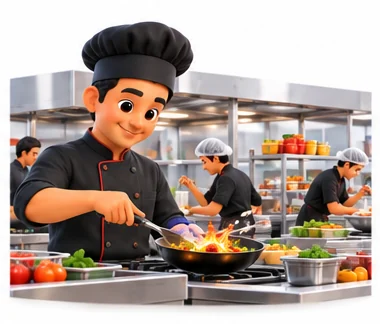
Cloud kitchens
Delivery-first kitchens that take orders from several delivery apps and need one view of orders and stock.
Restaurant chains
Owners with several outlets who want a central menu, consistent pricing and consolidated sales and food cost reports.
Everything inside Tablio.
Every module shares the same records, so a change made in one place shows up everywhere straight away.
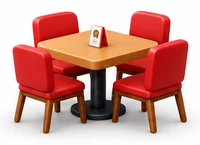
Table management
A live floor plan shows free, occupied and billed tables. Move, merge or split tables as guests change plans.
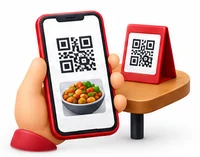
QR ordering
Guests scan a table QR code, see the menu and place orders that go straight to the POS for staff to confirm.
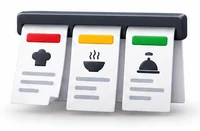
Kitchen order tickets
KOTs print or show on a kitchen screen by section, such as main kitchen, tandoor or bar, the moment an order is placed.

Billing and GST
Fast bills with discounts, split bills and split payments. GST bills print with your FSSAI licence number.
Delivery and takeaway
Delivery app and phone orders come into the same screen, with order status and rider handover.
Menu and pricing
Manage items, variants, add-ons and combos centrally, with different prices by outlet, time or order type.
Recipe costing and stock
Each dish is linked to its recipe, so raw material is deducted as you sell and you see food cost per dish.
Purchase and vendors
Raise purchase orders, record goods received and vendor bills, and track wastage and closing stock.
Tablio on every screen you use.
Desktop at the counter, tablet on the floor, phone in your pocket. The same data, updated as it happens.
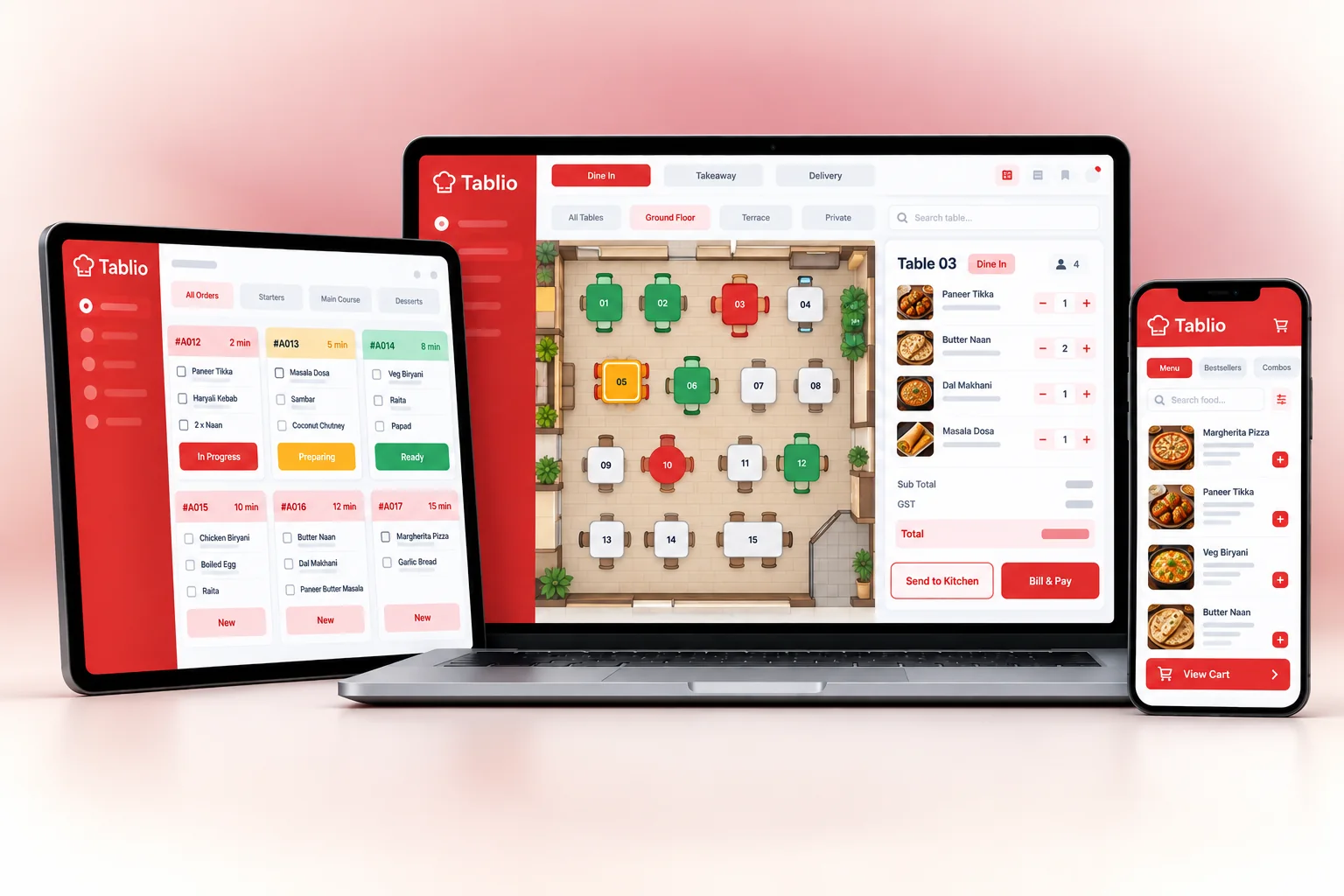
How work moves through Tablio.
Each step hands over to the next automatically, so nothing is typed twice.
 1
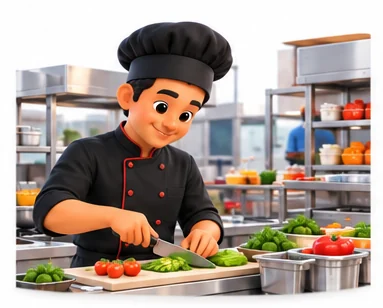
1Prep and open
Staff check stock and the day's specials. Items that have run out are marked unavailable on the POS and QR menu.
 2
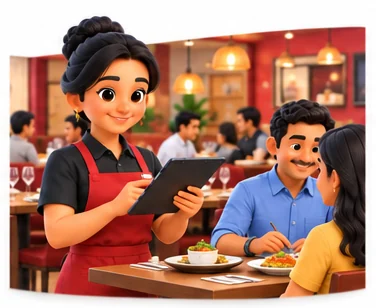
2Orders flow
Waiters, QR menus and delivery apps send orders to the POS. KOTs go to the right kitchen section straight away.
 3
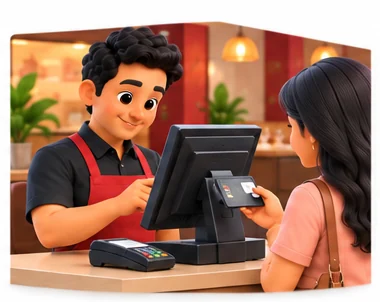
3Bills settle
Guests pay by cash, card or UPI. Bills can be split by item or amount, and tables free up on the floor plan.
 4
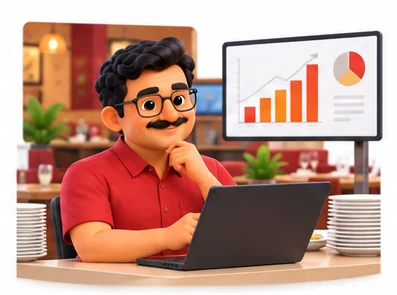
4Close and review
You check sales, item-wise movement, food cost, wastage and cash in hand for each outlet before the next day.
The right screens for every person.
Each person signs in with their own login and sees only what their job needs. Every change is recorded in the audit trail.

Owner
Sees sales, food cost per dish and stock across outlets, sets menus and prices, and decides who can give discounts or void bills.

Captain
Takes table orders, confirms QR orders and moves or merges tables. Orders go to the kitchen as KOTs. Cannot void bills.

Cashier
Prints GST bills, splits bills and payments and handles delivery and takeaway orders. Discounts and voids need manager approval.
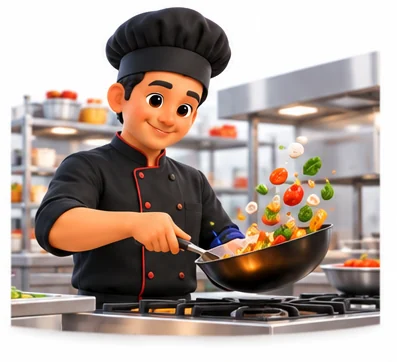
Kitchen staff
Sees KOTs for their section, such as main kitchen, tandoor or bar, on a screen or printout. Has no access to bills or sales.
Built for the way hospitality & lifestyle works.
We set Tablio up with your items, prices, taxes and formats, move your existing data across and train your team before you go live.
Works with
- Delivery apps through your aggregator account
- UPI QR and card terminals
- Thermal and KOT printers
- Kitchen display screens
- Cash drawers and customer displays
- SMS and WhatsApp messages
- Tally export (Excel/XML)
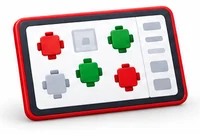 Live table floor plan
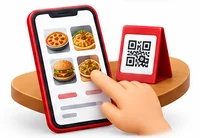 QR code ordering from the table
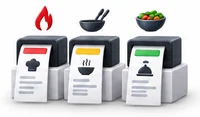 KOTs routed to each kitchen section
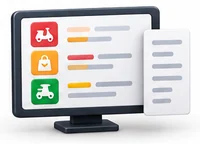 Delivery app orders on the same screen
 Split bills and split payments
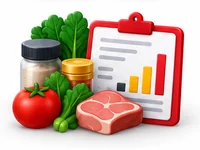 Recipe-level stock and food cost
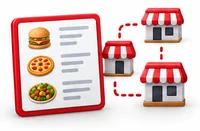 Central menu for all outlets
 Day-end and shift-wise cash reports
Rules followed. Data protected.
Tablio keeps the records your regulators and auditors ask for, and every release is penetration-tested by our own security team before it reaches you.
Indian regulations
3GST on restaurant bills
Bills show your GSTIN, the tax rate you configure and the CGST, SGST or IGST split, with reports ready for GSTR-1 and GSTR-3B.
FSSAI number on bills
Your FSSAI licence or registration number prints on every bill, as FSSAI requires food businesses to display it.
Liquor billing
If you serve alcohol, bar items can be billed and reported separately, as excise rules and tax treatment vary by state.
Built-in controls
3Service charge
Service charge can be kept optional and shown separately, in line with consumer protection guidelines on service charges.
Bill and KOT control
Cancelling or changing a KOT or bill after it is printed needs a reason and approval, and is logged.
Role-based access
Waiters, cashiers, kitchen staff and managers each see only what their role needs.
Questions about Tablio, answered.
Straight answers to what owners usually ask before switching to Tablio.

Still have a question?
Talk to someone who knows Tablio, or see it working with your own data.
hello@hexasecurelabs.com01Can delivery app orders come into Tablio?
Tablio connects to delivery platforms through your aggregator account, so orders appear on the same screen as dine-in orders and KOTs go to the kitchen without retyping.
02How does QR ordering work?
Each table gets a QR code. Guests scan it with their phone camera, browse the menu and place an order. Staff confirm it on the POS and the KOT goes to the kitchen.
03How does recipe costing help me?
You link each dish to its ingredients and quantities. As dishes sell, stock is deducted automatically, and you can compare expected and actual usage to spot waste or leakage.
04Does the bill show my FSSAI number?
Yes. You enter your FSSAI licence or registration number once and it prints on every bill along with your GSTIN.
05What if the internet goes down during service?
Tablio can run on-premise on your own server, so the floor and kitchen keep working on your local network. Ask us about offline billing options for a cloud setup.
More for Hospitality & Lifestyle
 chairlySalon & Spa ERP

See Tablio with your own data.
Book a free, no-obligation demo. Tell us about your business and we'll show you exactly how the right application fits.