




























Every lead followed up. Every deal tracked.
A CRM that helps sales teams close more. Capture leads from every source, never miss a follow-up, send quotations in minutes, and see the whole pipeline at a glance.
- Lead capture
- Follow-up reminders
- Quotations & pipeline

Why Closeo.
Leads arrive from calls, the website, marketplaces and walk-ins, and too many end up in notebooks or someone's phone. Follow-ups slip, quotes go out late and the owner cannot see what is really in the pipeline.
Closeo puts every lead in one place. It captures enquiries from each source, assigns them to the right person and reminds your team when a follow-up is due. Quotations go out in minutes, and you see the whole pipeline, by stage and by salesperson, at a glance.
Who it's for

B2B sellers and distributors
You get enquiries from many channels and need every one followed up and quoted quickly.
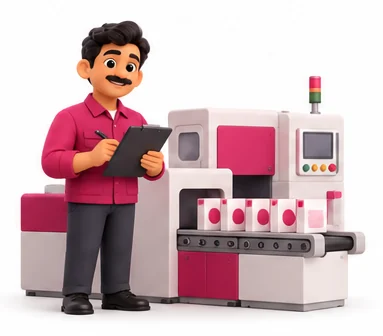
Manufacturers and OEMs
Your sales cycle has several visits and revised quotes, and you want each deal tracked to the order.

Service businesses
You sell projects, contracts or AMCs and need reminders for follow-ups and renewals.

Sales managers and owners
You want to see the pipeline, each salesperson's activity and the forecast without asking for updates.
Everything inside Closeo.
Every module shares the same records, so a change made in one place shows up everywhere straight away.

Lead capture
Bring in enquiries from website forms, calls, marketplaces, walk-ins and spreadsheets. Duplicates are flagged before they are saved.

Lead assignment
Assign leads by area, product or round robin, so each one reaches the right salesperson quickly.

Follow-up reminders
Schedule calls, visits and meetings. Closeo reminds your team before each one and flags anything overdue.

Contacts and accounts
Keep every customer, contact person, conversation and document in one history your whole team can see.

Quotation builder
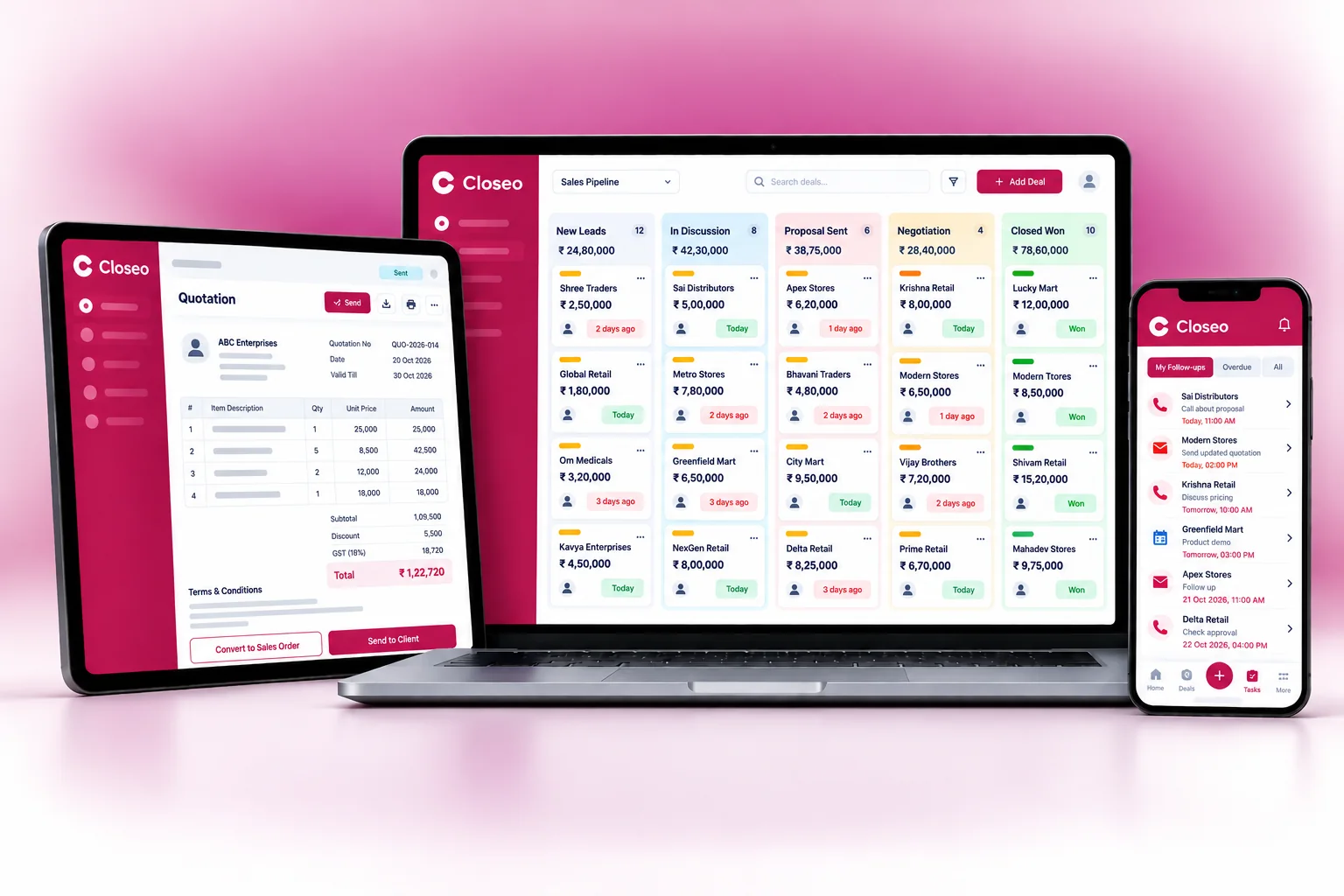
Build quotations from your product list with prices, discounts and GST, and send them as PDF by email or WhatsApp.

Pipeline board
See deals by stage on a board, move them along as they progress, and track value and expected close dates.

Field sales
Salespeople log visits and notes from their phone, so managers know who met whom and what happened.

Sales reports
Track leads by source, conversion by stage, salesperson activity, won and lost reasons, and the forecast.
Closeo on every screen you use.
Desktop at the counter, tablet on the floor, phone in your pocket. The same data, updated as it happens.
How work moves through Closeo.
Each step hands over to the next automatically, so nothing is typed twice.
 1
1Capture the enquiry
A lead comes in from any source, Closeo checks for duplicates and assigns it to a salesperson.
 2
2Follow up
The salesperson calls or visits, logs notes and sets the next follow-up. Reminders keep it from slipping.
 3
3Send the quotation
Build a GST quotation from your price list and send it the same day. Revisions are kept in history.
 4
4Close and review
Won deals move to order, lost ones get a reason, and the manager reviews the pipeline every week.
The right screens for every person.
Each person signs in with their own login and sees only what their job needs. Every change is recorded in the audit trail.

Owner
Sees the whole pipeline, forecast, won and lost reasons and every salesperson's activity, and decides who can export data.

Sales manager
Assigns leads, sees the team's leads, deals and visits, and tracks conversion by stage and salesperson activity.

Salesperson
Works on own leads, logs calls and visits, builds quotations from the product list and moves deals along the pipeline.

Telecaller
Enters enquiries from calls and walk-ins, checks for duplicates and schedules follow-ups. Sees only the leads assigned to them.
Built for the way business operations works.
We set Closeo up with your items, prices, taxes and formats, move your existing data across and train your team before you go live.
Works with
- Website enquiry forms
- Marketplace leads through your account
- WhatsApp through your WhatsApp Business
- SMS and email messages
- Moharbill and other Hexa billing apps
- Excel and CSV lead import
- Google or Outlook calendar reminders
 Leads from every source in one place
 Duplicate check before saving
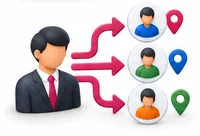 Auto-assignment by area or product
 Follow-up reminders and overdue flags
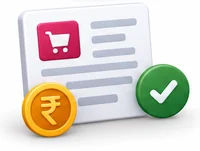 GST quotations in minutes
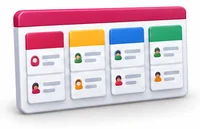 Pipeline board by stage
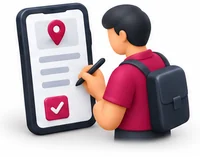 Visit notes from the phone
 Source, conversion and lost-reason reports
Rules followed. Data protected.
Closeo keeps the records your regulators and auditors ask for, and every release is penetration-tested by our own security team before it reaches you.
Indian regulations
2GST on quotations
Quotations carry HSN or SAC codes, tax rates and your GSTIN, so the numbers match the invoice that follows.
Customer consent
Record where each contact came from and whether they agreed to hear from you, which helps with the Digital Personal Data Protection Act.
Built-in controls
4Opt-out handling
Mark contacts who ask not to be contacted, so they are left out of future messages and campaigns.
Data access by role
Salespeople see their own leads, managers see their teams, and exports can be limited to the right people.
Audit trail
Every change to a lead, deal or quotation is logged with user and time, so you know who did what.
Security-tested releases
Every release is penetration-tested in-house, and your customer data is encrypted and backed up.
Questions about Closeo, answered.
Straight answers to what owners usually ask before switching to Closeo.

Still have a question?
Talk to someone who knows Closeo, or see it working with your own data.
hello@hexasecurelabs.com01Can Closeo pull leads from marketplaces?
It can bring in leads from website forms and spreadsheets, and connect to supported marketplaces through your account. Tell us which ones you use.
02Can quotations go out on WhatsApp?
Yes. Send the quotation PDF through your WhatsApp Business number, or by email. Each send is recorded on the lead.
03Will my salespeople see each other's leads?
Only if you allow it. By default, salespeople see their own leads and managers see their team.
04Can I use it on the road?
Yes. Salespeople open Closeo in the phone browser to log visits, update deals and see the day's follow-ups.
05What happens to a won deal?
It moves to order, and the quotation details can pass to your Hexa billing app so the invoice matches what was agreed.
More for Business Operations



See Closeo with your own data.
Book a free, no-obligation demo. Tell us about your business and we'll show you exactly how the right application fits.