



























Quick billing. Happy customers.
A fast point-of-sale for every kind of shop. Scan barcodes, apply offers automatically, accept UPI and cards, and bring customers back with built-in loyalty points.
- Barcode billing
- Offers & loyalty
- Works offline
Why Tillo.
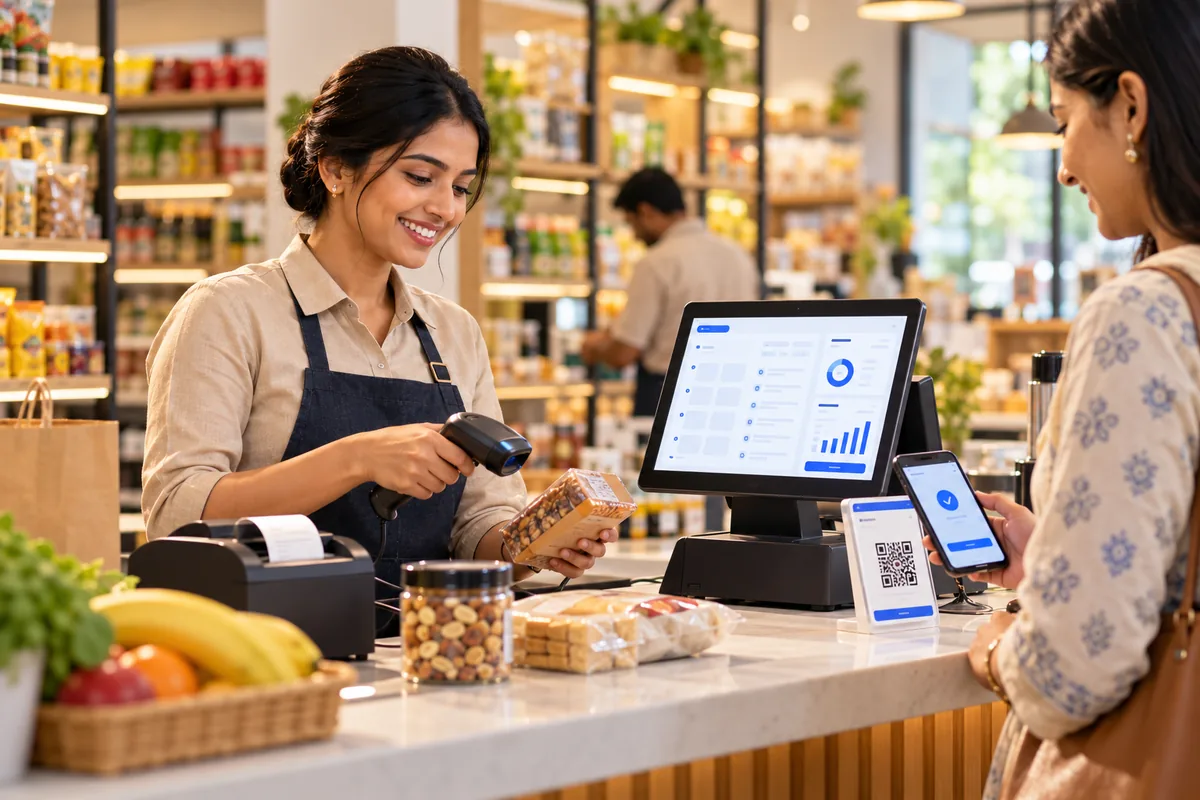
In a busy shop, slow billing means long queues and lost sales. Offers are applied by hand and often wrongly, and customers who would come back are never recognised. When the internet drops, many systems stop working.
Tillo is a fast point-of-sale for any kind of shop. Your staff scan barcodes, offers apply on their own, and customers pay by UPI, card or cash. Loyalty points bring regular customers back. Tillo keeps billing when the connection drops and syncs once it returns, so the counter never stops.
Who it's for
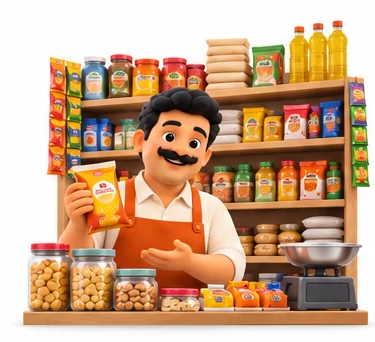
General stores
Shops that need quick barcode billing and simple stock control at one or two counters.
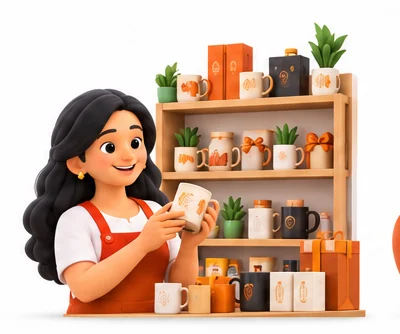
Speciality retailers
Stores selling cosmetics, gifts, electronics accessories or stationery that want offers and loyalty.
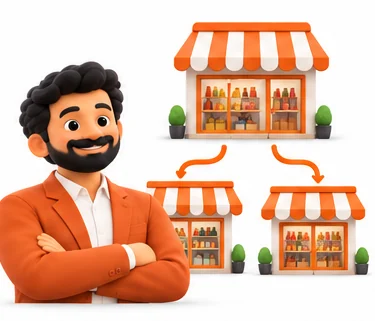
Franchise and chain outlets
Brands that want the same prices, offers and reports in every outlet.

New shop owners
Owners setting up their first store who want a POS that is easy for staff to learn.
Everything inside Tillo.
Every module shares the same records, so a change made in one place shows up everywhere straight away.
Barcode billing
Scan items to add them to the bill. Search by name or code when an item has no barcode.

Offers and discounts
Set up buy-one-get-one, percentage or flat discounts and time-bound offers. They apply automatically at billing.

Loyalty points
Customers earn points on purchases and redeem them on later bills, identified by mobile number.

Payments
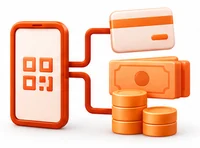
Accept cash, UPI QR and cards, or split one bill across methods. Each payment is recorded against the bill.

Offline billing
Keep billing when the internet is down. Bills sync to the main system when the connection returns.
Stock and items
Manage items, prices, GST rates and HSN codes. Stock reduces with each sale and low stock is flagged.
Returns and exchanges
Process returns and exchanges against the original bill, with credit notes where needed.

Shift and sales reports
Close each shift with payment totals and see daily sales by item, category and cashier.
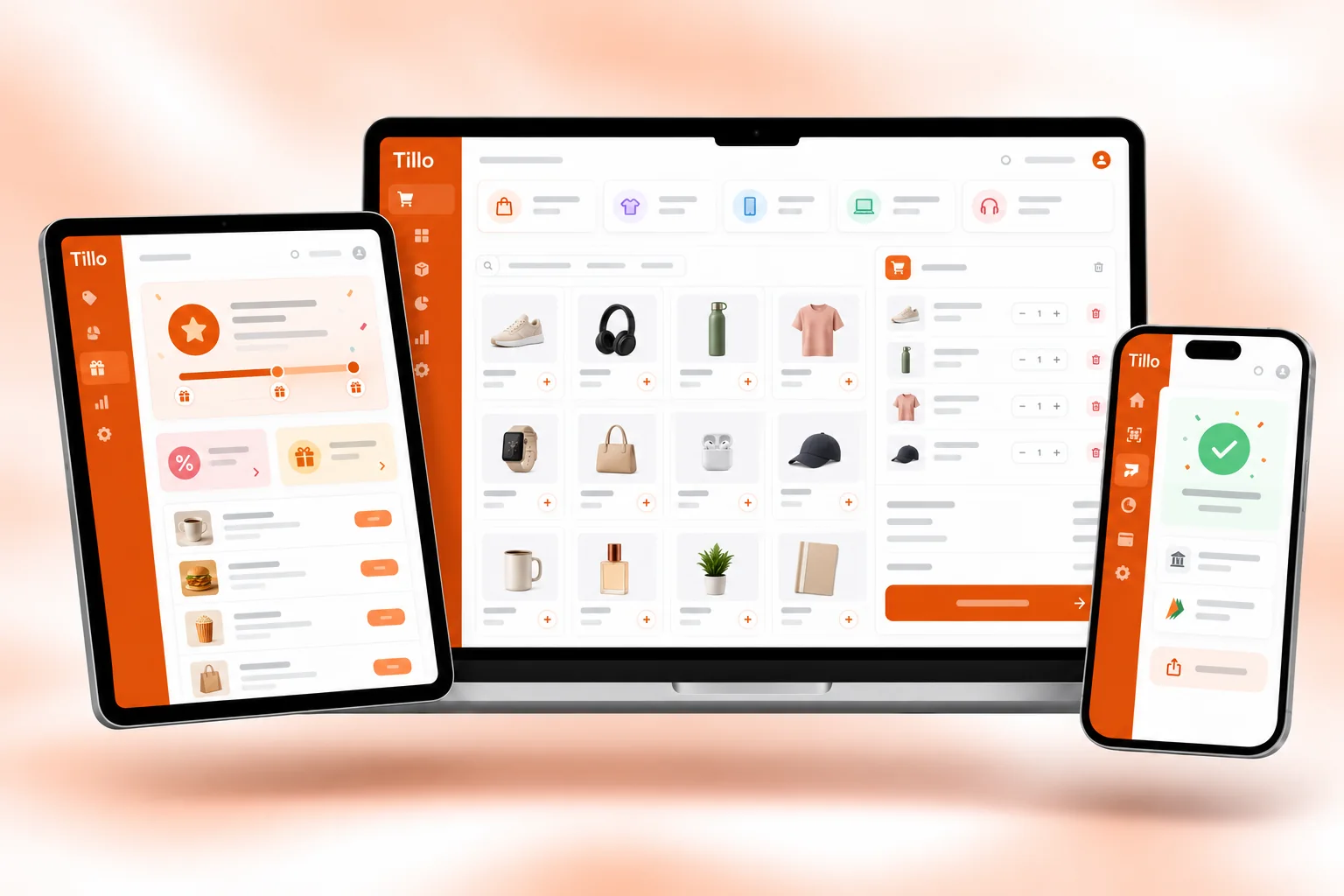
Tillo on every screen you use.
Desktop at the counter, tablet on the floor, phone in your pocket. The same data, updated as it happens.
How work moves through Tillo.
Each step hands over to the next automatically, so nothing is typed twice.
 1
1Open the counter
The cashier logs in and starts a shift with the opening cash.
 2
2Bill and collect
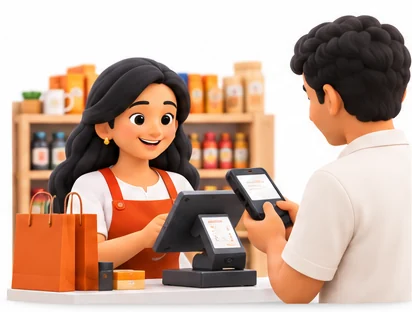
Items are scanned, offers apply automatically and the customer pays by UPI, card or cash.
 3
3Reward the customer
Loyalty points are added to the customer's mobile number and shown on the receipt.
 4
4Close and review
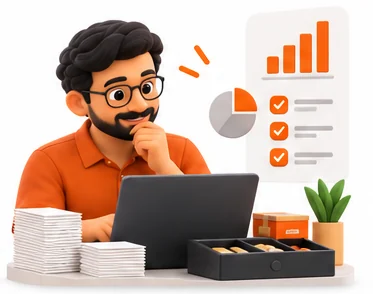
The shift is closed against payment totals and you check the day's sales and stock.
The right screens for every person.
Each person signs in with their own login and sees only what their job needs. Every change is recorded in the audit trail.

Owner
Sees daily sales by item, category and cashier, sets prices, GST rates, offers and loyalty rules, and decides who can give discounts or void bills.

Store manager
Manages items and stock, handles returns and exchanges against the original bill, and reviews shift closings and low-stock alerts.
Cashier
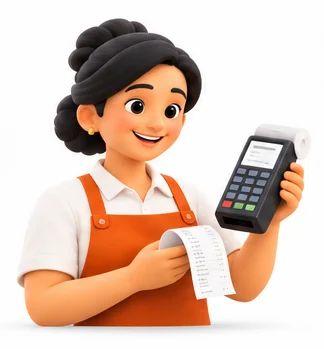
Scans items, applies offers and loyalty points, takes cash, UPI or card and closes the shift. Cannot change prices or void bills without permission.

Stock staff
Adds new items with barcodes, HSN codes and prices set by the manager, and keeps an eye on low-stock flags.
Built for the way retail & billing works.
We set Tillo up with your items, prices, taxes and formats, move your existing data across and train your team before you go live.
Works with
- Barcode scanners and label printers
- Thermal receipt printers
- UPI QR and card terminals
- Cash drawers
- SMS and WhatsApp messages
- Tally export (Excel/XML)
 Fast barcode billing
 Automatic offers and discounts
 Loyalty points by mobile number
 UPI, card and cash, or split payments
 Works offline, syncs later
 GST bills with HSN codes
 Returns and exchanges against bills
 Shift closing and cashier reports
Rules followed. Data protected.
Tillo keeps the records your regulators and auditors ask for, and every release is penetration-tested by our own security team before it reaches you.
Indian regulations
2GST invoices
Prints GST-compliant bills with HSN codes and tax details for each item.
GST reports
Keeps sales data organised for GSTR-1 and GSTR-3B, ready for your CA.
Built-in controls
2Customer data
Customer mobile numbers for loyalty are stored encrypted and visible only to authorised roles.
Access control and audit trail
Discounts, voids and price changes are controlled by role and logged with user and time.
Questions about Tillo, answered.
Straight answers to what owners usually ask before switching to Tillo.

Still have a question?
Talk to someone who knows Tillo, or see it working with your own data.
hello@hexasecurelabs.com01What happens when the internet goes down?
Tillo keeps billing on the counter. Bills are saved locally and sync to the main system when the connection comes back.
02Can I run different offers in different outlets?
Yes. You can set offers centrally and choose which outlets and dates they apply to.
03How do loyalty points work?
Customers are identified by mobile number. They earn points on each bill and can redeem them on later purchases, by rules you set.
04Which printers and scanners does Tillo support?
Tillo works with standard barcode scanners and receipt printers. We check your existing hardware during setup.
05Can a customer pay part by UPI and part in cash?
Yes. A single bill can be split across cash, UPI and card, and each part is recorded.
More for Retail & Billing

 GST Billing & E-invoice

See Tillo with your own data.
Book a free, no-obligation demo. Tell us about your business and we'll show you exactly how the right application fits.