




























Every item, every bin, every branch.
Know where every item is. Track stock across warehouses and bin locations, move goods between branches, and count inventory with barcode scanners instead of paper.
- Bin locations
- Branch transfers
- Barcode stock counts

Why Stockyard.
Stock goes missing when nobody knows exactly where it sits. Paper registers, guesswork at the rack and late counts lead to wrong orders, lost sales and write-offs at year end.
Stockyard gives every item a home. You track stock by warehouse and bin location, move goods between branches with proper transfer records, and count inventory with barcode scanners instead of paper. Owners see live stock across every site, and your staff always know where to pick and where to put away.
Who it's for

Distributors and wholesalers
You hold large stock across godowns and need to know exactly what is where before you promise a delivery.

Manufacturers and assemblers
You track raw material, work in progress and finished goods across stores and need clean issue and receipt records.

Multi-branch retailers
You move stock between a central warehouse and outlets and want every transfer accounted for.

E-commerce sellers
You pick and pack orders daily and need bin-level accuracy so the right item ships first time.
Everything inside Stockyard.
Every module shares the same records, so a change made in one place shows up everywhere straight away.

Item master
Set up items with SKU, barcode, HSN code, units, variants and reorder levels. Configure the extra fields your business needs.

Warehouses and bins
Define warehouses, zones, racks and bin locations. See exactly which bin holds each item and how much.

Goods receipt
Receive stock against purchase orders, check quantities, print barcode labels and put items away to the right bins.

Branch transfers
Send stock between branches and warehouses with transfer notes. Goods in transit are tracked until the receiving side confirms.

Picking and dispatch
Create pick lists by bin so staff walk the shortest route. Record dispatches against orders or delivery challans.

Barcode stock counts
Run full or cycle counts with barcode scanners. Stockyard shows the variance and keeps a record of every adjustment.

Batch and expiry
Track batch numbers and expiry dates where needed, and issue older stock first to cut wastage.

Reorder and alerts
Get alerts when items fall below reorder level, sit unsold too long or near expiry, and raise purchase requests from them.
Stockyard on every screen you use.
Desktop at the counter, tablet on the floor, phone in your pocket. The same data, updated as it happens.
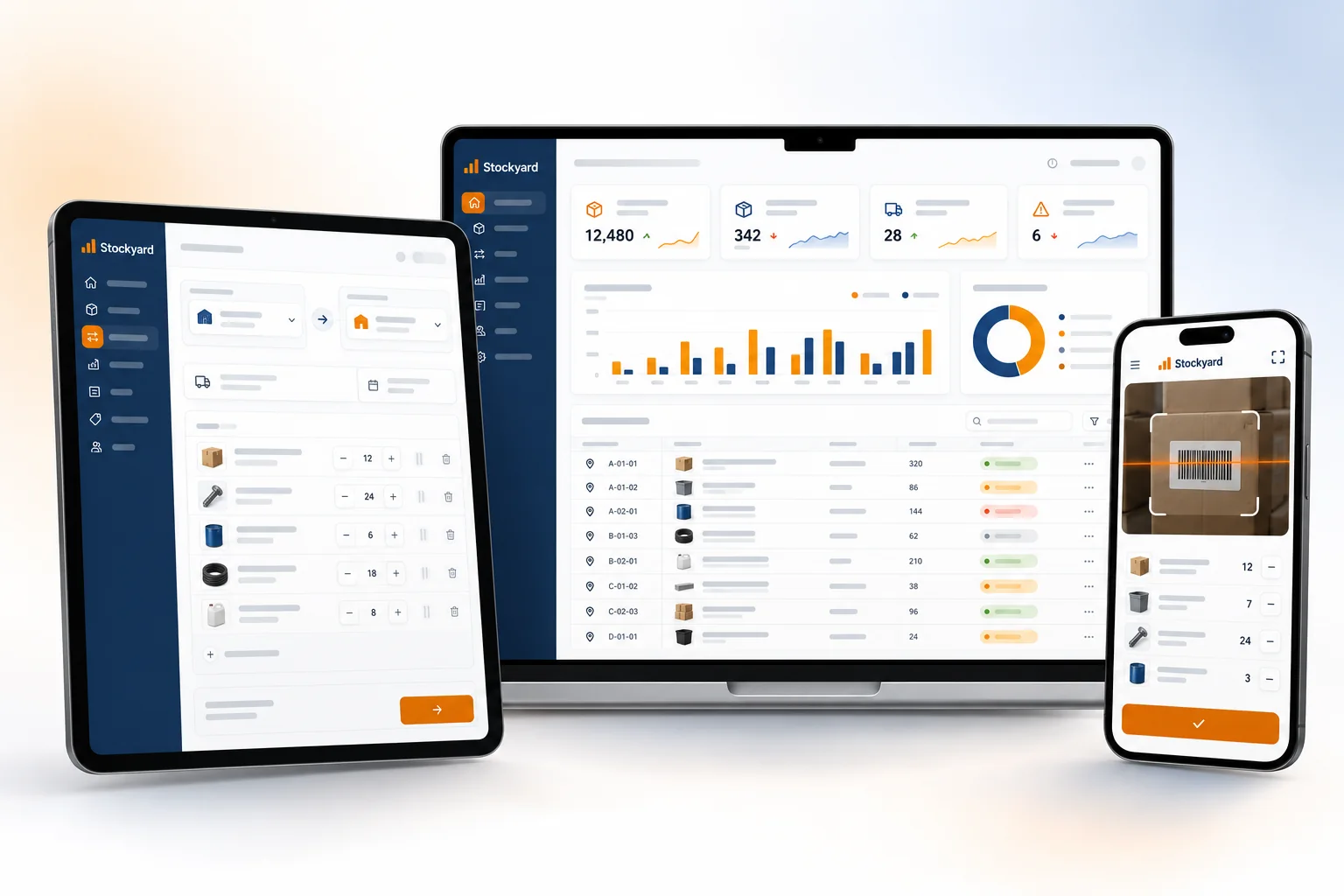
How work moves through Stockyard.
Each step hands over to the next automatically, so nothing is typed twice.
 1
1Receive goods
Stock arrives, staff scan it against the purchase order and Stockyard suggests the bins to put it in.
 2
2Pick and dispatch
Orders become pick lists by bin. Staff scan each item as they pick, so mistakes are caught before dispatch.
 3
3Transfer between sites
Branches request stock, the warehouse sends it with a transfer note and the branch confirms receipt.
 4
4Count and review
Staff run a quick cycle count of a few bins, and the owner reviews variances, stock value and reorder alerts.
The right screens for every person.
Each person signs in with their own login and sees only what their job needs. Every change is recorded in the audit trail.

Owner
Sees stock across all warehouses and branches, approves stock adjustments after counts, and decides who can receive, transfer or only view stock.

Warehouse manager
Sets up warehouses and bins, approves branch transfers, plans cycle counts and reviews reorder and expiry alerts.

Store staff
Receives goods against purchase orders, prints labels, puts items away to bins and picks orders using pick lists.

Stock counter
Scans items during full or cycle counts. Variances go to the manager for approval and cannot be adjusted directly.
Built for the way business operations works.
We set Stockyard up with your items, prices, taxes and formats, move your existing data across and train your team before you go live.
Works with
- Barcode scanners and label printers
- Mobile scanning through the browser camera
- Moharbill and other Hexa billing apps
- Tally export (Excel/XML)
- E-way bill portal through your login
- Excel import and export
- Email and WhatsApp stock alerts
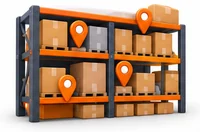 Warehouse, zone, rack and bin locations
 Branch transfers with in-transit tracking
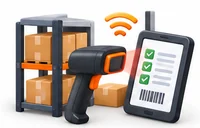 Barcode stock counts instead of paper
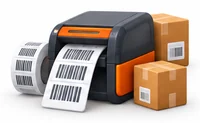 Barcode label printing on receipt
 Batch and expiry tracking, oldest first
 Reorder alerts and purchase requests
 Live stock value across every site
 Full history of every stock movement
Rules followed. Data protected.
Stockyard keeps the records your regulators and auditors ask for, and every release is penetration-tested by our own security team before it reaches you.
Indian regulations
2E-way bill details
Branch transfers and dispatches carry the details you need for an e-way bill, which is generally required for consignments above ₹50,000.
HSN codes on items
Every item carries its HSN code so stock records line up with your GST invoices and returns.
Built-in controls
4Delivery challans
Record goods moved without a sale, such as branch transfers within the same GSTIN or job work, on proper delivery challans.
Stock audit records
Every receipt, issue, transfer and adjustment is logged with user and time, which helps at statutory and stock audits.
Role-based access
Decide who can receive, transfer, adjust or only view stock, so adjustments need the right person.
Security-tested releases
Every release is penetration-tested by our in-house security team, and your data is encrypted and backed up.
Questions about Stockyard, answered.
Straight answers to what owners usually ask before switching to Stockyard.

Still have a question?
Talk to someone who knows Stockyard, or see it working with your own data.
hello@hexasecurelabs.com01Do I need special scanners?
No. Most standard USB and Bluetooth barcode scanners work. You can also scan with a phone camera through the browser for counts.
02Can I count stock without closing the warehouse?
Yes. Run cycle counts on a few bins at a time while work carries on. Stockyard records the variance for each bin.
03How are branch transfers tracked?
Each transfer has a note. Stock shows as in transit until the receiving branch confirms, so nothing disappears between sites.
04Does it work with my billing software?
It works with Hexa billing apps, and stock data can be exported for Tally in Excel or XML format. Ask us about other software.
05Can I set it up with my current racks?
Yes. We map your existing warehouses, racks and bins during setup and import your opening stock.
More for Business Operations



See Stockyard with your own data.
Book a free, no-obligation demo. Tell us about your business and we'll show you exactly how the right application fits.