



























Smooth stays from booking to checkout.
Property management for hotels, resorts and homestays. Manage reservations and room rates, check guests in quickly, coordinate housekeeping, and settle bills with restaurant charges included.
- Reservations & front desk
- Housekeeping board
- Guest billing
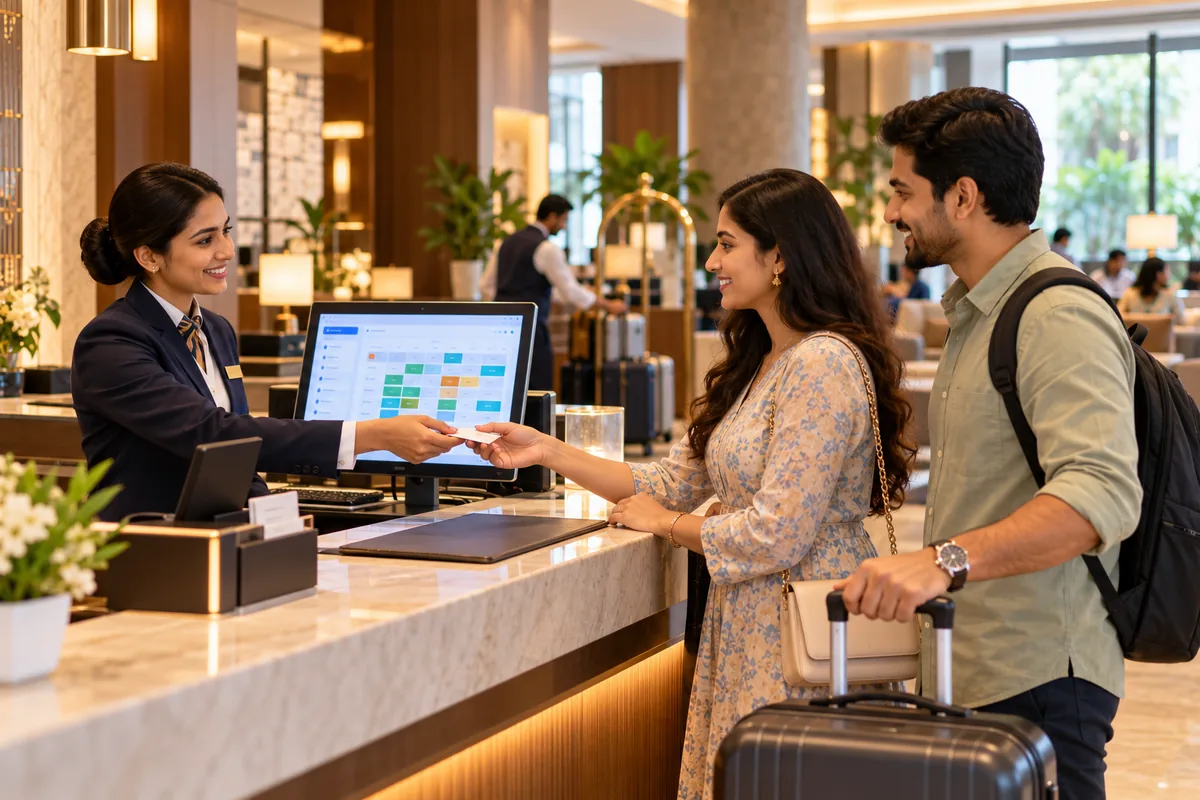
Why Roomora.
Running a hotel means juggling bookings from many places, rooms that need cleaning, guests asking for bills, and paperwork for every check-in. When the front desk works from registers and phone calls, rooms get double-booked and charges get missed at checkout.
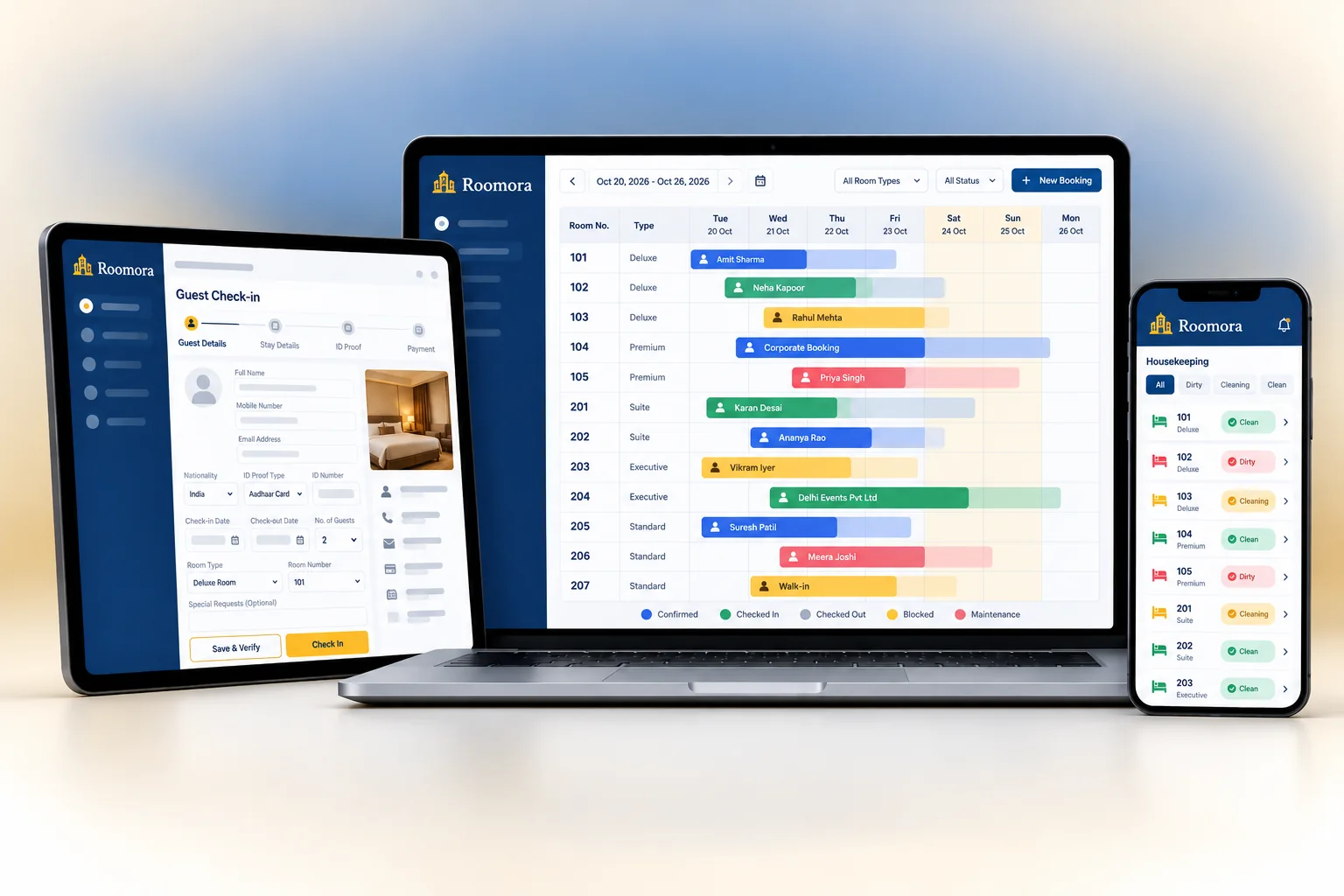
Roomora brings reservations, the front desk, housekeeping and billing into one system. You see every room and every booking on one chart. Check-in is quick, housekeeping status updates live, and restaurant charges post to the guest folio so the final bill is complete.
Who it's for
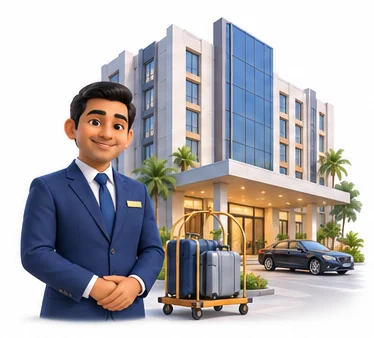
Business and city hotels
Hotels that need quick check-in, corporate rates and accurate bills for guests travelling on company accounts.

Resorts
Properties with many room types, meal plans and an in-house restaurant whose charges must reach the guest bill.
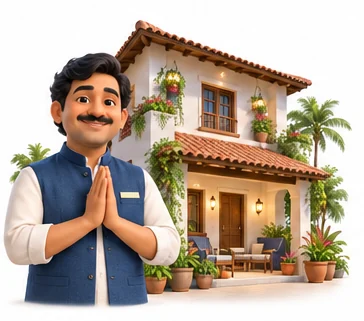
Homestays and guest houses
Smaller owners who want a simple booking chart, guest records and clean bills without a large system.

Hotel groups
Owners with several properties who want the same processes everywhere and consolidated occupancy and revenue reports.
Everything inside Roomora.
Every module shares the same records, so a change made in one place shows up everywhere straight away.

Reservations
A booking chart shows every room by date. Take bookings, hold rooms, record advances and manage cancellations.
Room rates
Set rates by room type, season, weekday and meal plan, such as room only or with breakfast, plus corporate and group rates.
Front desk
Check guests in with ID details, assign rooms, and handle room moves and early or late checkouts.

Guest registration
Record guest ID and address details, and capture passport and visa details for foreign guests for Form C.
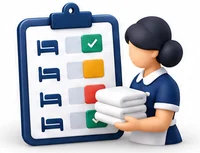
Housekeeping board
See each room as clean, dirty, inspected or out of order. Housekeeping staff update status as they finish rooms.
Guest folio and billing
Room charges, restaurant bills, laundry and other services post to one folio. Split or transfer charges as needed.
Restaurant and room service
Restaurant and room service orders can be charged to the room, so nothing is missed at checkout.

Night audit and reports
Close the day, post room charges and see occupancy, average room rate, revenue and collections.
Roomora on every screen you use.
Desktop at the counter, tablet on the floor, phone in your pocket. The same data, updated as it happens.
How work moves through Roomora.
Each step hands over to the next automatically, so nothing is typed twice.
 1
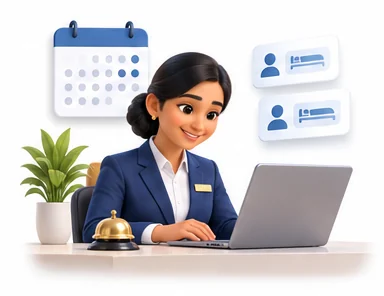
1Bookings arrive
Reservations from walk-ins, phone, your website and travel agents go on the booking chart against the right room type.
 2
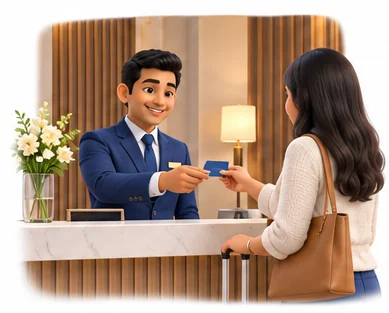
2Guests check in
The front desk records ID details, assigns a clean room and takes an advance. Foreign guest details are captured for Form C.
 3
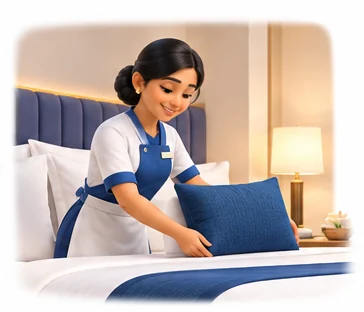
3During the stay
Restaurant, room service and laundry charges post to the folio. Housekeeping updates room status as rooms are cleaned.
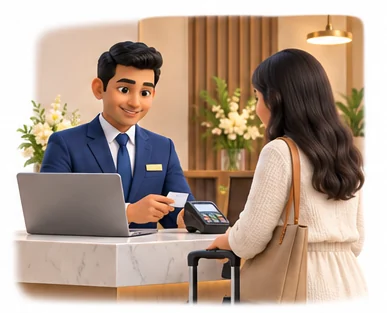 4
4Checkout and audit
The guest settles one complete bill. At night audit, room charges post and you review occupancy and revenue.
The right screens for every person.
Each person signs in with their own login and sees only what their job needs. Every change is recorded in the audit trail.

Owner
Sees occupancy, average room rate, revenue and collections, sets room rates and plans, and controls who can view guest ID details.
Front desk
Takes reservations and advances, checks guests in with ID and Form C details, assigns rooms and settles folios at checkout.

Housekeeping
Sees the room board and marks rooms clean, dirty, inspected or out of order. Has no access to guest bills or ID copies.
Restaurant staff
Records restaurant and room service orders and charges them to the guest's room folio, so nothing is missed at checkout.
Built for the way hospitality & lifestyle works.
We set Roomora up with your items, prices, taxes and formats, move your existing data across and train your team before you go live.
Works with
- Channel manager through your provider
- Booking engine for your website
- UPI QR and card terminals
- Tablio restaurant POS
- SMS, email and WhatsApp messages
- ID document scanners
- Tally export (Excel/XML)
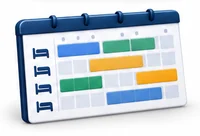 Room-by-date booking chart
 Seasonal, meal plan and corporate rates
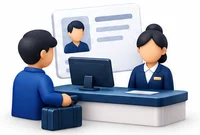 Quick check-in with guest ID details
 Form C details for foreign guests
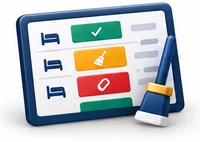 Live housekeeping status board
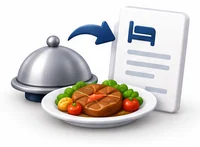 Restaurant charges posted to the room
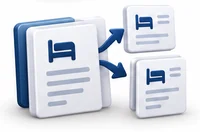 One folio, split or transferred as needed
 Night audit with occupancy and revenue
Rules followed. Data protected.
Roomora keeps the records your regulators and auditors ask for, and every release is penetration-tested by our own security team before it reaches you.
Indian regulations
3GST on room tariffs
Room and restaurant bills apply GST using the rate rules you configure for each tariff level, with SAC codes and reports for GSTR-1 and GSTR-3B.
Form C for foreign guests
Passport and visa details are captured at check-in so you can submit Form C to the FRRO through the Bureau of Immigration portal on time.
Guest data protection
Guest ID copies and personal details are restricted by role and encrypted, which helps you handle personal data under India's DPDP Act.
Built-in controls
2Guest register and ID records
Every stay is recorded with guest ID details, helping you meet local police and licensing requirements for a guest register.
Rate and bill control
Changes to room rates, discounts and settled bills need the right permission and are recorded in the audit trail.
Questions about Roomora, answered.
Straight answers to what owners usually ask before switching to Roomora.

Still have a question?
Talk to someone who knows Roomora, or see it working with your own data.
hello@hexasecurelabs.com01Does Roomora help with Form C?
Yes. Passport, visa and arrival details for foreign guests are captured at check-in, so your staff have everything Form C needs and can submit it to the FRRO online without collecting the details again.
02Can restaurant bills be added to the room?
Yes. Restaurant and room service orders can be charged to the guest room and appear on the folio. With Tablio as your restaurant POS, charges post directly.
03Can I take bookings from OTAs?
Roomora connects to online travel agents through your channel manager provider, so availability and bookings stay in step. Ask us which providers are supported.
04How does housekeeping know which rooms to clean?
On checkout a room is marked dirty on the housekeeping board. Staff mark it clean when done, and the front desk sees it is ready to sell.
05Is it suitable for a small homestay?
Yes. You can start with the booking chart, check-in and billing, and turn on housekeeping, rate plans and reports as you need them.
More for Hospitality & Lifestyle
 chairlySalon & Spa ERP

See Roomora with your own data.
Book a free, no-obligation demo. Tell us about your business and we'll show you exactly how the right application fits.