




























Payroll right first time, every month.
HR and payroll without spreadsheets. Capture attendance and leave, run salaries in a few clicks, handle PF, ESI and TDS correctly, and give employees self-service payslips.
- Attendance & leave
- One-click payroll
- PF, ESI & TDS

Why Staffora.
Payroll in spreadsheets breaks easily. Attendance arrives late, leave is tracked on paper, and one wrong formula means wrong PF, ESI or TDS for the whole team.
Staffora keeps HR and payroll in one place. Attendance and leave feed straight into salaries, so you run payroll in a few clicks. Statutory deductions are worked out from the rules you set, and employees see their own payslips, leave balances and tax documents without asking HR.
Who it's for

Growing businesses
You have 20 to a few hundred staff and payroll in spreadsheets now takes days and invites mistakes.

Factories and warehouses
You run shifts and overtime and need attendance from biometric devices to feed salaries correctly.

Multi-branch companies
Your staff work across cities, so Professional Tax and holidays differ by state and branch.

HR and accounts teams
You want PF, ESI and TDS worked out correctly and employees to stop asking for payslips.
Everything inside Staffora.
Every module shares the same records, so a change made in one place shows up everywhere straight away.

Employee records
Keep personal, job, bank and statutory details such as UAN, ESI number and PAN in one place, with documents attached.

Attendance and shifts
Record attendance from biometric devices, mobile check-in or manual entry. Set shifts, late marks and overtime rules.

Leave management
Set leave types and policies by branch or grade. Staff apply online and managers approve with a tap.

Monthly payroll
Define salary structures once, then run monthly payroll with attendance, leave, overtime, arrears and deductions applied.

Statutory deductions
Work out PF, ESI, Professional Tax and TDS under section 192 from the rules you set, with challan and return data.

Loans and advances
Record salary advances and loans to staff and recover them in instalments through payroll.

Employee self-service
Employees view payslips, leave balances and attendance, submit investment declarations and download Form 16.

Full and final
Settle exits with pending salary, leave encashment, recoveries and gratuity where it applies, and issue relieving letters.
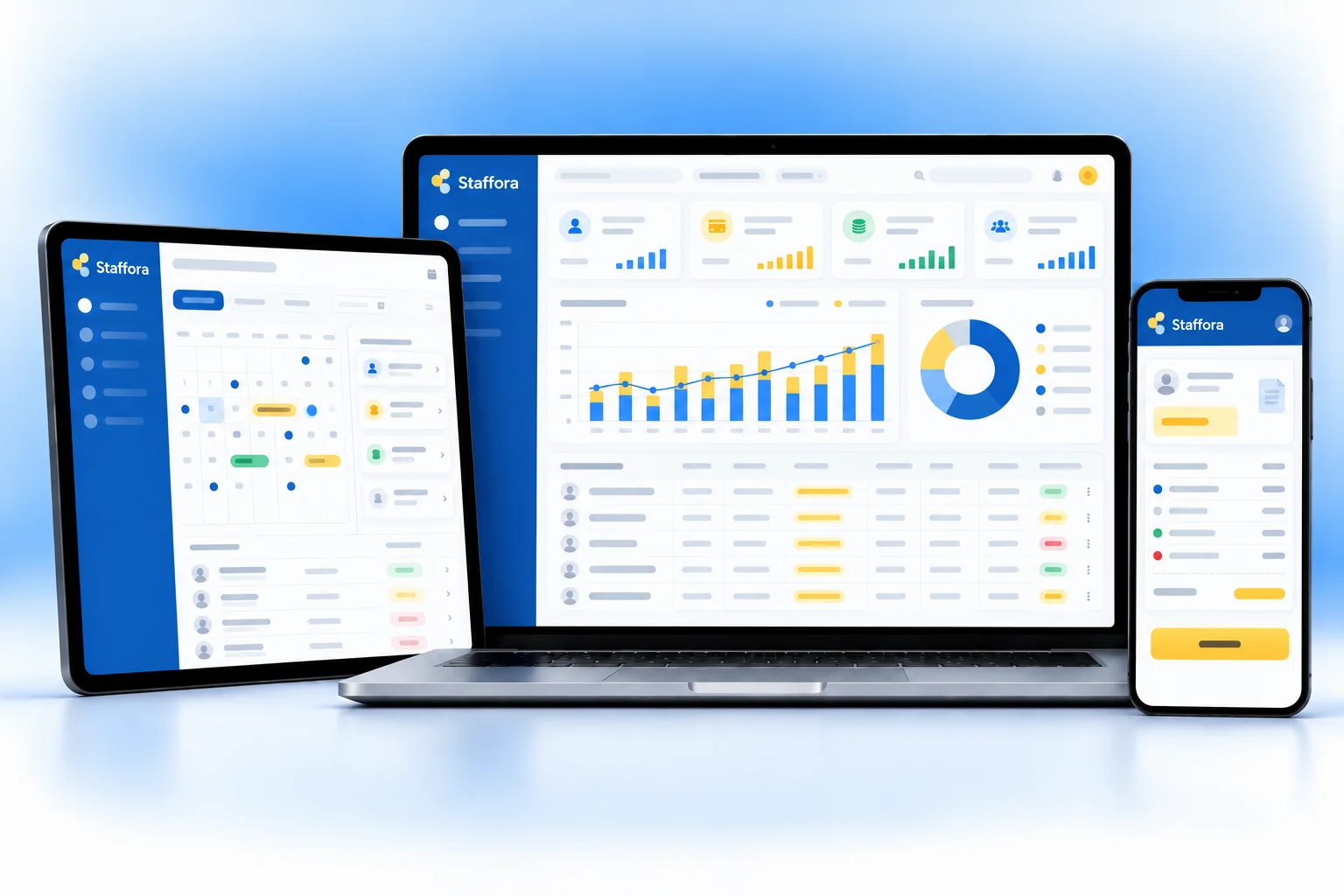
Staffora on every screen you use.
Desktop at the counter, tablet on the floor, phone in your pocket. The same data, updated as it happens.
How work moves through Staffora.
Each step hands over to the next automatically, so nothing is typed twice.
 1
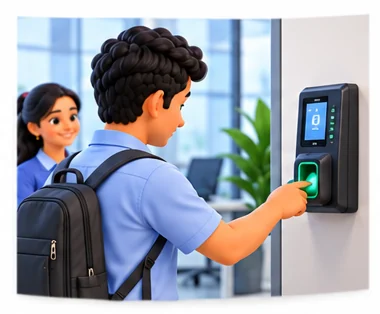
1Capture attendance
Daily attendance comes from devices or mobile check-in. Leave requests are applied and approved online.
 2
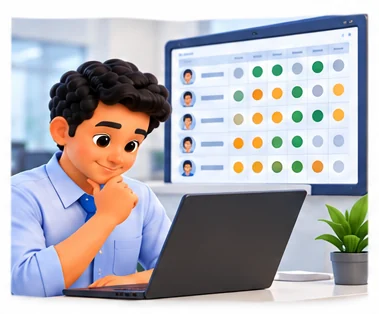
2Review the month
At month end, HR checks attendance, overtime and leave, and adds any arrears, bonuses or recoveries.
 3
3Run payroll
Staffora calculates salaries and statutory deductions. Accounts reviews, approves and exports the bank transfer file.
 4
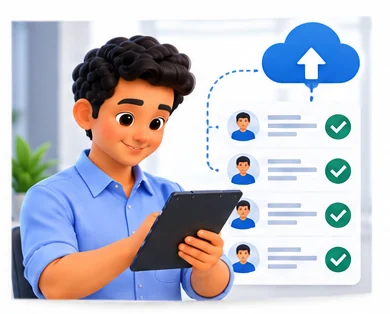
4Publish and file
Payslips go out to employees, and PF, ESI, PT and TDS reports are ready for your monthly and quarterly filings.
The right screens for every person.
Each person signs in with their own login and sees only what their job needs. Every change is recorded in the audit trail.

Owner
Sees payroll cost, attendance and statutory dues across branches, approves the monthly payroll and decides who can see salary data.

HR manager
Keeps employee records, sets shifts, leave policies and salary structures, runs payroll and settles full and final for exits.

Team manager
Approves leave requests and checks attendance for own team only. Cannot see salaries or payroll data.

Employee
Views own payslips, leave balance and attendance, applies for leave, submits investment declarations and downloads Form 16.
Built for the way business operations works.
We set Staffora up with your items, prices, taxes and formats, move your existing data across and train your team before you go live.
Works with
- Biometric attendance devices
- Mobile check-in through the browser
- Bank salary transfer files
- EPFO ECR file format
- Ledgerix and Tally export (Excel/XML)
- Email and WhatsApp payslip alerts
- Excel import and export
 Attendance and leave feed payroll
 Shift, late mark and overtime rules
 PF, ESI, PT and TDS worked out
 Bank transfer file for salaries
 Self-service payslips and Form 16
 Investment declarations online
 Loans and advance recovery
 Full and final settlement
Rules followed. Data protected.
Staffora keeps the records your regulators and auditors ask for, and every release is penetration-tested by our own security team before it reaches you.
Indian regulations
4Provident Fund
Works out employee and employer PF contributions and prepares ECR data for upload on the EPFO portal.
ESI contributions
Calculates ESI contributions for eligible employees and keeps the records you need for monthly contribution filing.
Professional Tax
Applies Professional Tax by the state each employee works in, since slabs and rules differ between states.
TDS on salary
Projects annual income, considers declarations under the chosen tax regime and deducts TDS under section 192, with data for Form 24Q and Form 16.
Built-in controls
2Labour records
Keeps attendance, wage and leave records by employee, which helps with the registers state labour laws ask employers to maintain.
Data protection
Salary and personal data is open only to the right roles, every change is logged, and data is encrypted and backed up.
Questions about Staffora, answered.
Straight answers to what owners usually ask before switching to Staffora.

Still have a question?
Talk to someone who knows Staffora, or see it working with your own data.
hello@hexasecurelabs.com01Which biometric devices work with Staffora?
Many common attendance devices can send data to Staffora. Tell us your device model and we will confirm during the demo.
02Does it handle both tax regimes?
Yes. Employees choose the old or new regime and submit declarations, and TDS under section 192 is worked out on that basis.
03Can I pay salaries directly from Staffora?
Staffora creates the bank transfer file for your bank. You upload it to your banking portal to pay salaries.
04What if PF or ESI rates change?
Rates and ceilings are settings, not code. We update the defaults when rules change and you can review them before the next payroll run.
05Can I start mid-year?
Yes. We import year-to-date salary and tax figures so TDS and Form 16 come out right for the full year.
More for Business Operations



See Staffora with your own data.
Book a free, no-obligation demo. Tell us about your business and we'll show you exactly how the right application fits.