



























Every aisle stocked, nothing wasted.
Run a supermarket or kirana chain with confidence. Handle purchasing, pricing and stock across every counter and branch, and know exactly what is selling, what is short and what is about to expire.
- Multi-counter billing
- Purchase & reorder
- Expiry alerts

Why Aislo.
A supermarket or kirana chain carries thousands of items. Without control, popular items run out, slow items expire on the shelf and margins leak through wrong prices. With several counters and branches, owners struggle to see what is really happening.
Aislo handles billing on every counter, purchasing, pricing and stock across branches. Reorder levels show what to buy and expiry alerts show what to clear first. You know exactly what is selling, what is short and what is about to expire, so you can buy better and waste less.
Who it's for
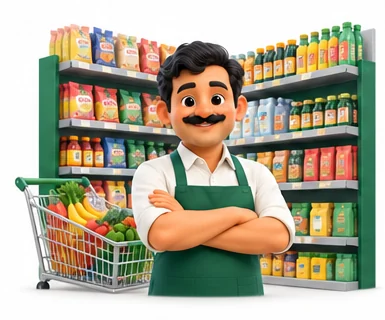
Supermarkets
Stores with several billing counters and thousands of items that need fast checkout and tight stock control.
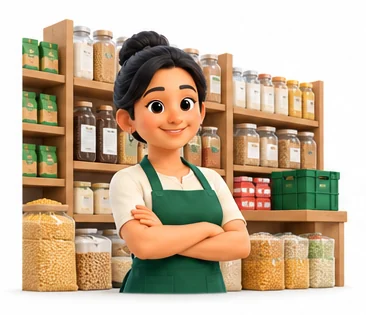
Kirana chains
Owners running a group of neighbourhood stores who want central buying and pricing.

Mini-marts and convenience stores
Shops that want proper purchase and expiry control without a large IT team.
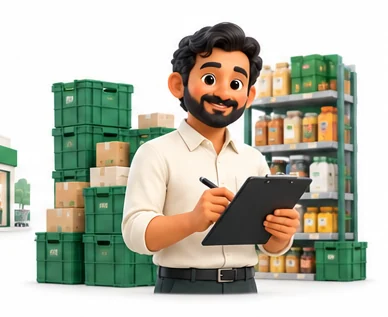
Purchase managers
Staff who plan orders and need clear reorder and supplier reports.
Everything inside Aislo.
Every module shares the same records, so a change made in one place shows up everywhere straight away.
Multi-counter billing
Run billing on many counters at once with barcode scanning and weighed items. All counters update the same stock.
Purchase orders
Raise purchase orders to suppliers, receive goods against them and record supplier bills.
Reorder planning
Set minimum and reorder levels per item and branch. Aislo lists what needs ordering based on sales.

Pricing and offers
Manage MRP, selling price and offers centrally and push them to all branches.
Expiry and batch control
Record batch and expiry on receipt. Get alerts for items close to expiry so they can be cleared first.
Branch stock and transfers
See stock in every branch and move goods between branches or from a central warehouse.

Supplier accounts
Track supplier bills, returns, payments and dues in one ledger.
Sales analysis
See fast and slow movers, margins by category and sales by counter, branch and time of day.
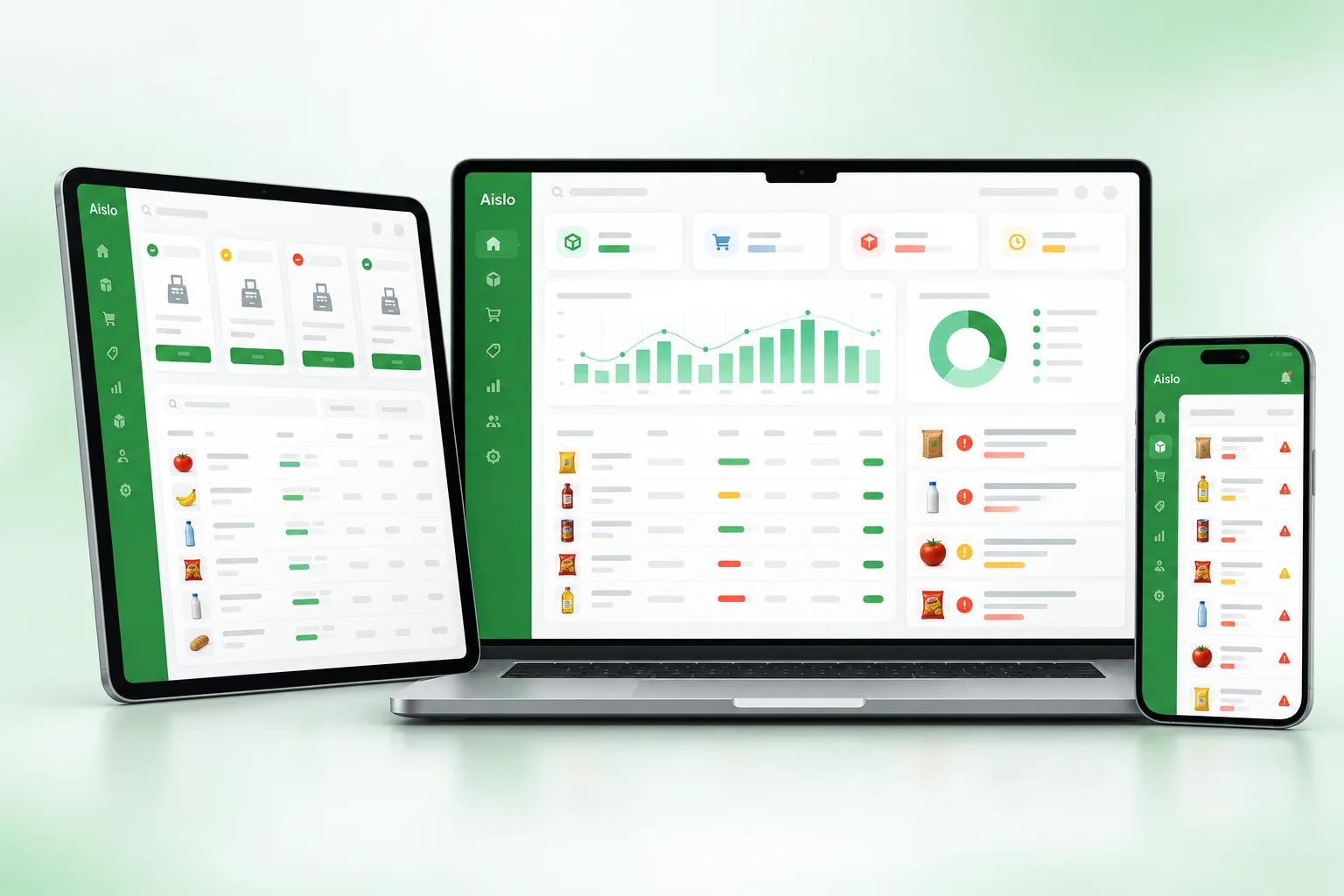
Aislo on every screen you use.
Desktop at the counter, tablet on the floor, phone in your pocket. The same data, updated as it happens.
How work moves through Aislo.
Each step hands over to the next automatically, so nothing is typed twice.
 1
1Plan the order
Your purchase team reviews the reorder list and sends purchase orders to suppliers.
 2
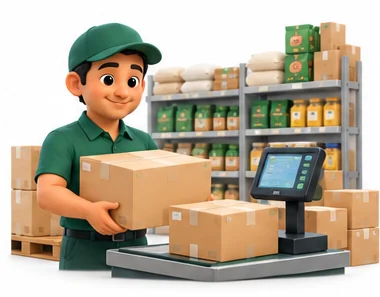
2Receive and price
Goods are received against the order with batch and expiry, and prices are set or updated.
 3
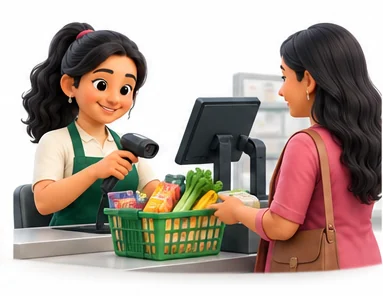
3Bill on every counter
Cashiers bill with barcode scanners and weighing scales while stock updates live.
 4
4Review and act
You check short items, expiring stock and margins, and plan offers or transfers.
The right screens for every person.
Each person signs in with their own login and sees only what their job needs. Every change is recorded in the audit trail.

Owner
Sees sales, margins, fast and slow movers and stock across every branch. Sets central prices and offers, and controls who can adjust stock.

Branch manager
Approves purchase orders and transfers for the branch, checks expiry alerts and reviews sales by counter and time of day.

Cashier
Bills at the counter with barcode scanning and weighed items. Prices and offers come from head office and cannot be changed at the counter.

Purchase staff
Raises purchase orders from reorder lists, receives goods with batch and expiry, and records supplier bills, returns and payments.
Built for the way retail & billing works.
We set Aislo up with your items, prices, taxes and formats, move your existing data across and train your team before you go live.
Works with
- Barcode scanners and label printers
- Weighing scales and barcode label scales
- Thermal receipt printers
- UPI QR and card terminals
- SMS and WhatsApp messages
- Tally export (Excel/XML)
- Excel import for supplier price lists
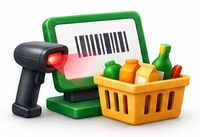 Billing on many counters at once
 Barcode and weighed-item billing
 Purchase orders and goods receipt
 Reorder lists based on sales
 Batch and expiry alerts
 Central pricing for all branches
 Branch transfers and warehouse stock
 Margin and fast-mover reports
Rules followed. Data protected.
Aislo keeps the records your regulators and auditors ask for, and every release is penetration-tested by our own security team before it reaches you.
Indian regulations
3GST invoices and returns
Prints GST bills with HSN codes and keeps sales and purchase data ready for GSTR-1 and GSTR-3B.
FSSAI
Helps you keep batch and expiry records for food items, which supports your FSSAI licence obligations.
Packaged goods and MRP
Records MRP for packaged items so you do not bill above the printed price.
Built-in controls
1Access control and audit trail
Price changes, voids and stock adjustments are limited by role and logged with user and time.
Questions about Aislo, answered.
Straight answers to what owners usually ask before switching to Aislo.

Still have a question?
Talk to someone who knows Aislo, or see it working with your own data.
hello@hexasecurelabs.com01Can Aislo handle loose items sold by weight?
Yes. Weighed items can be billed by weight, and Aislo works with barcode label scales. We check your scale model during setup.
02How does Aislo decide what to reorder?
You set minimum and reorder levels per item. Aislo compares them with current stock and recent sales and lists what to buy.
03Will I know before stock expires?
Yes. Batch and expiry are recorded on receipt, and Aislo alerts you to items nearing expiry so you can clear them first.
04Can I set prices for all branches from one place?
Yes. Prices and offers are managed centrally. You can also allow branch-level prices where needed.
05How many counters can I run?
Aislo runs billing on as many counters as you need. All counters share the same live stock.
More for Retail & Billing

 GST Billing & E-invoice

See Aislo with your own data.
Book a free, no-obligation demo. Tell us about your business and we'll show you exactly how the right application fits.