




























Healthcare
Clinic management software: a practical guide for doctors
How clinic management software helps doctors handle appointments, digital prescriptions, patient history and reminders, plus a checklist to choose the right one.
Hexa Secure Labs ·
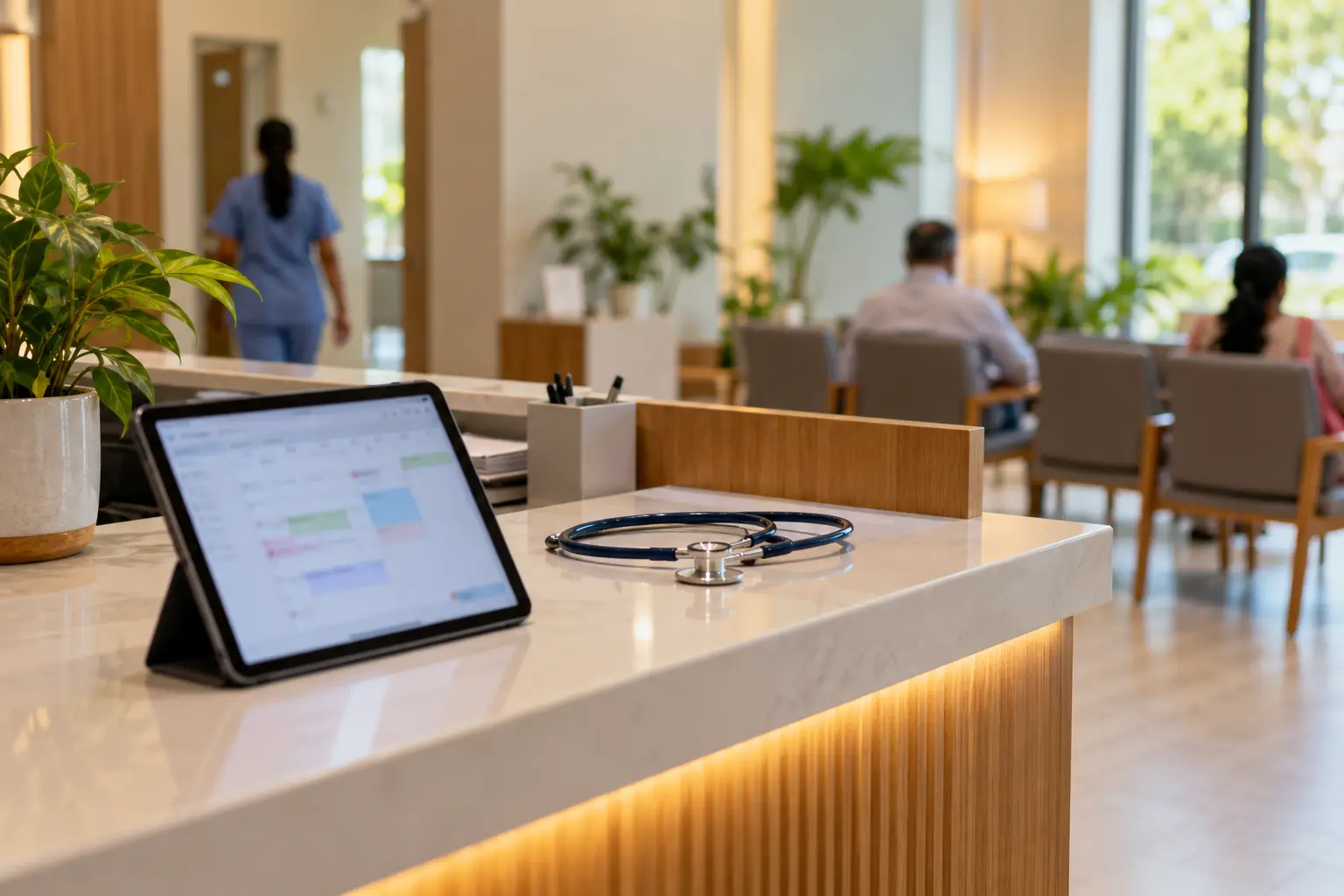
Most clinics do not struggle with medicine. They struggle with everything around it: phone bookings that clash, handwritten prescriptions that are hard to read, paper files that cannot be found when a patient returns, and follow-ups that never happen. Good clinic management software takes that load off the doctor and the front desk so the day runs on time.
This guide explains what software for doctors should actually do, what to check before you choose one, and how appointment and prescription software fits into a normal clinic day.
Why clinics move away from registers and paper files
A paper register works when a doctor sees a handful of patients. It starts to break when the clinic gets busy or adds a second doctor. Common problems include:
- Double bookings and long waits. Phone bookings written in a diary are easy to clash, and the waiting room fills up without anyone knowing who is next.
- Lost history. When a patient returns after six months, the old prescription and reports are often missing or sitting in a different file.
- Unclear prescriptions. Handwriting causes mistakes at the pharmacy and repeat questions from patients.
- Missed follow-ups. Patients who were asked to come back in two weeks simply forget.
- No clear view of the business. The doctor or owner has no easy way to see collections, repeat patients or pending follow-ups.
What clinic management software should do
At its core, clinic software connects four things: the appointment, the consultation, the bill and the follow-up.
Appointments and the queue
Patients should be able to book a slot online, and the front desk should be able to book by phone into the same calendar. Each doctor needs their own calendar showing booked, free and blocked time. When patients arrive, walk-ins and booked patients should join one queue, so the front desk always knows who is waiting for which doctor.
Digital prescriptions
Appointment and prescription software saves the doctor time in the consulting room. Instead of writing from scratch, the doctor picks from saved medicines, doses and templates, then prints or shares a clear prescription with their name and registration details on it.
Complete patient history
Every visit, diagnosis, prescription, vital sign and uploaded report should land in one patient record. At the next consultation, the doctor sees the full picture on screen instead of asking the patient to remember.
Reminders and follow-ups
Automatic SMS or WhatsApp reminders before an appointment reduce no-shows. Follow-up reminders bring patients back when the doctor asked them to, which matters most for dental, eye and other clinics with treatment plans.
Billing and reports
Consultations, procedures and packages should be billed in a few clicks, with payment by cash, UPI or card. Simple reports on daily appointments, new versus repeat patients and doctor-wise collections help the owner run the clinic as a business.
What to look for in clinic software
Use this checklist when you compare options:
- Online booking link you can share or add to your website
- Separate calendars for each doctor, with one shared front-desk queue
- Digital prescriptions from saved templates and medicine lists
- One patient record with visits, prescriptions, vitals and uploaded reports
- Appointment and follow-up reminders by SMS or WhatsApp
- Billing for consultations, procedures and packages with UPI and card
- Works on desktop, tablet and mobile with the same data
- Role-based access so front desk, doctors and owners see only what they need
- Data migration from your spreadsheets or old software
- Clear answers on encryption, backups and security testing
How Clinivo handles it
Clinivo is the clinic management app from Hexa Secure Labs, built for single-doctor clinics, polyclinics, dental and eye clinics, and clinic chains.
- Booking: patients book through an online booking link, or the front desk books by phone. Bookings appear on the doctor's calendar straight away. See how this works on our appointment booking software page.
- Check-in and queue: patients are checked in, issued tokens and placed in the right doctor's queue, with their history ready on screen.
- Prescriptions: doctors write prescriptions from saved medicines, doses and templates, with their name, qualification and registration number printed on it. Common diagnoses and advice can be saved per doctor to cut down typing.
- History: lab reports, scans and images can be uploaded to the patient record so the doctor sees them at the next visit.
- Reminders: appointment and follow-up reminders go out by SMS or WhatsApp, with WhatsApp messages sent through your own WhatsApp Business account. For overdue bills, see our payment reminder software page.
- Reports and branches: daily appointments, repeat patients, doctor-wise collections and pending follow-ups, with consolidated reports if you run more than one clinic.
Clinivo runs in the cloud or on your own server, and every release is penetration-tested by our in-house security team.
FAQ
Can patients book appointments themselves?
Yes. Clinivo gives you an online booking link to share with patients or add to your website, and each booking appears on the doctor's calendar immediately.
Can a doctor write prescriptions on a tablet?
Yes. Clinivo works on desktop, tablet and mobile with the same data, so the doctor can use whichever device suits the consulting room.
Does it suit a clinic with several doctors?
Yes. Each doctor has their own calendar, templates and reports, while the front desk works from one shared queue and patient record.
Can we move our existing patient data?
Yes. Migration from spreadsheets or your old software is included in onboarding.
Want to see Clinivo working with examples from your own clinic? Book a free demo.