




























Every batch, every expiry, every bill in order.
Billing and stock for chemists and medical stores. Track every batch and expiry date, keep schedule-drug registers in order, and reorder from distributors before shelves run empty.
- Batch & expiry tracking
- Schedule-drug register
- Smart reorder

Why Pharmly.
A medical store carries thousands of items in many batches, each with its own expiry date and price. Expired stock is missed, schedule-drug registers fall behind, and shelves run empty because nobody noticed stock was low.
Pharmly handles billing and stock for chemists and medical stores. Every sale picks the right batch, expiry dates are flagged well in advance, and schedule-drug entries go into the register as you bill. Smart reorder lists show what to buy from which distributor before shelves run empty.
Who it's for

Retail chemists
Neighbourhood medical stores that need fast counter billing with correct batch and expiry on every bill.

Hospital pharmacies
In-house pharmacies that bill patients and keep tight control of stock, batches and schedule drugs.

Pharmacy chains
Owners with several stores who want stock transfers and consolidated sales and stock reports.

Surgical and generic stores
Stores selling medicines, surgical items and consumables that need clear stock and reorder control.
Everything inside Pharmly.
Every module shares the same records, so a change made in one place shows up everywhere straight away.
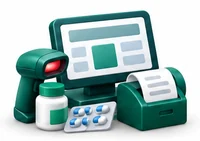
Counter billing
Bill quickly by name, salt or barcode. The batch, expiry and MRP are picked for you, and GST is applied by HSN code.
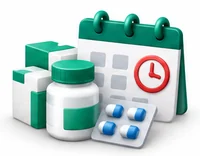
Batch and expiry tracking
Track stock by batch with its expiry date. See items nearing expiry so you can sell, return or replace them in time.

Schedule-drug register
Record schedule drug sales with patient, doctor and quantity details as you bill, and print the register when an inspector asks.
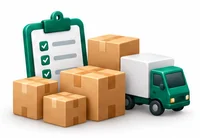
Purchases and distributors
Enter purchase bills with batch, expiry, rate and scheme details. Track what you owe each distributor.

Smart reorder
Get reorder suggestions based on sales and minimum stock levels, grouped by distributor, ready to send as a purchase order.

Returns and expiry claims
Manage sales returns and send expired or damaged stock back to distributors with a clear record of credit due.
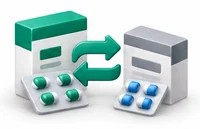
Substitutes and salts
Search by salt or composition to find available alternatives when a brand is out of stock.
GST and accounts
Get GST-ready sales and purchase reports for your returns, and export to Tally as Excel or XML.
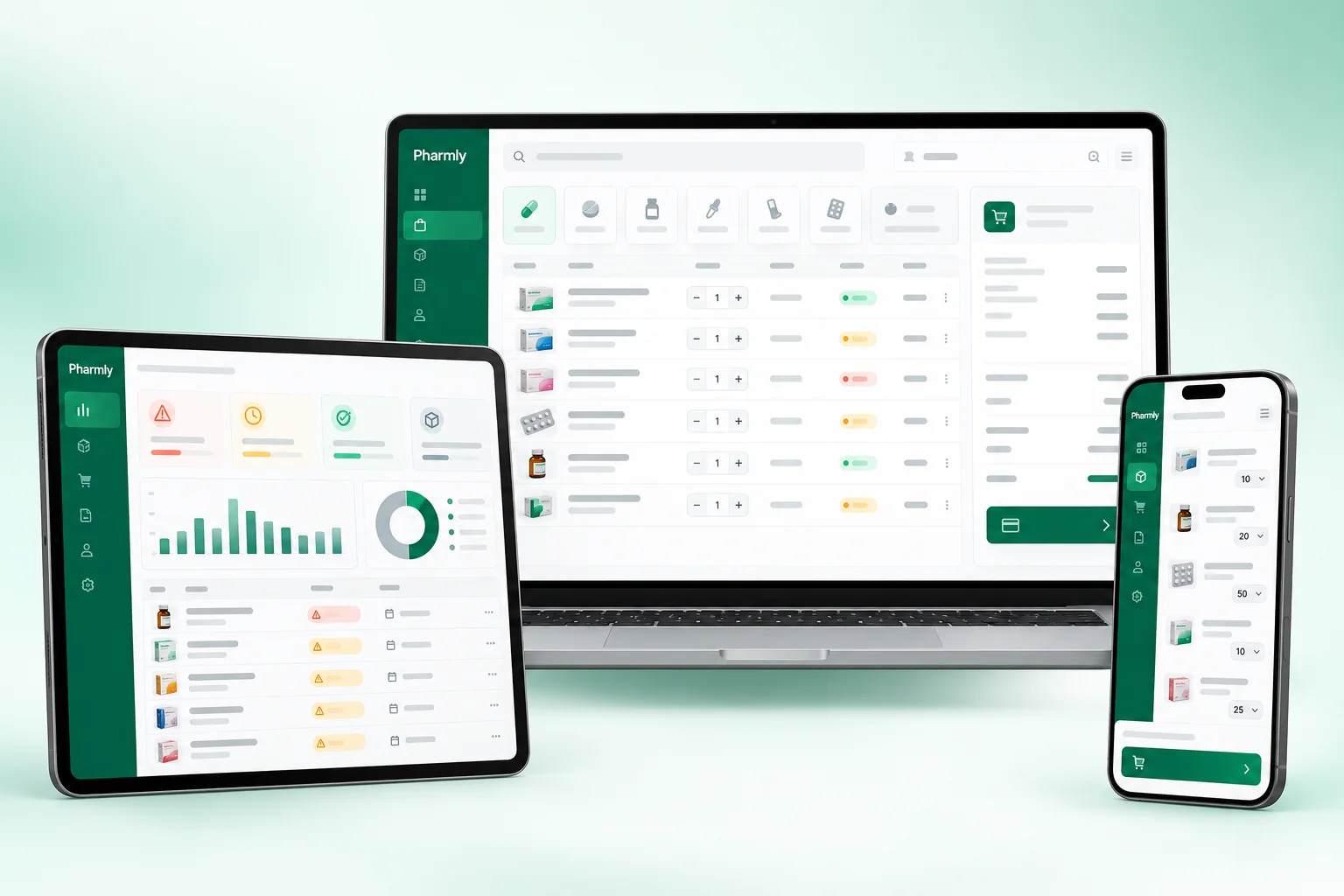
Pharmly on every screen you use.
Desktop at the counter, tablet on the floor, phone in your pocket. The same data, updated as it happens.
How work moves through Pharmly.
Each step hands over to the next automatically, so nothing is typed twice.
 1
1Receive stock
Purchase bills are entered with batch, expiry and rates, so stock is correct the moment it reaches the shelf.
 2
2Bill at the counter
Customers are billed by name, salt or barcode. Schedule drug sales capture the prescription details as you go.
 3
3Check expiry and stock
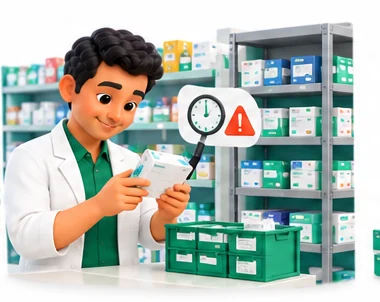
Near-expiry items and low stock are flagged, and expired stock is set aside for return to distributors.
 4
4Reorder and close
Reorder lists are sent to distributors, and the day closes with sales, collections and GST summaries.
The right screens for every person.
Each person signs in with their own login and sees only what their job needs. Every change is recorded in the audit trail.

Owner
Sees sales, stock, expiry and distributor dues, approves returns and expiry claims, and controls who can change rates or adjust stock.

Pharmacist
Bills by name, salt or barcode, finds substitutes when a brand is out, and records schedule-drug sales with patient and doctor details.

Counter staff
Bills common items with batch, expiry and MRP picked automatically. Cannot change MRP or delete bills without permission.

Purchase staff
Enters purchase bills with batch and expiry, sends reorder lists to distributors and manages expired stock returns.
Built for the way healthcare works.
We set Pharmly up with your items, prices, taxes and formats, move your existing data across and train your team before you go live.
Works with
- Barcode scanners and label printers
- UPI QR and card terminals
- SMS and WhatsApp messages
- Tally export (Excel/XML)
- Thermal and A4 printers
- Distributor purchase file import
 Fast billing by name, salt or barcode
 Batch and expiry on every bill
 Near-expiry and expired stock alerts
 Schedule H, H1 and X registers
 Distributor-wise smart reorder
 Expiry returns and credit tracking
 Substitute search by salt
 GST-ready reports and Tally export
Rules followed. Data protected.
Pharmly keeps the records your regulators and auditors ask for, and every release is penetration-tested by our own security team before it reaches you.
Indian regulations
3Schedule H and X
Flags Schedule H and X medicines at billing and keeps the sale details you need for prescription-only and narcotic-category records.
Drug licence details
Prints your drug licence numbers on invoices and stores distributor licence details with each supplier.
GST and HSN codes
Applies GST by HSN code on sales and purchases and gives you the summaries you need for GSTR-1 and GSTR-3B.
Built-in controls
3Schedule H1 register
Records the patient name, prescriber, drug and quantity for Schedule H1 sales so your register is ready for inspection.
Batch traceability
Every sale is linked to a batch, so you can trace and stop a recalled batch quickly.
Security and audit
Role-based access, an audit trail on edits and discounts, and penetration testing of every release by our security team.
Questions about Pharmly, answered.
Straight answers to what owners usually ask before switching to Pharmly.

Still have a question?
Talk to someone who knows Pharmly, or see it working with your own data.
hello@hexasecurelabs.com01Can I bring my item master and current stock?
Yes. We migrate your items, batches, stock and distributor list from spreadsheets or your old software as part of onboarding.
02Does Pharmly keep the Schedule H1 register?
Yes. When you bill a Schedule H1 medicine, Pharmly asks for the patient and prescriber details and adds the entry to the register you can print.
03How does it handle expiry?
Each batch carries its expiry date. You see items nearing expiry in advance, and expired stock is blocked from billing and listed for return.
04Can I bill by salt name?
Yes. Search by brand, salt or composition, and see available substitutes when a brand is out of stock.
05Can I import distributor purchase bills?
Pharmly can import purchase details from distributor files where the format is supported, which saves typing batch and expiry by hand.
More for Healthcare



See Pharmly with your own data.
Book a free, no-obligation demo. Tell us about your business and we'll show you exactly how the right application fits.