



























Orders in, goods out, money back.
Keep distribution moving. Take orders from salesmen in the field, plan delivery routes, set credit limits per retailer, and follow up on collections before they become bad debt.
- Salesman order app
- Route planning
- Credit & collections

Why Supplio.
Distributors juggle field orders, delivery routes and retailers who pay late. Orders written on paper get lost, vans go out half-planned and credit grows until it turns into bad debt. Owners rarely see the full picture in time.
Supplio keeps distribution moving. Salesmen take orders in the field on the order app, and orders reach your office at once. You plan delivery routes, set credit limits for each retailer and track collections against every invoice. Overdue accounts are flagged early, so you can follow up before the money is lost.
Who it's for
FMCG distributors
Distributors who supply many retailers on fixed beats and need fast order taking.
Wholesalers
Wholesale traders who sell on credit and need tight control of dues.

Super stockists
Businesses that supply distributors across a region and need GST and e-way bill records.
Sales and collection teams
Field staff who take orders and collect payments and need a simple mobile tool.
Everything inside Supplio.
Every module shares the same records, so a change made in one place shows up everywhere straight away.
Salesman order app
Salesmen see retailers on their beat, check stock and schemes, and book orders from their phone.
Order processing
Orders from the field and office are checked against stock and credit, then converted to invoices.

Route and beat planning
Group retailers into beats and plan delivery routes so each van covers its stops in order.

Credit limits
Set credit limits and days per retailer. New orders are held when a retailer goes over the limit.

Collections
Record collections by cash, UPI or cheque against invoices, in the office or in the field.
GST invoicing and e-way bills
Issue GST invoices with HSN codes and generate e-way bills for consignments that need them through your portal access.

Schemes and pricing
Set retailer-wise prices, trade schemes and discounts that apply at order and invoice time.

Outstanding and ageing
See dues by retailer, salesman and route, with ageing to spot slow payers early.
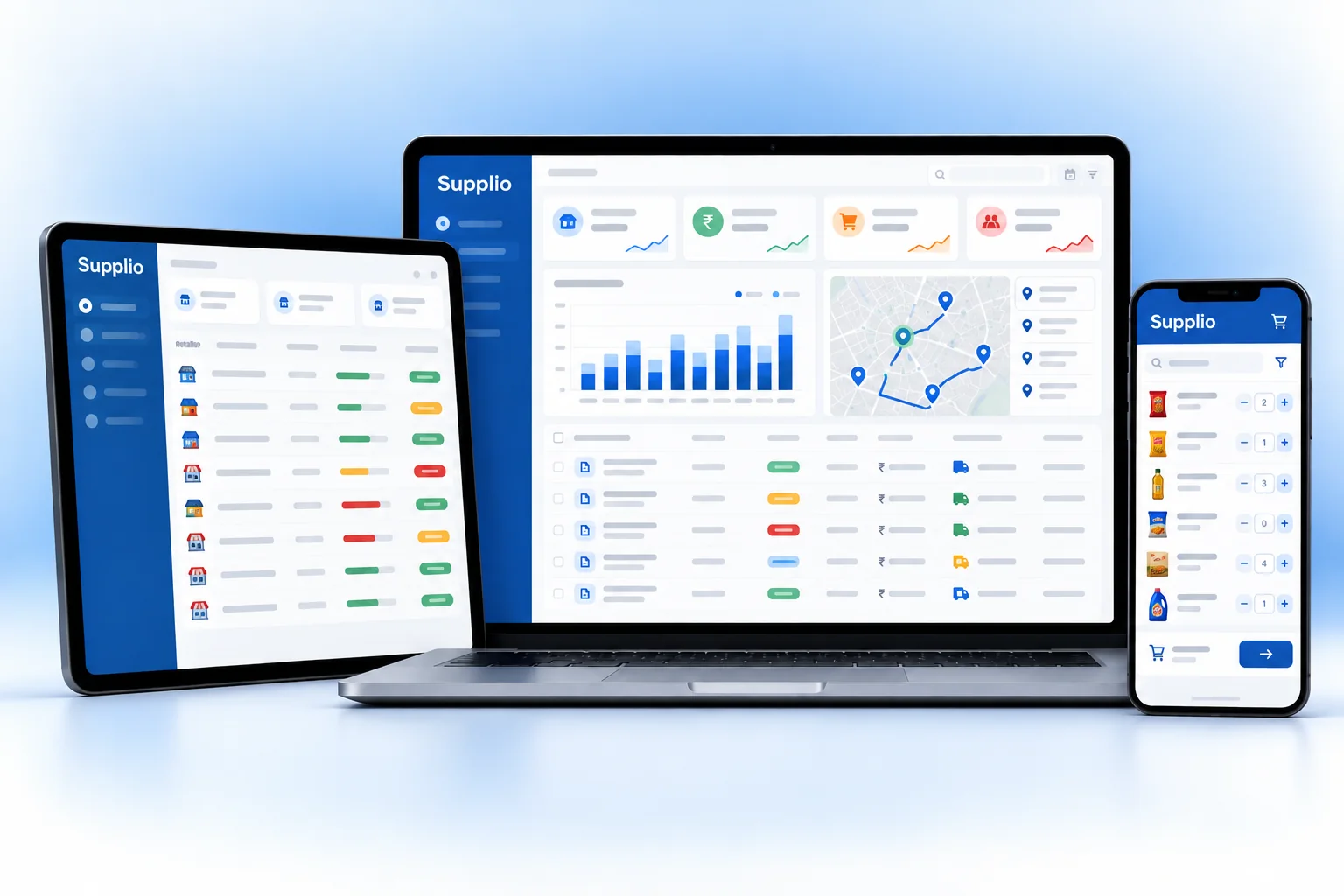
Supplio on every screen you use.
Desktop at the counter, tablet on the floor, phone in your pocket. The same data, updated as it happens.
How work moves through Supplio.
Each step hands over to the next automatically, so nothing is typed twice.
 1
1Take orders
Salesmen visit their beat and book orders on the app. Orders reach the office right away.
 2
2Check and invoice
The office checks stock and credit limits, and creates invoices and e-way bills.
 3
3Deliver on route
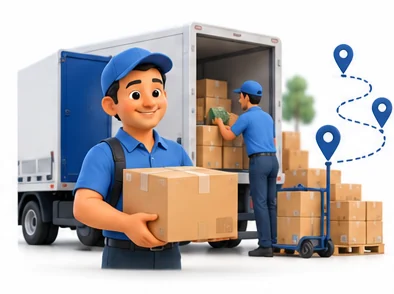
Vans load by route and deliver in order, with delivery confirmed against each invoice.
 4
4Collect and follow up
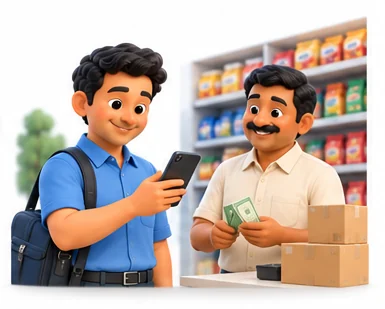
Collections are recorded and overdue retailers are flagged for follow-up.
The right screens for every person.
Each person signs in with their own login and sees only what their job needs. Every change is recorded in the audit trail.

Owner
Sees orders, dues and ageing by retailer, salesman and route, sets retailer prices and schemes, and decides who can override credit limits.

Salesman
Books orders on the beat from a phone, checks stock and schemes, and records collections. Cannot change prices or override credit limits.

Office staff
Checks field and office orders against stock and credit, converts them to GST invoices and generates e-way bills where needed.

Dispatch manager
Plans beats and delivery routes so each van covers its stops in order, and follows up on outstanding collections by route.
Built for the way retail & billing works.
We set Supplio up with your items, prices, taxes and formats, move your existing data across and train your team before you go live.
Works with
- IRP e-invoice through your access
- E-way bill portal through your access
- Android phones for salesmen
- UPI payment links and QR
- SMS and WhatsApp messages
- Tally export (Excel/XML)
- Barcode scanners for the warehouse
 Salesman order app for the field
 Beat and delivery route planning
 Credit limits per retailer
 Collections against each invoice
 GST invoices and e-way bills
 Retailer-wise prices and schemes
 Outstanding and ageing by route
 Salesman performance reports
Rules followed. Data protected.
Supplio keeps the records your regulators and auditors ask for, and every release is penetration-tested by our own security team before it reaches you.
Indian regulations
3GST invoices and returns
Issues GST invoices with HSN codes and keeps data ready for GSTR-1 and GSTR-3B.
E-invoicing
For businesses above the ₹5 crore aggregate turnover limit, connects to the IRP through your access to get the IRN and signed QR code.
E-way bill
Helps you create e-way bills for consignments generally above ₹50,000, using invoice and vehicle details.
Built-in controls
1Access control and audit trail
Credit limit overrides, price changes and collection entries are limited by role and logged.
Questions about Supplio, answered.
Straight answers to what owners usually ask before switching to Supplio.

Still have a question?
Talk to someone who knows Supplio, or see it working with your own data.
hello@hexasecurelabs.com01Do salesmen need a special device?
No. The order app runs on the salesmen's Android phones. Orders sync to the office when they have a connection.
02What happens when a retailer crosses the credit limit?
Supplio warns the salesman and holds the order for approval. Only users you allow can override the limit.
03Can I plan delivery routes?
Yes. You group retailers into beats and routes, and Supplio lists deliveries in route order for each van.
04Does Supplio create e-way bills?
Yes. With your e-way bill portal access connected, you can create e-way bills from the invoice for consignments that need them.
05Can salesmen collect payments?
Yes. Salesmen can record cash, UPI or cheque collections in the app against each invoice, and the office sees them at once.
More for Retail & Billing

 GST Billing & E-invoice

See Supplio with your own data.
Book a free, no-obligation demo. Tell us about your business and we'll show you exactly how the right application fits.