



























Every bottle counted, every outlet in view.
Complete control for liquor shops and wine stores. Bill fast at the counter, track stock brand by brand and size by size, stay ready for excise reports, and see every outlet from one dashboard.
- Excise-ready registers
- Brand & size-wise stock
- Multi-outlet control
Why Cellarix.
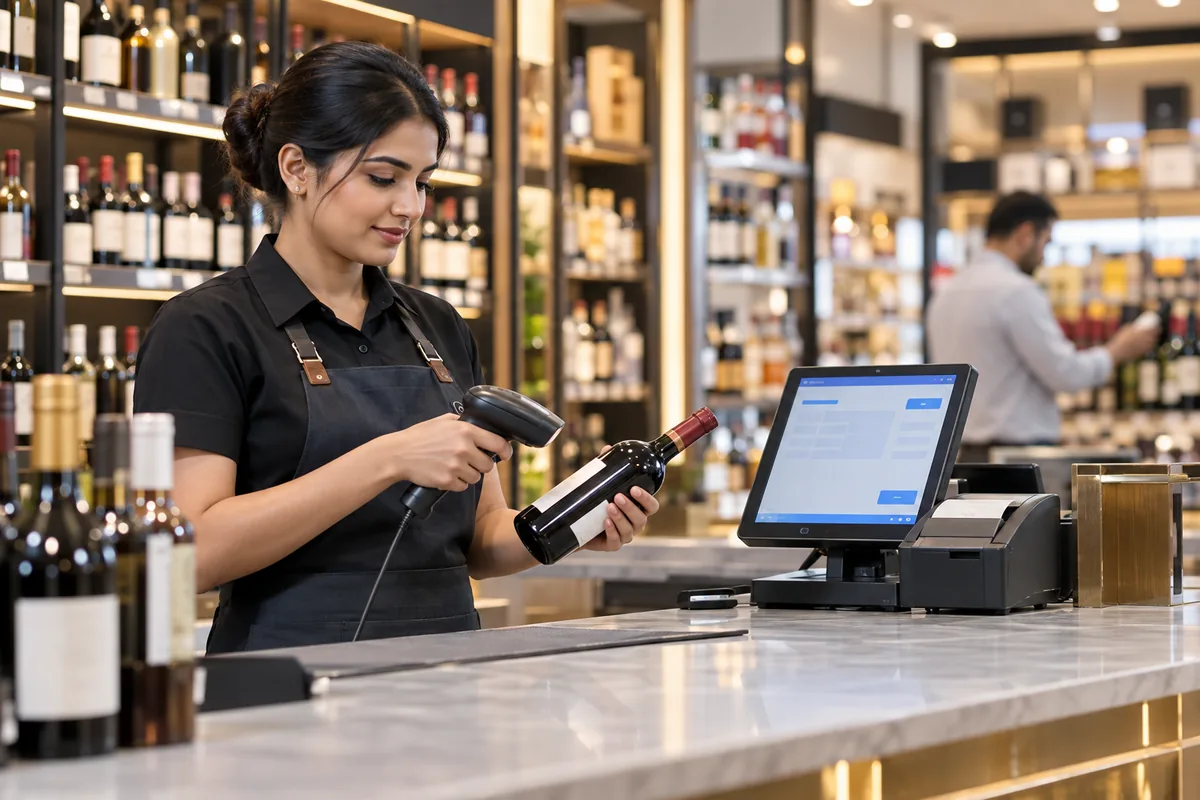
Liquor stores sell hundreds of brands in many sizes, and stock shortages are hard to trace. Excise registers are strict and state-specific, and counter staff are under pressure at peak hours. With more than one outlet, owners often learn about problems too late.
Cellarix gives you fast barcode billing at the counter and tracks stock brand by brand and size by size. Daily sales and excise reports are ready from the same data. Stock transfers between outlets are recorded, and one dashboard shows you sales, stock and cash across every shop.
Who it's for
Liquor shops
Retail licensees who need fast counter billing and accurate brand and size-wise stock.
Wine and beer stores
Specialty stores that track many labels, vintages and pack sizes.
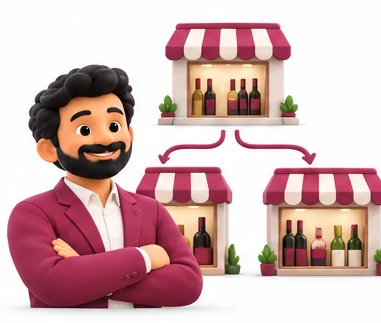
Multi-outlet owners
Owners with several shops who want one view of sales, stock and cash.
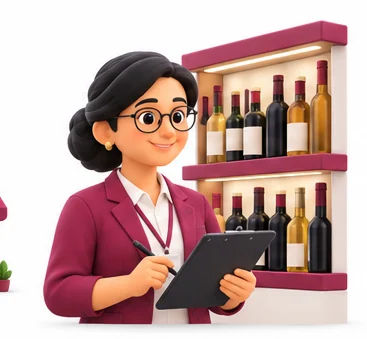
Store managers
Managers who prepare daily registers and must explain every shortage.
Everything inside Cellarix.
Every module shares the same records, so a change made in one place shows up everywhere straight away.
Counter billing
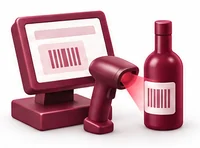
Scan bottle barcodes to bill quickly at peak hours. Prices come from your rate list so staff cannot change them without permission.
Brand and size stock
Track stock for each brand in every size, such as 180 ml, 375 ml, 750 ml and 1 litre. See current stock at any moment.

Batch tracking
Record batch details on purchase so you can trace stock back to the supply it came from.
Purchases and receiving
Enter purchases from depots or suppliers against permits or invoices and update stock on receipt.
Excise registers
Keep daily stock and sales registers in the format your state excise department asks for.
Outlet transfers
Move stock between your outlets with a transfer record, so every bottle is accounted for at both ends.
Cash and shift closing
Close each shift with cash, UPI and card totals checked against the system.
Owner dashboard
See sales, stock value, fast and slow brands and shortages across all outlets from one screen.
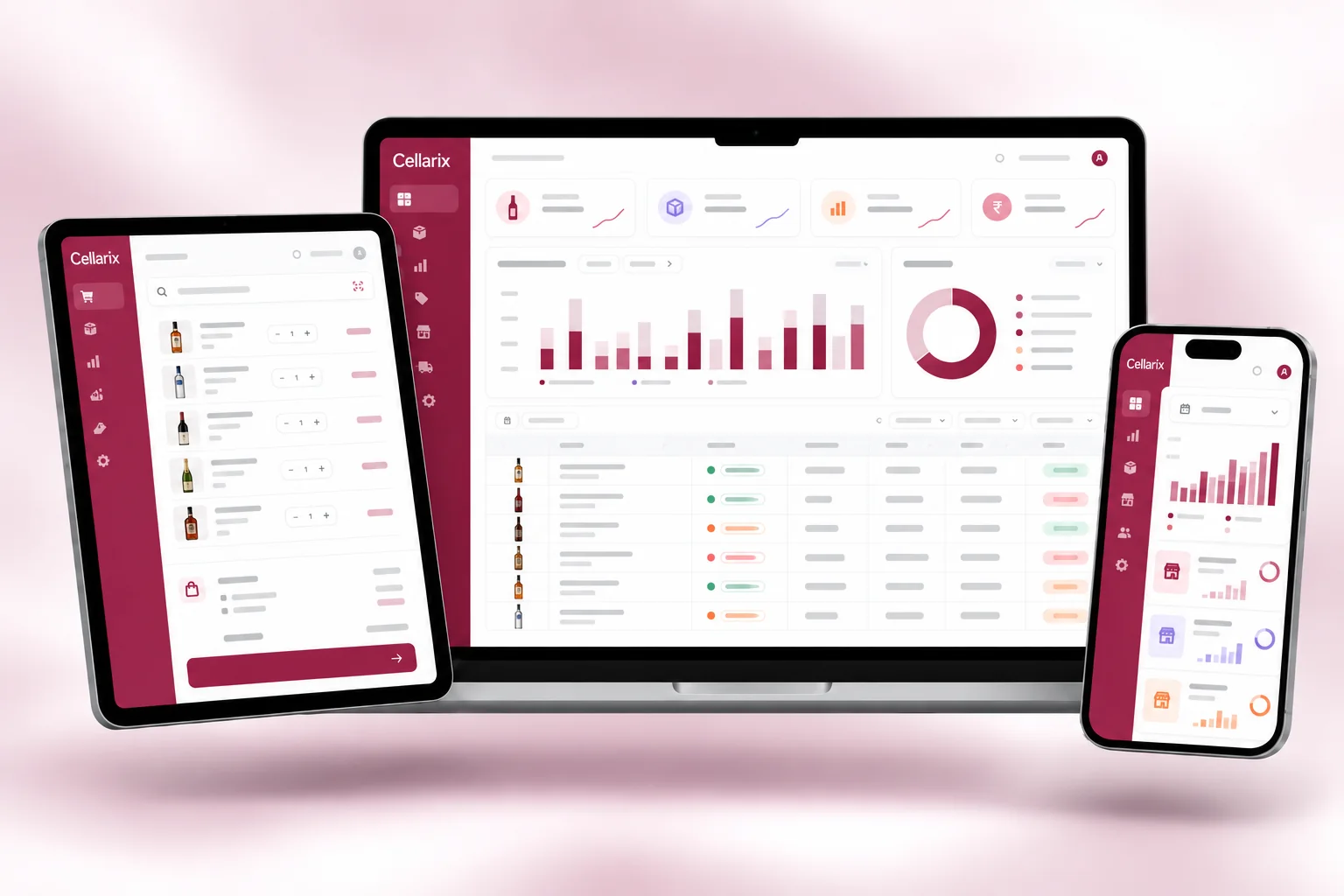
Cellarix on every screen you use.
Desktop at the counter, tablet on the floor, phone in your pocket. The same data, updated as it happens.
How work moves through Cellarix.
Each step hands over to the next automatically, so nothing is typed twice.
 1
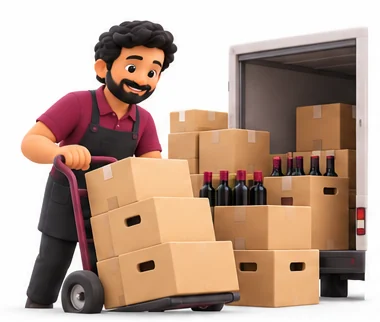
1Receive stock
Your staff enter the purchase and scan bottles in. Stock updates by brand, size and batch.
 2
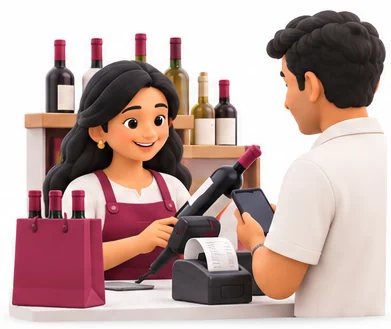
2Bill at the counter
Cashiers scan and bill. Payments by cash, UPI or card are recorded per bill.
 3
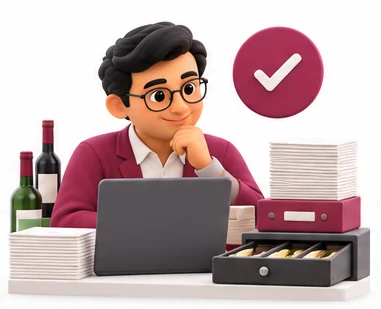
3Close the day
The shift is closed, cash is checked and the daily sales and stock register is ready.
 4
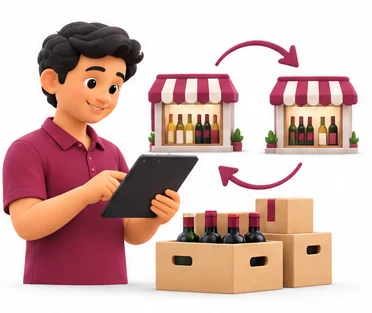
4Review and transfer
You check every outlet on the dashboard and move stock to where it is selling.
The right screens for every person.
Each person signs in with their own login and sees only what their job needs. Every change is recorded in the audit trail.

Owner
Sees sales, stock value, fast and slow brands and shortages across all outlets. Sets rate lists and controls who can change prices or adjust stock.

Outlet manager
Enters purchases against permits, approves outlet transfers, checks shift closings and keeps the daily excise registers for the outlet.
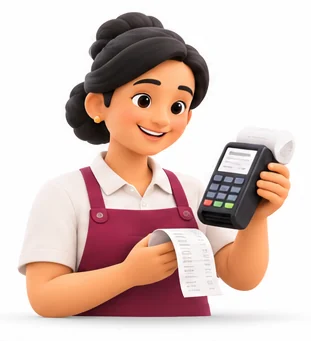
Cashier
Scans bottle barcodes and bills at the counter, takes cash, UPI and card, and closes the shift. Cannot change prices from the rate list.
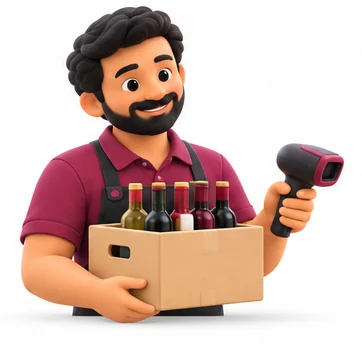
Stock keeper
Receives stock from depots with batch details, records transfers between outlets and checks brand and size-wise stock.
Built for the way retail & billing works.
We set Cellarix up with your items, prices, taxes and formats, move your existing data across and train your team before you go live.
Works with
- Barcode scanners and label printers
- Thermal receipt printers
- UPI QR and card terminals
- Excel export for excise reports
- Tally export (Excel/XML)
- SMS and WhatsApp messages
 Barcode billing at the counter
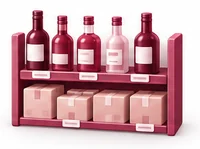 Brand, size and batch-wise stock
 Excise-ready daily registers
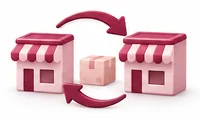 Stock transfers between outlets
 Shift and cash closing
 Fast and slow-moving brand reports
 Price control by user role
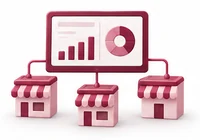 One dashboard for every outlet
Rules followed. Data protected.
Cellarix keeps the records your regulators and auditors ask for, and every release is penetration-tested by our own security team before it reaches you.
Indian regulations
2State excise registers
Excise rules are state-specific, so registers and reports are configured to the format your state requires.
State VAT on liquor
Alcoholic liquor for human consumption is outside GST, so bills can apply the VAT and duties set by your state.
Built-in controls
2Stock reconciliation
Daily stock positions help you match physical stock with records before an inspection.
Access control and audit trail
Role-based access controls who can change prices, delete bills or adjust stock, and each change is logged.
Questions about Cellarix, answered.
Straight answers to what owners usually ask before switching to Cellarix.

Still have a question?
Talk to someone who knows Cellarix, or see it working with your own data.
hello@hexasecurelabs.com01Will the excise registers match my state's format?
Excise rules differ by state. During setup we configure registers and reports to the format your state excise department uses.
02Does Cellarix apply GST on liquor?
No. Alcoholic liquor for human consumption is outside GST. Cellarix applies the state VAT and other charges your state sets.
03Can I track the same brand in different sizes?
Yes. Each size of each brand is tracked separately, with its own price, barcode and stock.
04Can I see all my outlets from home?
Yes. With cloud deployment you see sales, stock and cash for every outlet from your phone or laptop.
05Can staff change prices at the counter?
Only if you allow it. Price changes and bill deletions are controlled by role and recorded in the audit trail.
More for Retail & Billing

 GST Billing & E-invoice

See Cellarix with your own data.
Book a free, no-obligation demo. Tell us about your business and we'll show you exactly how the right application fits.