




























Your clinic, organised from booking to follow-up.
A simple, secure system for clinics and doctors. Book appointments, write digital prescriptions, keep complete patient histories and send reminders so patients come back on time.
- Online appointments
- Digital prescriptions
- Patient history

Why Clinivo.
Busy clinics lose time on phone bookings, handwritten prescriptions and paper files that are hard to find when a patient returns. Missed follow-ups mean patients who should come back simply do not.
Clinivo gives clinics and doctors one simple, secure system. Patients book appointments online, doctors write clear digital prescriptions, and every visit is saved in a complete patient history. Automatic reminders bring patients back on time, and the front desk always knows who is waiting next.
Who it's for

Single-doctor clinics
Doctors who want appointments, prescriptions and patient files in one place without extra staff.
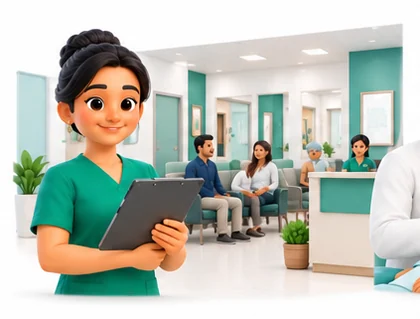
Polyclinics
Clinics with several doctors and specialities that share one front desk and one patient record.
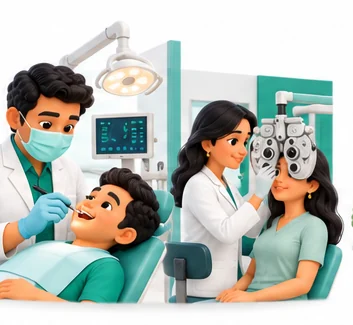
Dental and eye clinics
Practices with repeat visits and treatment plans that depend on reliable follow-up.

Clinic chains
Owners with several locations who want consolidated appointment and collection reports.
Everything inside Clinivo.
Every module shares the same records, so a change made in one place shows up everywhere straight away.
Online appointments
Patients book slots online or the front desk books them by phone. Each doctor's calendar shows booked, free and blocked time.

Front desk and queue
Check patients in, issue tokens and see who is waiting for which doctor. Walk-ins and booked patients share one queue.
Digital prescriptions
Doctors write prescriptions from saved medicines, doses and templates. Print or share a clear prescription with the doctor's registration details.
Patient history
Every visit, diagnosis, prescription, vital sign and uploaded report is saved to the patient record for the next consultation.

Reminders
Send appointment and follow-up reminders by SMS or WhatsApp, so patients return when the doctor asked them to.

Billing and receipts
Bill consultations, procedures and packages, take payment by cash, UPI or card, and print receipts.
Doctor templates
Save common diagnoses, advice and prescription sets per doctor to cut down typing during busy hours.

Reports
See daily appointments, new versus repeat patients, doctor-wise collections and pending follow-ups.
Clinivo on every screen you use.
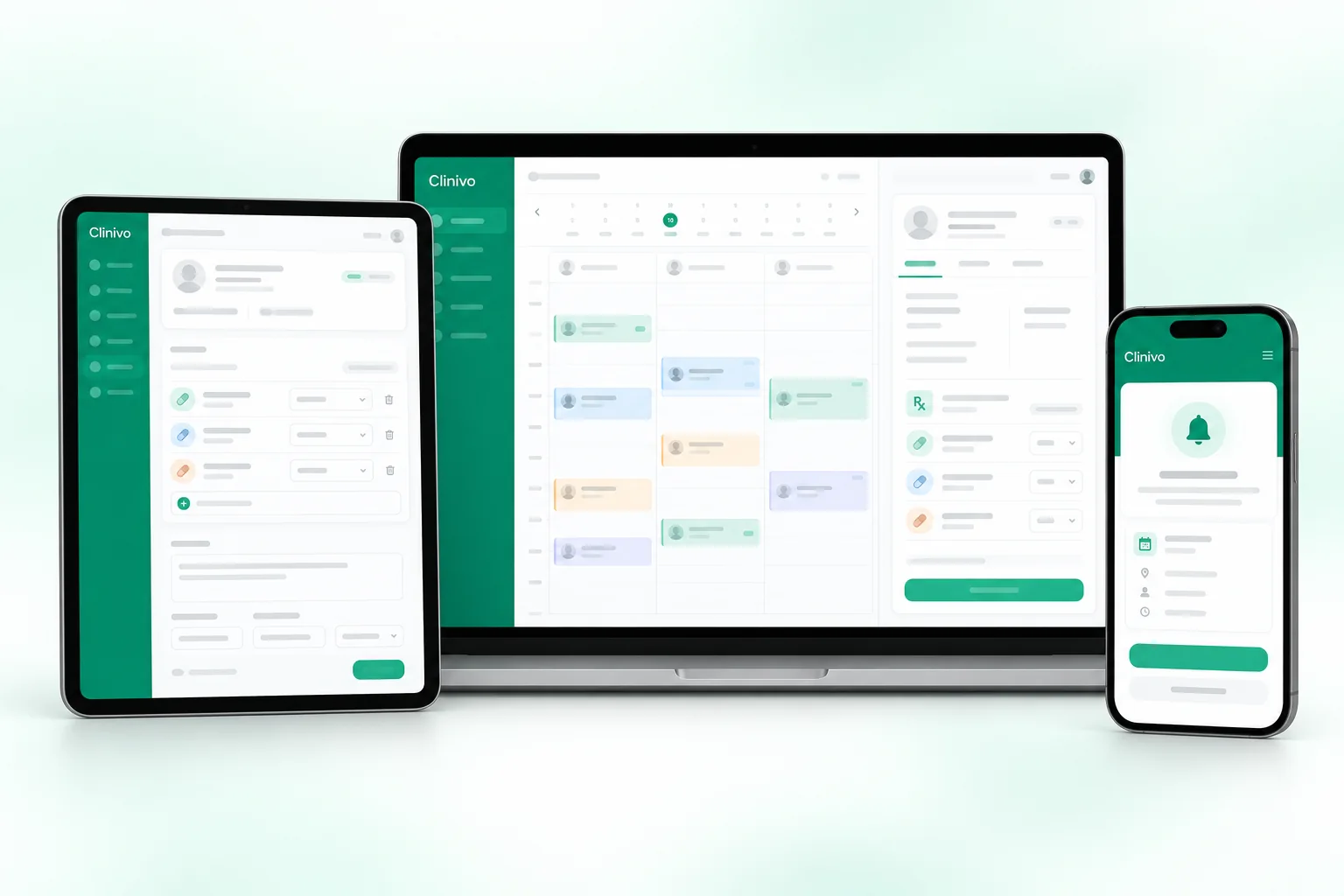
Desktop at the counter, tablet on the floor, phone in your pocket. The same data, updated as it happens.
How work moves through Clinivo.
Each step hands over to the next automatically, so nothing is typed twice.
 1
1Book
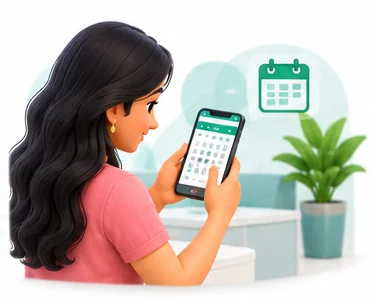
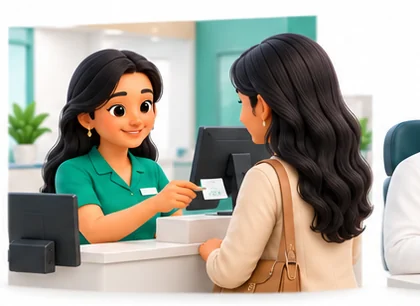
Patients book online or by phone. The front desk confirms the slot and a reminder goes out before the visit.
 2
2Check in
On arrival the patient is checked in and joins the doctor's queue, with past history ready on screen.
 3
3Consult and prescribe
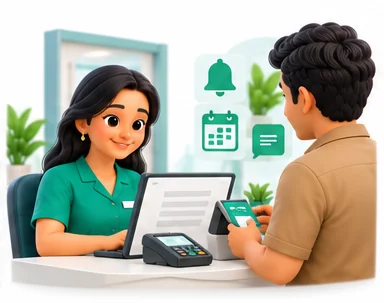
The doctor records findings, writes a digital prescription and sets the next follow-up date.
 4
4Bill and follow up
The front desk bills the visit and takes payment. A follow-up reminder is sent when the next visit is due.
The right screens for every person.
Each person signs in with their own login and sees only what their job needs. Every change is recorded in the audit trail.

Owner
Sees daily appointments, doctor-wise collections, new versus repeat patients and pending follow-ups, and sets what each role can see.

Doctor
Sees own calendar and patient history, writes prescriptions from saved templates and sets follow-ups. Does not handle billing.
Front desk
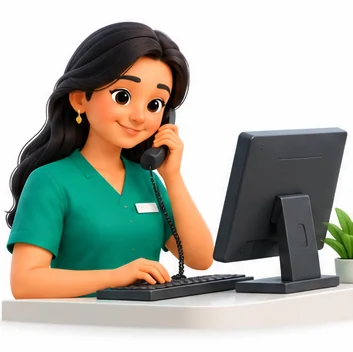
Books appointments by phone, checks patients in, manages the queue, bills consultations and prints receipts. Cannot open prescriptions.
Clinic assistant
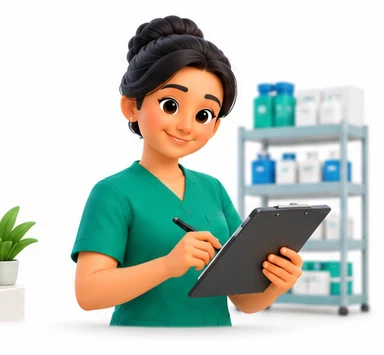
Records vital signs and uploads reports to the patient record before the consultation, and sends appointment and follow-up reminders.
Built for the way healthcare works.
We set Clinivo up with your items, prices, taxes and formats, move your existing data across and train your team before you go live.
Works with
- SMS and WhatsApp messages
- WhatsApp Business through your account
- UPI QR and card terminals
- Online booking link for your website
- Thermal and A4 printers
- Tally export (Excel/XML)
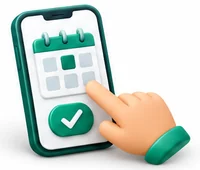 Online appointment booking
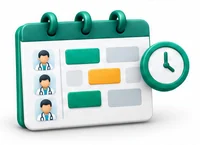 Doctor-wise calendars and queues
 Digital prescriptions from templates
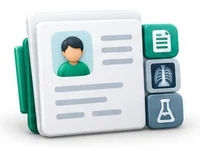 Complete patient history in one record
 SMS and WhatsApp reminders
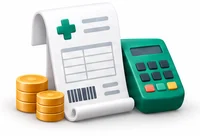 Consultation and procedure billing
 Upload reports and images to the record
 Follow-up and collection reports
Rules followed. Data protected.
Clinivo keeps the records your regulators and auditors ask for, and every release is penetration-tested by our own security team before it reaches you.
Indian regulations
2ABHA and ABDM
Helps you record a patient's ABHA number and is designed to support ABDM health record sharing where your setup allows it.
GST on billing
Handles GST where it applies to non-exempt services or products, with SAC/HSN codes on invoices. Most healthcare services by clinics are exempt.
Built-in controls
4Prescription standards
Prescriptions carry the doctor's name, qualification and registration number, and can list medicines by generic name as medical guidelines expect.
Patient consent
Lets you record patient consent for treatment and for reminder messages, supporting your duties under India's data protection law.
Role-based access
Front desk, doctors and owners each see only what their role needs, and every change is recorded in an audit trail.
Security testing
Every release is penetration-tested by our in-house security team, and data is encrypted and backed up regularly.
Questions about Clinivo, answered.
Straight answers to what owners usually ask before switching to Clinivo.

Still have a question?
Talk to someone who knows Clinivo, or see it working with your own data.
hello@hexasecurelabs.com01Can patients book appointments themselves?
Yes. You get an online booking link to share or add to your website. Bookings appear on the doctor's calendar straight away.
02Can doctors write prescriptions on a tablet?
Yes. Clinivo works on desktop, tablet and mobile with the same data, so a doctor can prescribe on whichever device suits the consulting room.
03Do reminders go by WhatsApp?
Reminders can go by SMS or WhatsApp. WhatsApp messages are sent through your WhatsApp Business account.
04Can we keep old reports with the patient?
Yes. You can upload lab reports, scans and images to the patient record so the doctor sees them at the next visit.
05Does it suit a clinic with several doctors?
Yes. Each doctor has their own calendar, templates and reports, while the front desk works from one shared queue and patient record.
More for Healthcare



See Clinivo with your own data.
Book a free, no-obligation demo. Tell us about your business and we'll show you exactly how the right application fits.