




























More teaching, less admin.
Built for coaching and tuition institutes. Organise batches and timetables, collect fees in instalments, run tests with performance analysis, and send updates to parents automatically.
- Batch timetables
- Instalment fees
- Tests & analysis

Why Batchly.
A coaching institute runs many batches, timings and fee plans at once. Tracking instalments in a register, making timetables by hand and marking tests in spreadsheets takes hours that should go into teaching.
Batchly is built for coaching and tuition institutes. You organise batches and timetables, collect fees in instalments with reminders, and run tests with performance analysis for every student. Parents get attendance, fee and result updates automatically, so your counsellors spend less time on calls.
Who it's for

Coaching institutes
You prepare students for board, entrance or competitive exams across many batches and subjects.

Tuition centres
You run small batches with flexible timings and want fees and attendance under control.

Multi-centre institutes
You have centres in several areas or cities and need one view of admissions and collections.

Faculty and counsellors
Teachers want simple attendance and marks entry, and counsellors want enquiries followed up.
Everything inside Batchly.
Every module shares the same records, so a change made in one place shows up everywhere straight away.

Enquiries and admissions
Record walk-in, call and online enquiries, schedule counselling and follow-ups, and convert them into admissions.

Batches and courses
Set up courses, batches, subjects and capacity. Move students between batches without losing their history.

Batch timetable
Plan batch timetables by faculty and room, avoid clashes and share the schedule with students and parents.

Instalment fees
Set fee plans with instalments, discounts and scholarships. Batchly reminds students before each due date.

Lecture attendance
Mark attendance by batch and lecture. Parents are informed when a student misses class.

Tests and analysis
Run tests, enter marks or import OMR results, and see rank, subject and topic-wise performance for each student.

Parent and student updates
Send attendance, fee reminders, test results and notices by SMS, WhatsApp or the student app.

Faculty records
Track lectures taken by each faculty member, their batches and hours, for planning and payouts.
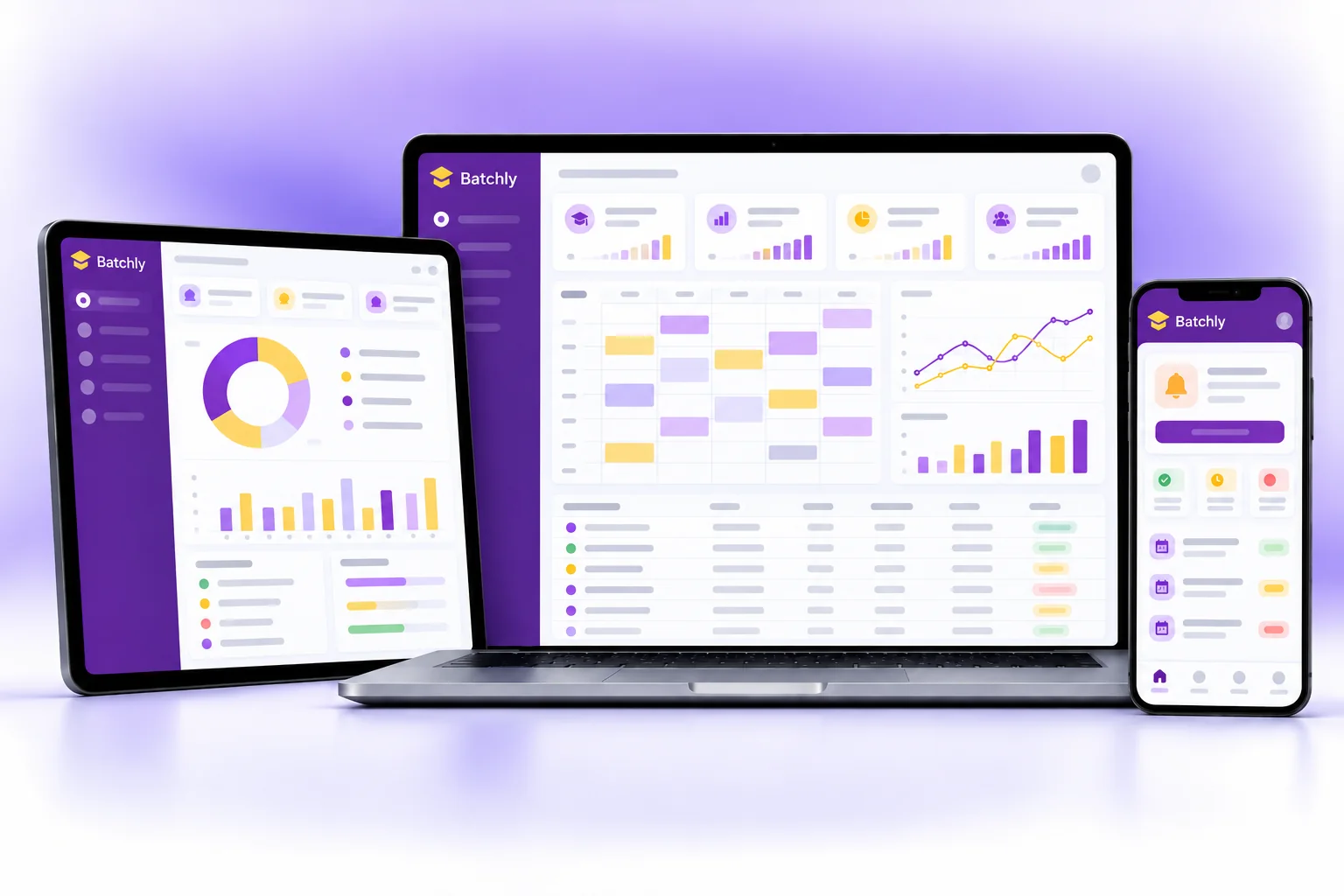
Batchly on every screen you use.
Desktop at the counter, tablet on the floor, phone in your pocket. The same data, updated as it happens.
How work moves through Batchly.
Each step hands over to the next automatically, so nothing is typed twice.
 1
1New enquiry
A student enquires, the counsellor logs it, follows up and admits them to a batch with a fee plan.
 2
2Lectures run
Faculty mark attendance for each lecture. Absent students' parents get an update the same day.
 3
3Fees on time
Batchly sends reminders before each instalment. Payments are recorded with an instant receipt.
 4
4Test and review
Weekly tests are marked, results and ranks go to students and parents, and weak topics are flagged.
The right screens for every person.
Each person signs in with their own login and sees only what their job needs. Every change is recorded in the audit trail.

Owner
Sees admissions, fee collection, batch strength and test results across courses, and sets fee plans, discounts and scholarships.

Counsellor
Records enquiries, schedules counselling and follow-ups, converts enquiries into admissions and collects instalment fees.

Faculty
Marks lecture attendance and enters test marks for own batches, and sees own timetable and lecture hours.

Student and parent
See timetable, attendance, fee due dates, test results with rank and topic-wise performance, and notices.
Built for the way education & services works.
We set Batchly up with your items, prices, taxes and formats, move your existing data across and train your team before you go live.
Works with
- Online fee payment through your gateway
- UPI QR and card terminals at the desk
- SMS and WhatsApp messages
- OMR result import (Excel/CSV)
- Biometric attendance devices
- Tally export (Excel/XML)
- Excel import and export
 Enquiry to admission tracking
 Batch timetables without clashes
 Instalment fee plans and reminders
 Discounts and scholarships
 Lecture-wise attendance
 Test ranks and topic-wise analysis
 Automatic updates to parents
 Faculty lectures and hours
Rules followed. Data protected.
Batchly keeps the records your regulators and auditors ask for, and every release is penetration-tested by our own security team before it reaches you.
Indian regulations
2GST on fees
Coaching fees are generally taxable under GST. Batchly can add GST to fee receipts with your GSTIN and SAC code where it applies.
Data protection
Student and parent data is open only to the right roles, which supports your duties under the Digital Personal Data Protection Act.
Built-in controls
4Fee and refund records
Every fee, discount and refund is recorded with a receipt and approver, which helps you meet fee and refund rules for coaching centres.
Student records
Keeps student age, course, batch and contact details organised, as coaching centre rules in many states ask institutes to maintain.
Audit trail
Changes to fees, marks and attendance are logged with user and time, so records can be trusted.
Security-tested releases
Every release is penetration-tested in-house, and your data is encrypted and backed up regularly.
Questions about Batchly, answered.
Straight answers to what owners usually ask before switching to Batchly.

Still have a question?
Talk to someone who knows Batchly, or see it working with your own data.
hello@hexasecurelabs.com01Can students pay in instalments?
Yes. Set a fee plan with as many instalments as you need. Batchly sends reminders before each due date and tracks what is pending.
02Can I import OMR test results?
Yes. Import results from your OMR software as Excel or CSV, and Batchly works out ranks and subject-wise analysis.
03Is there an app for students and parents?
Students and parents can see timetables, attendance, fees and results. Ask us about app availability for your institute.
04Can I add GST to fee receipts?
Yes. If you are registered, receipts carry your GSTIN, SAC code and GST. Your CA can confirm what applies to your courses.
05Can I run online and offline batches together?
Yes. Both are batches in Batchly, with their own timetable, fees and attendance, so reports cover all students.

See Batchly with your own data.
Book a free, no-obligation demo. Tell us about your business and we'll show you exactly how the right application fits.