


























 chairlySalon & Spa ERP
Full chairs, fewer no-shows.
Everything a salon or spa needs on one screen. Take online bookings, manage staff schedules and commissions, sell packages and memberships, and cut no-shows with automatic reminders.
- Online booking
- Staff & commissions
- Packages & memberships

Why Chairly.
Salons and spas lose money in small ways. A missed appointment, a double-booked stylist, a package nobody tracked, a commission sheet that takes a whole evening to work out. Paper diaries and spreadsheets cannot keep up once you have more than a few chairs.
Chairly puts bookings, staff, clients and billing on one screen. Clients book online or at the desk. Staff schedules and commissions update as services are billed. Packages and memberships are tracked visit by visit, and automatic reminders help cut no-shows.
Who it's for

Unisex and family salons
Owners who need a clear daily appointment book, quick billing and a record of every client visit.

Spas and wellness centres
Teams that sell therapy packages and memberships and need to track sessions used and sessions left.

Beauty and bridal studios
Studios that take advance bookings for long services and need staff time blocked correctly.

Salon chains and franchises
Owners with several outlets who want each branch run the same way and one consolidated view of sales and staff.
Everything inside Chairly.
Every module shares the same records, so a change made in one place shows up everywhere straight away.

Appointment book
A day and week view by stylist and chair. Book, move or cancel appointments and see free slots at a glance.
Online booking
Clients pick a service, stylist and time from a booking link. Bookings land straight in your appointment book.
Billing and GST
Bill services and retail products together, apply discounts and packages, and print or send a GST invoice.

Staff and commissions
Set shifts, leave and service skills for each staff member. Commissions are worked out from billed services and product sales.

Packages and memberships
Sell prepaid packages and memberships, track sessions used and balance left, and set validity dates.
Client records
Keep each client's visit history, preferred stylist, notes on products used and contact details in one profile.

Retail and product stock
Track retail products and back-bar consumables, record usage per service, and see what needs reordering.

Reminders and loyalty
Send appointment reminders, birthday wishes and win-back offers, and reward repeat clients with loyalty points.
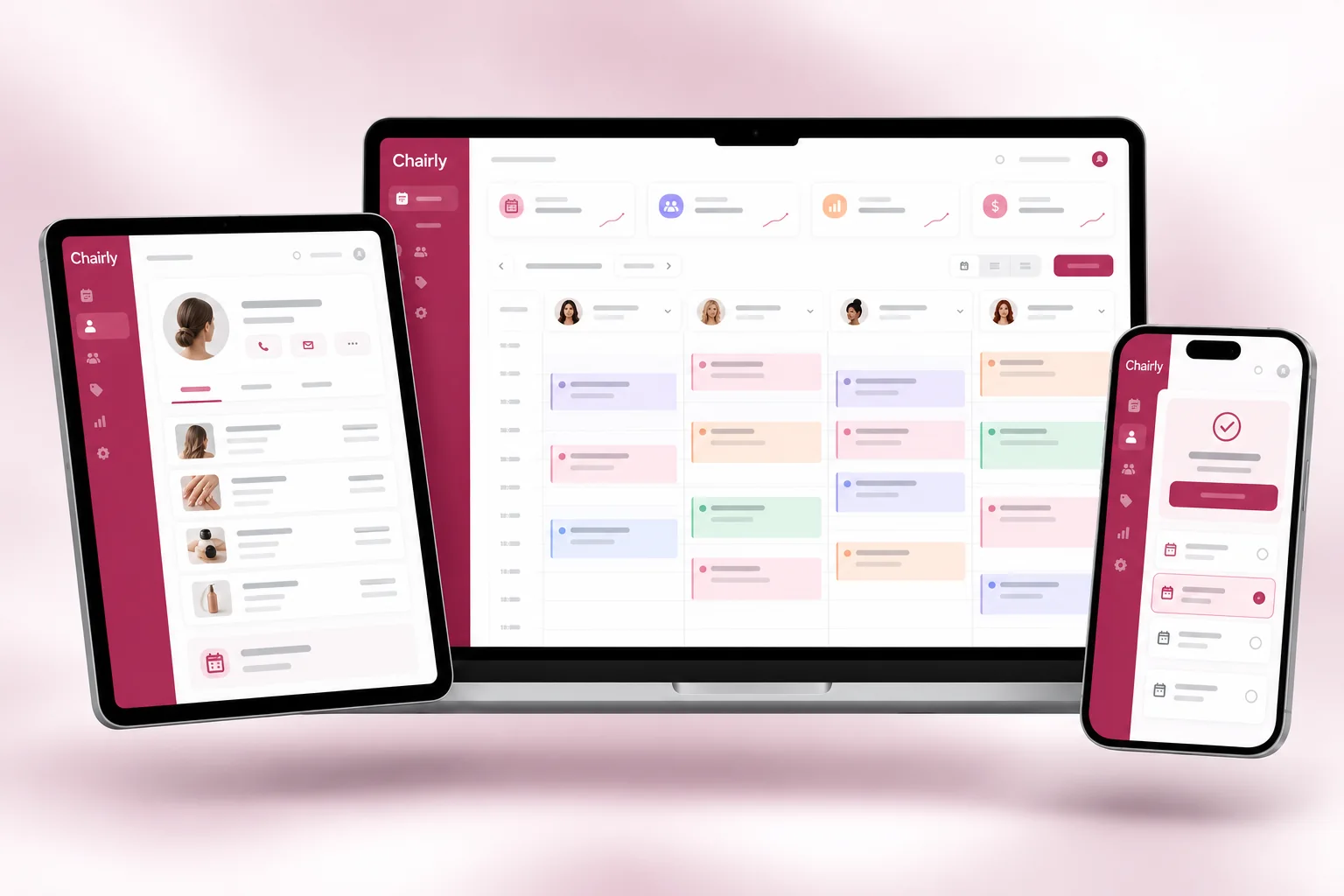
Chairly on every screen you use.
Desktop at the counter, tablet on the floor, phone in your pocket. The same data, updated as it happens.
How work moves through Chairly.
Each step hands over to the next automatically, so nothing is typed twice.
 1
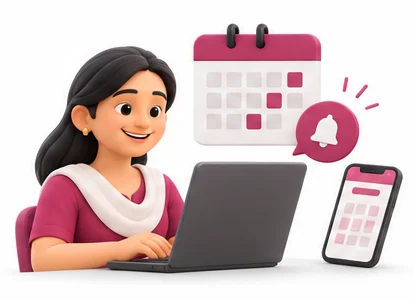
1Bookings come in
Clients book online or by phone, and walk-ins are added at the desk. Reminders go out before each appointment.
 2
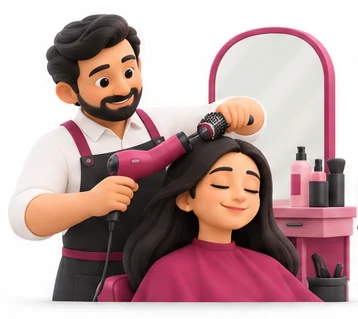
2Services are done
Staff see their day on the appointment book. Each service is marked against the stylist who did it.
 3
3Client pays
The desk bills services and products, applies any package or membership, and takes payment by cash, card or UPI.
 4
4Day closes
You check sales, staff commissions, package balances and stock used, branch by branch, from the owner reports.
The right screens for every person.
Each person signs in with their own login and sees only what their job needs. Every change is recorded in the audit trail.

Owner
Sees bookings, sales, commissions and stock across branches, sets services, packages and prices, and controls who can see client numbers.

Receptionist
Books, moves and cancels appointments, bills services and products, sells packages and memberships, and sends reminders.

Stylist
Sees own appointments for the day and client notes on past services. Cannot see other staff's commissions or change bills.

Salon manager
Sets staff shifts, leave and skills, checks commission reports and reorders retail products and back-bar consumables.
Built for the way hospitality & lifestyle works.
We set Chairly up with your items, prices, taxes and formats, move your existing data across and train your team before you go live.
Works with
- SMS and WhatsApp messages
- UPI QR and card terminals
- Online payments through your gateway
- Thermal receipt printers
- Barcode scanners for retail products
- Tally export (Excel/XML)
- Booking link for website and social pages
 Online and walk-in booking on one calendar
 Automatic appointment reminders
 Commission worked out from billed services
 Packages and memberships with session tracking
 Client history and preferred stylist
 GST invoices for services and products
 Product usage tracked per service
 Branch-wise and consolidated reports
Rules followed. Data protected.
Chairly keeps the records your regulators and auditors ask for, and every release is penetration-tested by our own security team before it reaches you.
Indian regulations
3GST invoicing
Invoices show your GSTIN, SAC codes for services, HSN codes for retail products and the correct tax split, ready for GSTR-1 and GSTR-3B.
Client data privacy
Client phone numbers and notes are visible only to the roles you allow, which helps you handle personal data under India's DPDP Act.
Marketing consent
Record which clients agreed to offers, and send SMS through your DLT-registered sender ID and templates, as TRAI rules require.
Built-in controls
2Discount and refund control
Discounts, cancellations and refunds above a limit you set need a manager's approval and are logged.
Audit trail
Every edit to a bill, booking or commission is recorded with the user and time, so you can check what changed.
Questions about Chairly, answered.
Straight answers to what owners usually ask before switching to Chairly.
Still have a question?
Talk to someone who knows Chairly, or see it working with your own data.
hello@hexasecurelabs.com01Can clients book appointments online?
Yes. You get a booking link to share on your website, Google profile or social pages. Clients choose a service, stylist and time, and the booking appears in your appointment book.
02How are staff commissions calculated?
You set commission rules per staff member, as a percentage or fixed amount per service or product. Chairly works out commissions from billed items, so the monthly figure is ready without a spreadsheet.
03Can I sell packages and memberships?
Yes. Sell prepaid packages and memberships with validity dates. Each visit deducts from the balance, and your desk can see sessions used and sessions left.
04How does Chairly cut no-shows?
Chairly sends automatic reminders before each appointment by SMS or WhatsApp through your own account. Clients can confirm or rebook, and your desk sees gaps early enough to fill them.
05Can I run several outlets?
Yes. Each branch has its own appointment book, staff and stock. As owner you see consolidated sales, commissions and package balances across all outlets.
More for Hospitality & Lifestyle



See Chairly with your own data.
Book a free, no-obligation demo. Tell us about your business and we'll show you exactly how the right application fits.