




























Hospitality
Salon software: bookings, staff commission and packages
Missed appointments, double bookings and commission sheets cost salons money. Here is what salon and spa management software should handle for your team.
Hexa Secure Labs ·
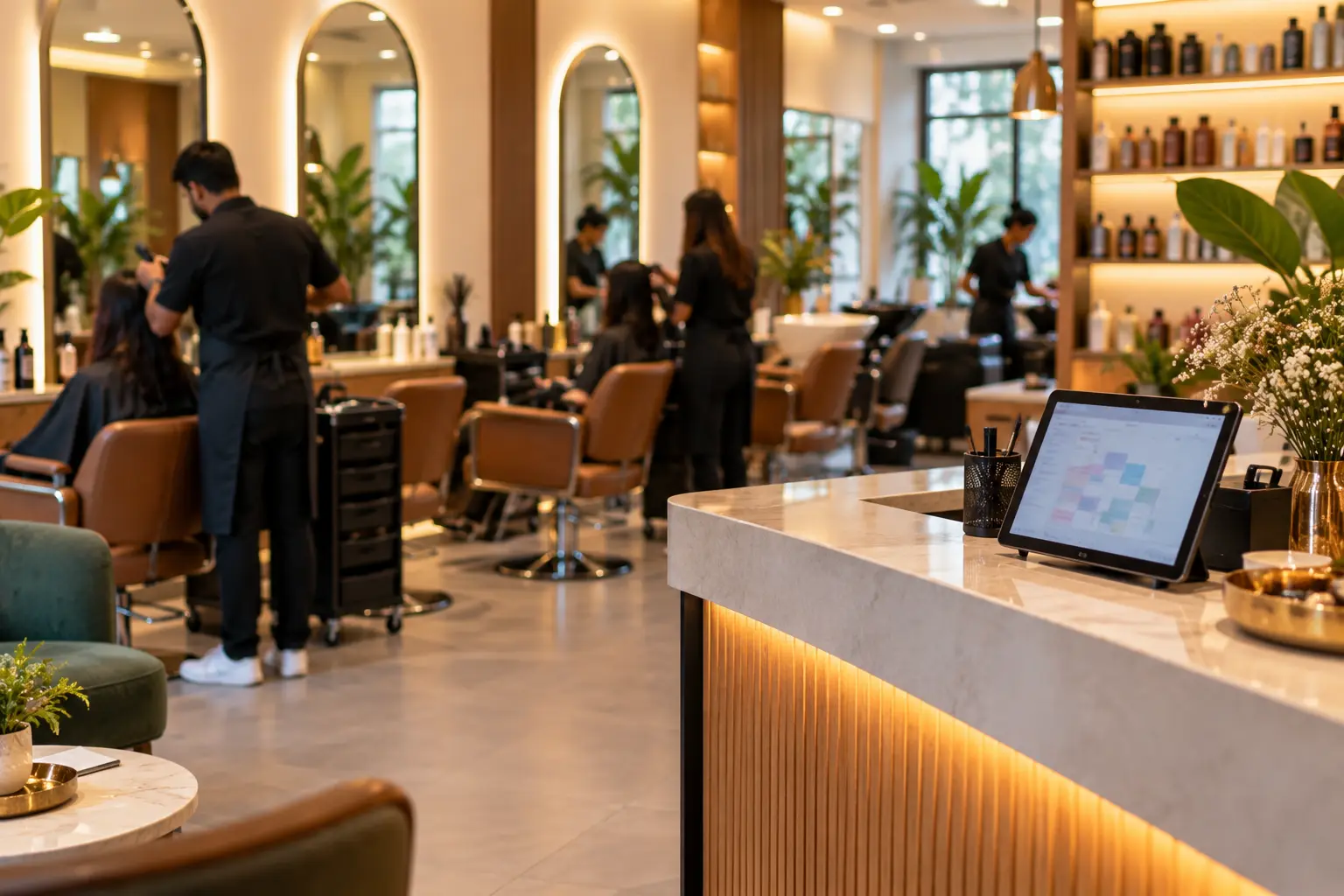
Salons and spas rarely lose money in one big way. They lose it in small ways: a client who forgets the appointment, a stylist booked twice for the same slot, a package nobody tracked, a commission sheet that takes the whole evening to add up. Good salon software brings bookings, staff, clients and billing onto one screen so these small leaks stop.
This guide explains what to expect from a salon booking app and spa management software, and how to choose one that fits your business.
One appointment book for online and walk-in clients
Most salons take bookings in several ways at once: phone calls, messages, walk-ins and online. When these live in different places, double bookings follow.
Your software should keep one appointment book, with a day and week view by stylist and chair. Clients who book online should pick a service, stylist and time from a booking link, and that booking should land straight in the same book the desk uses. Walk-ins are added at the desk. Everyone sees the same free slots.
For long services, such as bridal work, the full time needs to be blocked for the right staff member, so the rest of the day is planned correctly.
Cutting no-shows with reminders
A missed appointment is an empty chair you cannot sell again. Automatic reminders sent before each appointment help clients remember. The same tools can send birthday wishes and win-back offers to clients who have not visited in a while.
If you send SMS offers, remember that India's TRAI rules require a DLT-registered sender ID and approved templates, and you should only send offers to clients who agreed to receive them.
Staff schedules and commissions
Commission is often the most time-consuming part of running a salon. When it is worked out by hand from paper bills, mistakes and arguments follow.
In good salon software, each service is marked against the stylist who did it. Commissions are then worked out from billed services and product sales, automatically. Shifts, leave and each person's service skills should be set up too, so bookings only go to staff who are available and able to do the service.
Packages, memberships and client history
Prepaid packages and memberships bring steady income, but only if they are tracked properly. You need to know how many sessions each client has used, how many are left and when the package expires.
A client profile should hold visit history, preferred stylist, notes on products used and contact details. This helps any staff member give a returning client the same experience.
Billing and product stock
At the desk, services and retail products should be billed together, with discounts and packages applied and a GST invoice printed or sent. Back-bar consumables used in services also need tracking, so you know what is being used and what needs reordering.
What to look for in salon and spa management software
- One appointment book for online, phone and walk-in bookings
- A booking link you can share on your website and social pages
- Automatic appointment reminders
- Staff shifts, leave and service skills
- Commission worked out from billed services and product sales
- Packages and memberships with sessions used and balance left
- Client profiles with visit history and preferred stylist
- GST invoices for services and products
- Retail and consumable stock, with usage per service
- Manager approval for large discounts, cancellations and refunds
- Branch-wise and consolidated reports if you have more than one outlet
How Chairly handles it
Chairly is Hexa Secure Labs' salon and spa ERP. Online and walk-in bookings sit on one appointment book by stylist and chair, and clients can book through a link. Automatic reminders go out before each appointment, along with birthday wishes and win-back offers, and repeat clients can earn loyalty points.
Staff schedules, leave and skills are set for each person, and commissions are worked out from billed services and product sales. Packages and memberships are tracked session by session with validity dates. The desk bills services and products together with a GST invoice showing SAC and HSN codes, and takes payment by cash, card or UPI. Product usage is recorded per service, and owners see sales, commissions, package balances and stock branch by branch.
Read more about appointment booking software and membership management software.
Frequently asked questions
Can clients book a specific stylist online?
Yes. Clients choose a service, stylist and time from the booking link, and the booking appears in your appointment book.
How are staff commissions calculated in Chairly?
Commissions are worked out from the services and products each staff member is billed for, so there is no separate sheet to maintain.
Can Chairly track how many sessions are left in a package?
Yes. Each package and membership shows sessions used, sessions left and the validity date.
Will my client list move over from my old system?
Yes. Client lists, packages and product stock can be migrated from spreadsheets or your old software during setup.
Want to see your own services and staff on the Chairly appointment book? Book a free demo.