




























Retail
Retail POS Software for Kirana Stores and Supermarkets
How to choose retail POS software for a kirana store or supermarket: fast barcode billing, offline mode, GST bills, offers, loyalty and stock that stays right.
Hexa Secure Labs ·
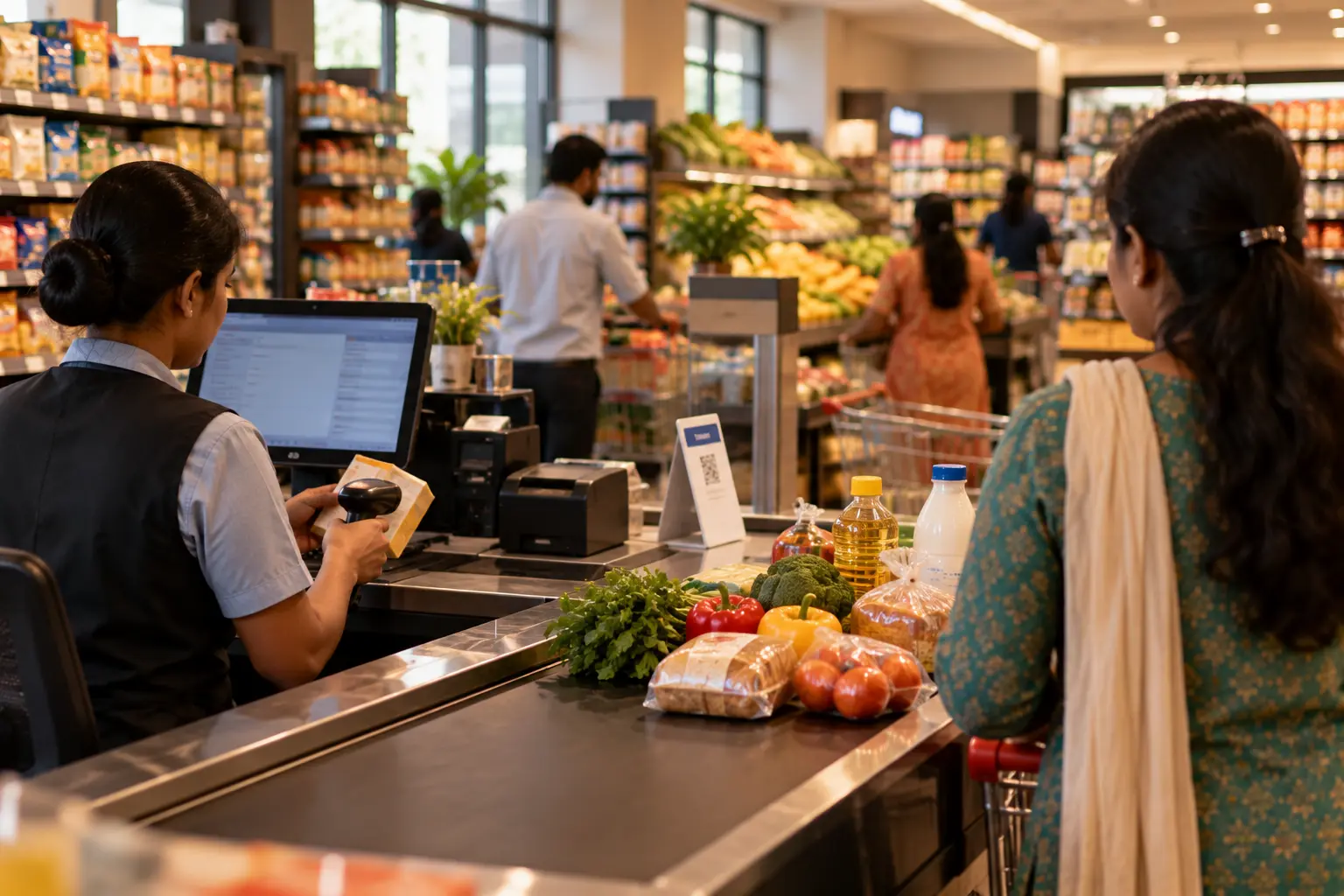
The billing counter is where a shop earns its money, and also where it loses customers. A slow bill, a wrong price or a counter that stops when the internet drops means a longer queue and a customer who may not come back. Good retail POS software fixes this. Whether you run a single kirana store or a supermarket with several counters, the right system makes billing quick, keeps stock accurate and gives you clean numbers at the end of the day.
This guide explains what POS software does, where kirana stores and supermarkets need different things, and what to check before you buy.
What retail POS software actually does
POS stands for point of sale. At the counter, the software scans items, applies the right price and any offer, takes payment, prints or shares the receipt and reduces stock. Behind the counter, it keeps your item master, prices, GST rates and sales reports in one place.
For an Indian shop, that also means every bill should carry GST details and HSN codes, and your sales data should be organised so your CA can prepare GSTR-1 and GSTR-3B without retyping bills.
Kirana store software: what a small shop needs
A neighbourhood store usually has one or two counters, a few thousand items and a lot of regular customers. The priorities are simple:
- Speed at the counter. Barcode scanning for packed goods, and quick search by name or code for items without a barcode.
- Every way to pay. Cash, UPI QR and cards, and sometimes one bill split across two methods.
- Billing that never stops. Internet connections drop. The counter should keep billing and sync later.
- A reason to come back. Loyalty points linked to the customer's mobile number are an easy way to reward regulars.
Kirana store software should also be easy for new staff to learn, because counter staff change often.
Supermarket billing software: what changes at scale
A supermarket or a group of kirana stores has the same basic needs, but more of everything: more counters, more items, more suppliers and often more than one branch. Supermarket billing software has to handle:
- Several counters billing at once, all updating the same live stock.
- Loose items sold by weight, using weighing scales and barcode label scales.
- Purchasing and reorder planning, so popular items do not run out.
- Batch and expiry control, so packaged and perishable goods are sold before they expire.
- Central pricing, with prices and offers set once and pushed to every branch.
At this size, the back office matters as much as the counter. A fast checkout does not help much if half the shelf is empty or expired.
What to look for in retail POS software
Use this checklist when you compare options or sit through a demo:
- Barcode billing, plus search for items without a barcode
- Cash, UPI QR, card and split payments on one bill
- Offline billing that syncs automatically when the internet returns
- GST bills with HSN codes, and GSTR-ready sales reports
- Offers such as buy-one-get-one, percentage and flat discounts that apply on their own
- Loyalty points by mobile number
- Returns and exchanges against the original bill
- Shift closing with cash, UPI and card totals per cashier
- Role-based control over discounts, voids and price changes, with a log of who did what
- Works with standard barcode scanners, receipt printers and cash drawers
- For supermarkets: multi-counter billing, weighed items, purchase orders, reorder lists and expiry alerts
How Hexa handles retail billing
Hexa Secure Labs offers two retail apps, depending on the size of your store.
Tillo is a fast point-of-sale for any kind of shop. Staff scan barcodes, offers apply automatically, and customers pay by UPI, card or cash, or split one bill across methods. Loyalty points are added to the customer's mobile number. Tillo keeps billing when the connection drops and syncs once it returns. Each shift is closed against payment totals, and discounts, voids and price changes are controlled by role and logged.
Aislo is built for supermarkets and kirana chains. It runs billing on as many counters as you need, with barcode scanning and weighed items, and all counters share the same live stock. Purchase orders, reorder lists based on sales, batch and expiry alerts, central pricing and branch transfers are part of the same system. Margin and fast-mover reports show what is selling and what is short.
Both apps print GST bills with HSN codes, keep sales data ready for GST returns and offer Tally export in Excel/XML. You can read more about counter billing on our POS billing software page, and about running several stores on multi-branch management.
FAQ
Does POS software work without the internet?
It depends on the system. Tillo keeps billing on the counter when the internet is down, saves bills locally and syncs them when the connection comes back.
What hardware do I need for a kirana store?
A computer or POS terminal, a barcode scanner and a receipt printer cover most shops. A cash drawer and a card terminal are optional. Tillo works with standard scanners and receipt printers, and we check your existing hardware during setup.
Can supermarket billing software handle items sold by weight?
Yes. Aislo bills weighed items by weight and works with barcode label scales. We check your scale model during setup.
Can I move my items and prices from my old software?
Yes. Items, prices, barcodes and customers can be moved from spreadsheets or your old software as part of setup.
Want to see Tillo or Aislo running with your own items? Book a free demo.