




























Hospitality
Restaurant POS software: KOT, QR ordering and food cost
A practical guide to restaurant POS software for Indian restaurants and cafes: KOT software, QR code ordering, delivery orders, split bills and recipe costing.
Hexa Secure Labs ·
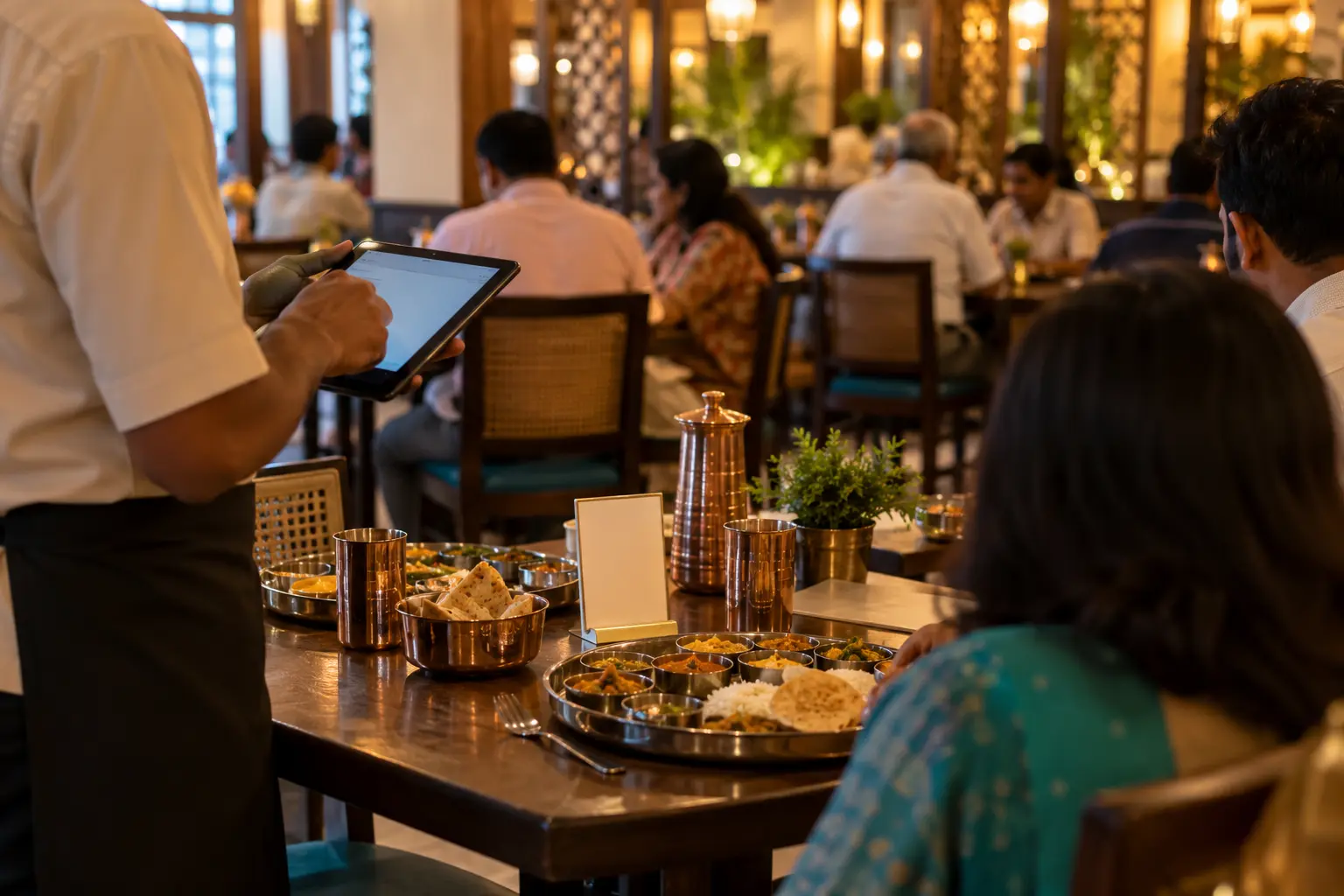
A restaurant runs on speed and accuracy. During the rush, one missed order or one dish sent to the wrong table costs you more than the plate itself. Restaurant POS software keeps the floor and the kitchen in sync, so orders go in correctly, food goes out on time, and the numbers add up at the end of the night.
This guide explains what a modern restaurant POS should do, how KOT software and QR code ordering fit in, and what to check before you choose one.
Where restaurants lose time and money
Most owners will recognise these problems:
- Orders lost between floor and kitchen. A handwritten order is misread, or never reaches the tandoor section.
- Delivery orders typed twice. Orders from delivery apps are re-entered into the billing system by hand.
- Slow billing at the table. Guests want to split the bill or pay part by card and part by UPI, and the cashier struggles.
- Food cost creeping up. Without recipe-level tracking, nobody notices waste or leakage until the month ends.
- Out-of-stock surprises. A guest orders a dish the kitchen ran out of an hour ago.
What restaurant POS software should do
Table management
A live floor plan should show which tables are free, occupied or billed. Staff should be able to move, merge or split tables as guests change plans.
KOT software that routes orders correctly
A kitchen order ticket (KOT) tells the kitchen what to cook. Good KOT software sends each item to the right section, such as the main kitchen, tandoor or bar, the moment an order is placed, either on a printer or a kitchen display screen. Cancelling or changing a KOT after it is printed should need a reason and approval, so there is a clear record.
QR code ordering
With QR code ordering, each table has a QR code. Guests scan it with their phone camera, browse the menu and place an order. Staff confirm it on the POS, and the KOT goes to the kitchen. It reduces waiting for a waiter during busy hours, while staff stay in control of what reaches the kitchen.
Delivery and takeaway on one screen
Delivery app and phone orders should arrive on the same screen as dine-in orders, with order status and rider handover, so nothing is typed twice.
Fast, flexible billing
Bills should support discounts, split bills and split payments by cash, card or UPI. Bills should show your GSTIN, the tax split and your FSSAI licence or registration number.
Recipe costing and stock
When each dish is linked to its recipe, raw material is deducted as you sell. You can then compare expected and actual usage, see food cost per dish and spot waste early. Our inventory management software page covers stock control in more detail.
What to look for in restaurant POS software
- Live table floor plan with move, merge and split
- QR code ordering that staff confirm before the KOT is sent
- KOTs routed to each kitchen section, on printers or kitchen screens
- Delivery app orders on the same screen as dine-in
- Split bills and split payments by cash, card and UPI
- GSTIN and FSSAI number on every bill, with GST reports
- Recipe-level stock, food cost per dish and wastage tracking
- Central menu with different prices by outlet, time or order type
- Approval and logs for KOT or bill changes after printing
- Day-end and shift-wise cash reports
How Tablio handles it
Tablio is the restaurant POS from Hexa Secure Labs, built for fine and casual dining, quick service restaurants and cafes, cloud kitchens and restaurant chains.
- Floor and orders: waiters take table orders on a tablet or phone, guests can order by QR code, and KOTs reach the right kitchen section instantly.
- Delivery: Tablio connects to delivery platforms through your aggregator account, so delivery orders appear alongside dine-in orders without retyping.
- Billing: discounts, split bills and split payments, with your GSTIN and FSSAI number printed on every bill. Service charge can be kept optional and shown separately. Learn more on our POS billing software page.
- Menu: items, variants, add-ons and combos managed centrally, with prices by outlet, time or order type. Items that run out can be marked unavailable on the POS and QR menu.
- Food cost: recipe-level stock, purchase orders, vendor bills, wastage and closing stock.
- Reports: sales, item movement, food cost, wastage, staff, cash and GST, with consolidated reports across outlets.
Tablio runs in the cloud or on-premise on your own server, and works with thermal and KOT printers, kitchen display screens, cash drawers, and UPI and card terminals.
FAQ
How does QR ordering work?
Each table gets a QR code. Guests scan it, browse the menu and place an order. Staff confirm it on the POS and the KOT goes to the kitchen.
Can delivery app orders come into Tablio?
Yes. Tablio connects to delivery platforms through your aggregator account, so orders appear on the same screen as dine-in orders and KOTs go to the kitchen without retyping.
How does recipe costing help?
You link each dish to its ingredients and quantities. As dishes sell, stock is deducted automatically, and you can compare expected and actual usage to spot waste or leakage.
What if the internet goes down during service?
Tablio can run on-premise on your own server, so the floor and kitchen keep working on your local network. Ask us about offline billing options for a cloud setup.
Want to see Tablio running with your own menu? Book a free demo.