




























Retail
Liquor store billing software: stock, counters and excise
Hundreds of brands, many bottle sizes and strict excise registers. Here is what liquor store software should do to keep billing fast and every bottle counted.
Hexa Secure Labs ·
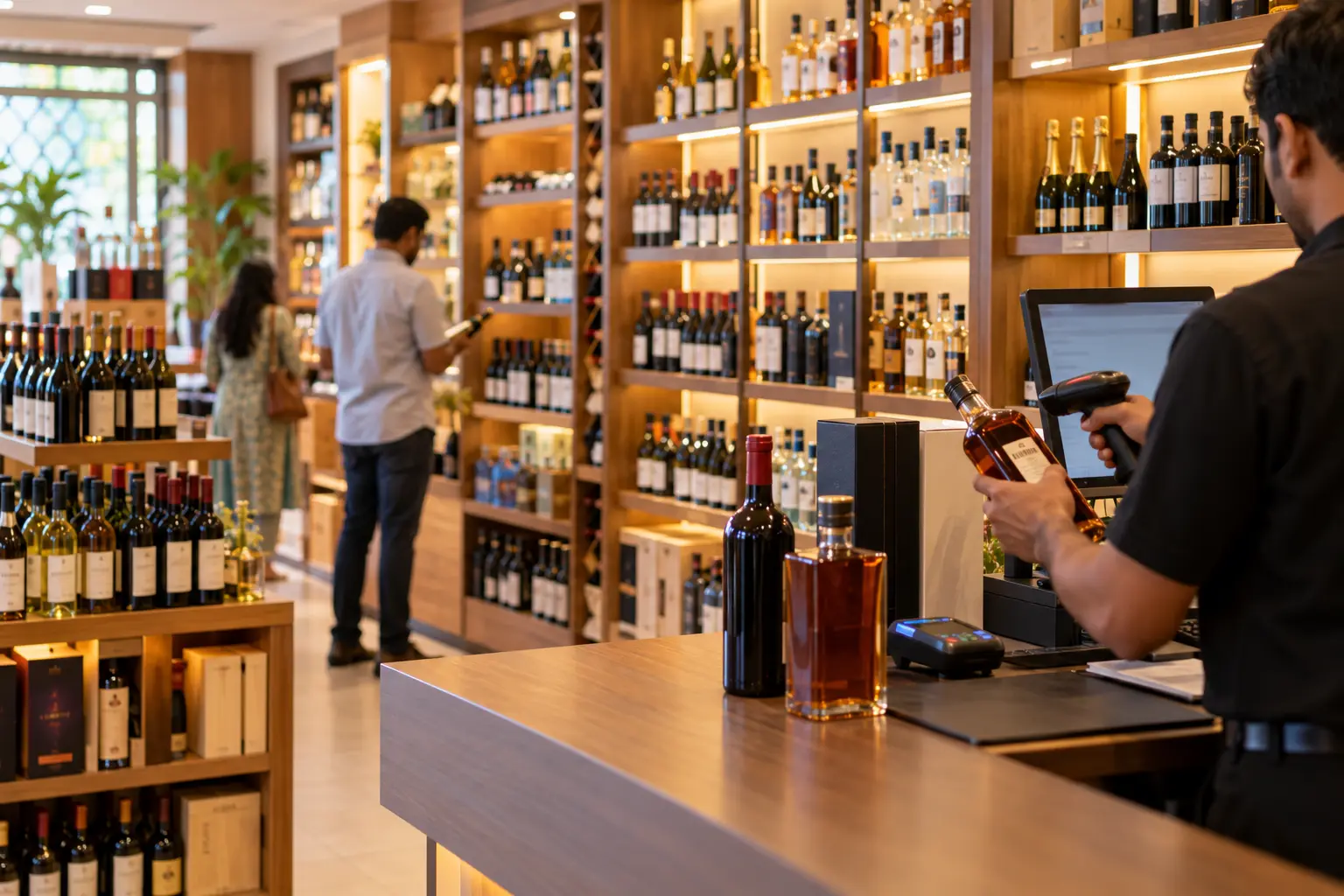
A liquor shop carries hundreds of brands in several sizes each, sells most of them in a rush of a few evening hours, and has to keep registers that the excise department can check at any time. Good liquor store software keeps the counter moving, counts every bottle and has your daily reports ready without a late-night session with the stock book.
This guide explains what wine shop billing software and liquor stock management tools should do, and what to check before you choose one.
Why liquor stock management is different
In most shops, one product is one item. In a liquor store, one brand can be five items: 180 ml, 375 ml, 750 ml, 1 litre and more. Stock has to be counted brand by brand and size by size, or shortages hide in the totals.
Shortages are also hard to trace. A missing case could be a receiving error, a billing mistake, a transfer that was never recorded or theft. Without clean records at each step, there is no way to tell which.
Fast counter billing at peak hours
Most liquor sales happen in a short window. Counter staff need to scan a bottle barcode and bill in seconds. Prices should come from your rate list, not from what the cashier types, so they cannot be changed without permission.
Payments come in as cash, UPI and card. Each bill should record how it was paid, so the shift total can be checked at closing.
Purchases, batches and receiving
Stock should be entered when it arrives, against the permit or invoice from the depot or supplier. Recording batch details at this point means you can trace any stock back to the supply it came from. Once receiving is right, the rest of your stock figures can be trusted.
Staying ready for your state's excise reports
Excise rules are set by each state, and the register formats differ. Rather than one fixed template, your software should let you keep daily stock and sales registers in the format your state excise department asks for. Daily stock positions also help you match physical stock with your records before an inspection.
It is also worth knowing that alcoholic liquor for human consumption is outside GST. Bills need to apply the VAT and duties set by your state instead, so check that the software can do this.
Shift closing and multi-outlet control
At the end of each shift, the cash, UPI and card totals should be checked against the system. If you run more than one outlet, you need two more things: a transfer record whenever stock moves between shops, so every bottle is accounted for at both ends, and one dashboard showing sales, stock and cash across all of them.
What to look for in liquor store software
- Barcode billing that keeps up at peak hours
- Prices locked to your rate list, with changes limited by user role
- Stock by brand and by bottle size, visible at any moment
- Batch details recorded on purchase
- Daily stock and sales registers in your state's excise format
- Bills that apply state VAT and duties
- Shift and cash closing with cash, UPI and card totals
- Outlet-to-outlet transfer records
- Fast and slow-moving brand reports
- An audit trail of price changes, bill deletions and stock adjustments
- Excel export for excise reports and Tally export for your accountant
How Cellarix handles it
Cellarix is Hexa Secure Labs' liquor store ERP. Cashiers scan bottle barcodes to bill quickly, and prices come from your rate list. Stock is tracked by brand, size and batch, and purchases are entered against permits or invoices so stock updates on receipt.
Daily stock and sales registers are kept in the format your state excise department asks for, and can be exported to Excel. Each shift closes with cash, UPI and card totals checked against the system. Stock transfers between outlets are recorded, and the owner dashboard shows sales, stock value, fast and slow brands and shortages across every shop. Role-based access controls who can change prices, delete bills or adjust stock, and each change is logged.
For more on the counter side, see our page on POS billing software. If you run several shops, multi-branch management software covers how outlet-wise control works.
Frequently asked questions
Can liquor store software track the same brand in different bottle sizes?
Yes. Each brand is tracked in every size you stock, such as 180 ml, 375 ml, 750 ml and 1 litre, so you can see exact stock for each.
Does Cellarix produce excise registers for every state?
Excise rules are state-specific, so registers and reports are configured to the format your state requires during setup.
Is GST charged on liquor bills?
Alcoholic liquor for human consumption is outside GST. Cellarix bills apply the VAT and duties set by your state.
Can I see all my outlets from my phone?
Yes. Cellarix works on desktop, tablet and mobile with the same data, and the owner dashboard covers every outlet.
Want to see how your brands, sizes and registers would look in Cellarix? Book a free demo.