





















GST E-invoice Guide for Traders: Step by Step
A step-by-step GST e-invoice guide for Indian traders and distributors: who needs it, how IRN and QR codes work, e-way bills, cancellations and common mistakes.
Hexa Secure Labs · · 7 min read
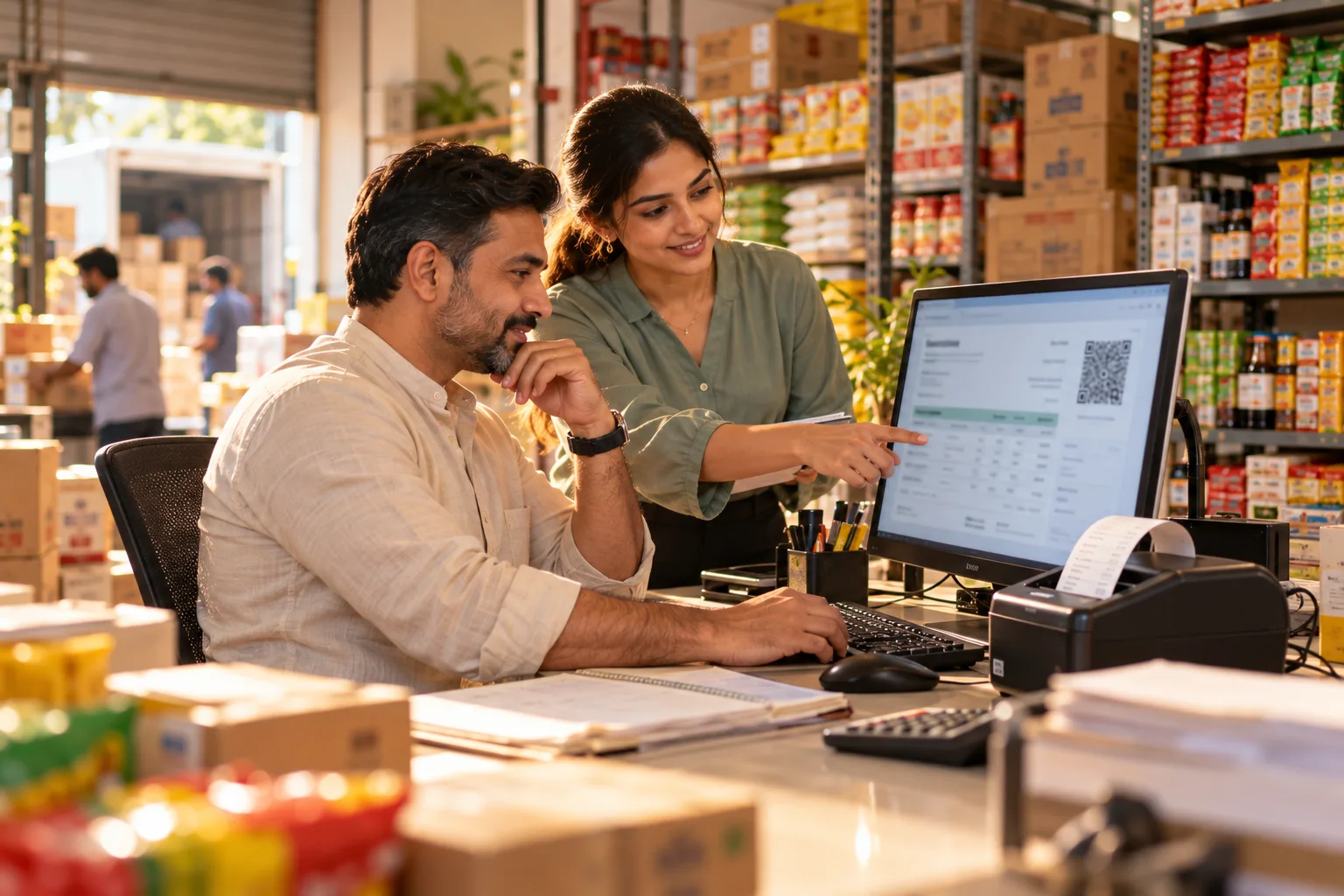
Your turnover has grown, which is good news. Then your CA calls: "From now on, your B2B invoices need to be e-invoices." Suddenly every bill needs an IRN and a QR code, your billing staff are logging in to a separate portal, and a customer refuses to accept an invoice because the QR code is missing. This GST e-invoice guide walks traders and distributors through the process step by step, in plain language, so you can stay compliant without slowing down your counter.
This guide is general information, not tax advice. Rules change, so always confirm details for your business with your CA.
Key takeaways
- E-invoicing applies to B2B invoices once aggregate turnover crosses the notified limit, currently ₹5 crore.
- The invoice is reported to the Invoice Registration Portal (IRP), which returns an IRN and a signed QR code.
- The IRN and QR code must appear on the invoice you give the buyer.
- An e-invoice can be cancelled on the IRP only within 24 hours, and not partly; after that, issue a credit note.
- Billing software that talks to the IRP removes double entry and most errors.
What is a GST e-invoice?
An e-invoice is a B2B invoice reported to the GST Invoice Registration Portal (IRP). The IRP validates the details and returns an Invoice Reference Number (IRN) and a digitally signed QR code. You print both on the invoice.
E-invoicing does not mean the government creates your invoice. You still create it in your own billing software; you simply report it to the IRP and add the IRN and QR code it returns.
Who needs to issue e-invoices?
E-invoicing applies to B2B invoices of businesses whose aggregate turnover has crossed the notified limit, currently ₹5 crore, in any financial year since 2017-18. Some sectors are exempt, so confirm with your CA whether your business is covered.
Once you are covered, it generally applies to:
- B2B tax invoices
- Credit notes and debit notes issued to registered buyers
- Exports, which are treated like B2B supplies for e-invoicing
B2C invoices to consumers are handled differently, so check the current rules for your business.
GST e-invoice process: step by step
Step 1: Confirm you are covered
Check your aggregate turnover for each financial year since 2017-18 with your CA. If any year crosses the limit, plan your switch before the date it applies.
Step 2: Set up IRP access
Your business needs its own access to the IRP. E-invoices and e-way bills are then issued in your name through that access.
Step 3: Clean your masters
Most e-invoice errors come from data: wrong GSTINs, missing state codes, incorrect HSN codes or tax rates. Check your customer and item masters before you start.
Step 4: Create the invoice as usual
Your staff select the customer and items in your billing software. GST rates, HSN codes and the tax split fill in from your records.
Step 5: Report it and get the IRN
The invoice details are sent to the IRP. If they pass validation, the IRP returns the IRN and a signed QR code.
Step 6: Print the IRN and QR code
Add the IRN and QR code to the invoice before you give it to the buyer.
Step 7: Create the e-way bill if needed
If goods are being moved and the consignment needs an e-way bill, generally above ₹50,000, create it from the same invoice data, with vehicle and transporter details added.
Step 8: Reconcile in your returns
E-invoice data flows into your GSTR-1 reporting, so B2B sales are not typed twice. Your CA reviews and files your returns.
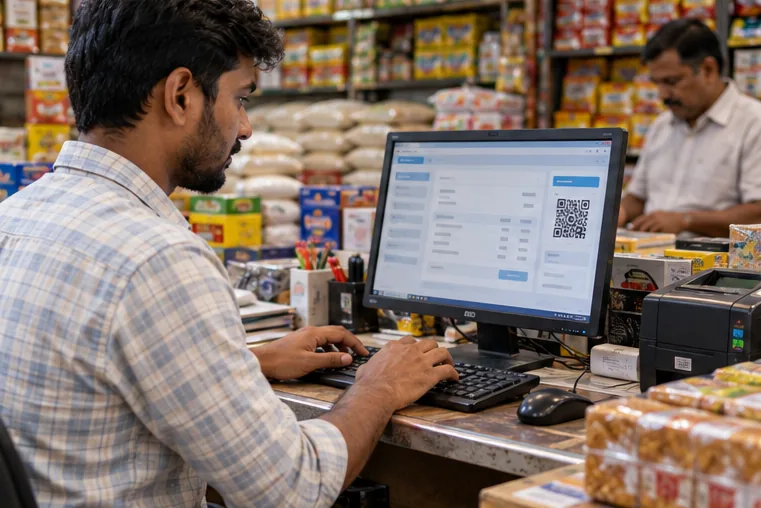 Once billing software is connected to the IRP, the IRN and QR code come back onto the invoice in the same step.
Manual portal entry vs integrated e-invoice software
| Typing invoices on the portal | Integrated e-invoice software | |
|---|---|---|
| Data entry | Invoice entered twice | Invoice made once, details sent to the IRP |
| Errors | Typing mistakes in GSTIN and HSN | Details from your customer and item masters |
| E-way bill | Separate portal and more typing | Created from the same invoice |
| Returns | B2B sales re-entered | E-invoice data flows into GSTR-1 reports |
| Control | Anyone with the login | Role-based access and audit trail |
Common e-invoice mistakes and how to avoid them
- Wrong buyer GSTIN. Validate GSTINs when you add customers, not when you bill.
- Incorrect HSN codes or tax rates. Keep your item master correct and reviewed.
- Missing the 24-hour cancellation window. Under the GST rules an e-invoice can be cancelled on the IRP only within 24 hours of generation, and not partly. After that, issue a credit note.
- Issuing the invoice before the IRN arrives. Make sure the invoice the buyer receives carries the IRN and QR code.
- Reporting late. Time limits for reporting invoices to the IRP have been introduced for some larger businesses. Check the current rule with your CA.
- Sharing one login. Use role-based access so only the right people can create or cancel invoices.
Want to see how this works on your own invoices? Book a free Moharbill demo and we will walk through an e-invoice and e-way bill with sample data from your business.
How Moharbill handles e-invoices
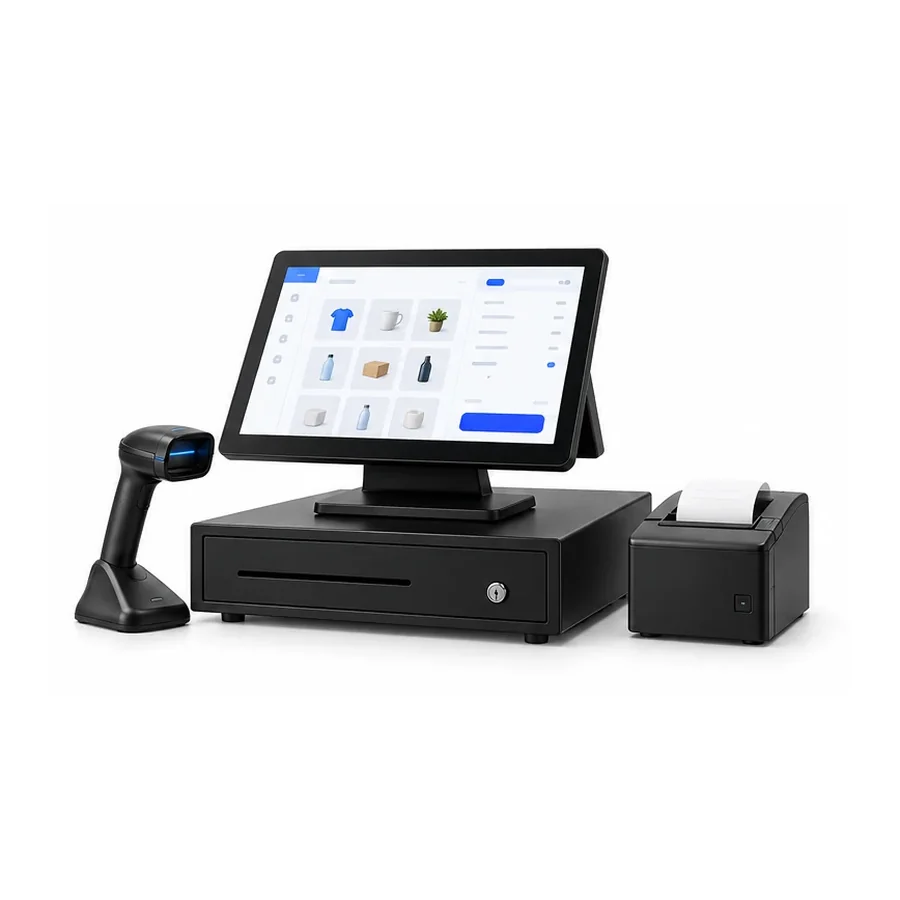
Moharbill is Hexa's GST billing software for traders, stockists and distributors. For e-invoicing, it:
- Creates tax invoices, bills of supply, credit notes and debit notes with HSN/SAC codes, applying CGST and SGST or IGST from the place of supply
- Sends eligible B2B invoices to the IRP through your access and prints the returned IRN and signed QR code on the invoice
- Generates e-way bills from the invoice for consignments that need one, with vehicle and transporter details filled from your records
- Prepares GSTR-1 and GSTR-3B ready reports and HSN-wise summaries that your CA can check and file
- Limits who can edit or cancel invoices by role, and logs every change with user and time
- Gives your CA a secure, role-based login to view books and download reports
Invoices go to customers by email or WhatsApp, payments are recorded against them, and reminders go out for overdue bills. You can read more on our e-invoice software and GST billing software pages.
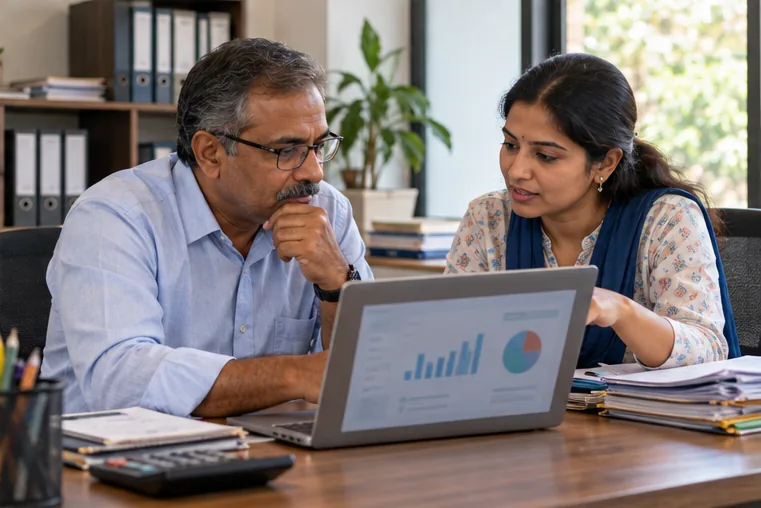 With returns-ready reports and a secure CA login, month-end becomes a review instead of a rush.
"E-invoicing will slow down my billing counter"
With integrated software, the extra step happens in the background while the invoice is saved. Your staff bill as usual and the IRN and QR code come back onto the invoice. The slow part, typing invoices again on a portal, disappears.
"My CA handles all this"
Your CA files returns, but invoices are created at your counter, every day. E-invoicing has to happen when the invoice is made, not at month-end. The good news is that clean e-invoice data makes your CA's job easier too.
"I'm not above the limit yet"
Then this is the best time to prepare. Clean your masters, choose billing software that supports e-invoicing, and train your staff before it becomes mandatory for you.
Your e-invoice readiness checklist
- Confirm with your CA whether and from when e-invoicing applies to you
- Set up your IRP and e-way bill portal access
- Clean customer GSTINs, addresses and state codes
- Check HSN codes and tax rates in your item master
- Choose billing software that reports invoices to the IRP through your access
- Decide who can create and cancel invoices
- Train staff on the 24-hour cancellation rule and credit notes
- Plan how invoices and payment reminders reach customers
Stay compliant without slowing down
E-invoicing is now part of doing business for growing traders. With the right setup, it removes double entry, catches errors early and keeps your books ready for your CA.
Explore Moharbill, see our retail and billing software, read how to collect outstanding payments faster, or book a free demo.
Frequently asked questions
Who needs to issue GST e-invoices?
Businesses whose aggregate turnover has crossed the notified limit, currently ₹5 crore, in any financial year since 2017-18, for their B2B invoices. Some sectors are exempt, so confirm with your CA.
What are the IRN and QR code on an e-invoice?
The IRN is the Invoice Reference Number returned by the Invoice Registration Portal after it validates your invoice. The digitally signed QR code is returned with it. Both must be printed on the invoice.
Can I cancel an e-invoice?
Under the GST rules, an e-invoice can be cancelled on the IRP only within 24 hours of generation, and not partly. After that, issue a credit note instead.
Is an e-way bill the same as an e-invoice?
No. An e-invoice reports a B2B invoice to the IRP. An e-way bill is needed to move goods, generally for consignments above ₹50,000. Good software creates both from the same invoice.
Does Moharbill file my GST returns?
Moharbill prepares GSTR-1 and GSTR-3B ready reports. Your CA reviews and files them on the GST portal.